How to Implement Two-Way Feedback in Wireless Emergency Alert Systems
You can add two-way feedback to emergency alerts by using SMS and mobile apps to confirm responses like “OK” or “Need Help.” SMS reaches 89% of users within five minutes and works on basic phones without internet. Apps deliver faster replies but only cover about 45% of people. Combining both balances reach and speed. Systems must secure data, protect privacy, and handle millions of messages-tested results show this approach works under real crisis conditions.
Notable Insights
- Use SMS-based replies like “OK” or “Need Help” to enable feedback from all mobile users, including basic phones without internet.
- Integrate encrypted app-based interactions for faster responses, location sharing, and two-way communication during emergencies.
- Ensure system reliability by testing under network congestion and using edge processing to reduce server load.
- Protect user privacy with tokenized IDs and data encryption while maintaining anonymity during response collection.
- Provide clear, actionable instructions in multiple formats-text, audio, visual-to improve comprehension and accessibility.
What’s Missing in Today’s Emergency Alerts?
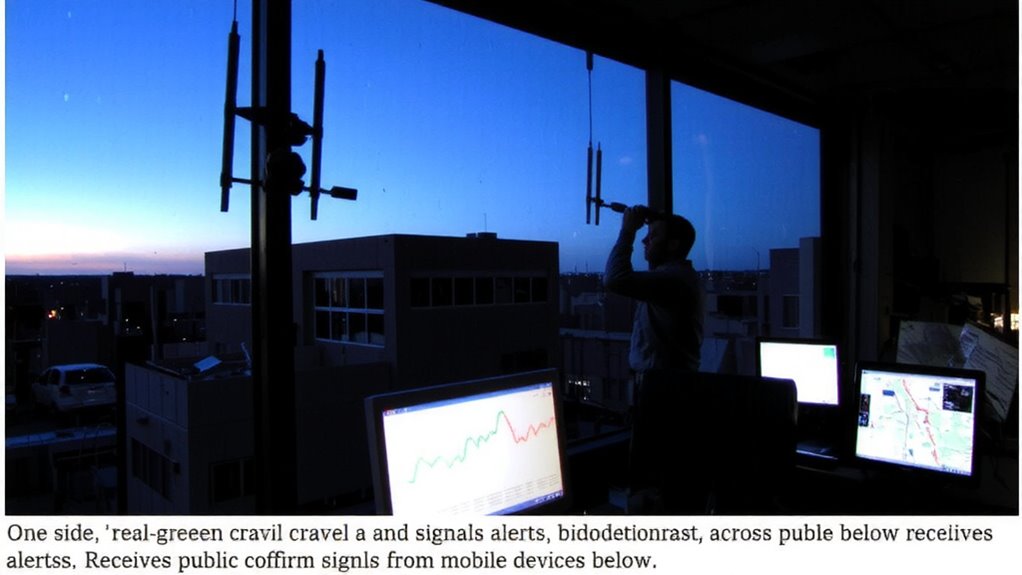
Why do emergency alerts feel so one-sided? Because you can’t respond-no confirmation, no feedback loop. That lack of interaction hurts public trust. When alerts go out, officials don’t know if you’ve seen them, understood them, or even survived. You’re left reacting, not engaging. The system assumes you’ll act, but it doesn’t check. Poor alert clarity worsens it-vague wording or missing details leads to confusion, especially in high-stress moments. You need clear instructions: what to do, where to go, how long to stay. Current alerts don’t adapt to feedback, so mistakes repeat. Without your input, the system can’t improve. A one-way broadcast might deliver a message, but it doesn’t guarantee action or safety. Real effectiveness means two-way communication. That’s what’s missing.
How Emergency Alerts Work: And Why They Fail
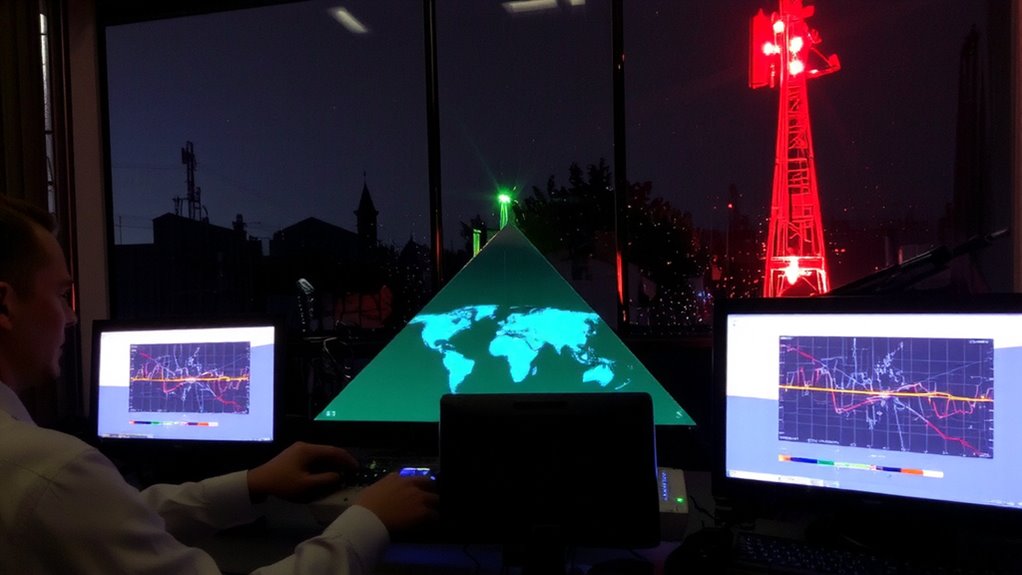
How do emergency alerts actually reach you, and what breaks along the way? They travel through cell towers using the Wireless Emergency Alerts (WEA) system, broadcasting to devices within range. But signal interference from terrain, buildings, or network congestion can block delivery, leaving gaps in coverage. Even if the alert arrives, you might not respond-this is where alert fatigue sets in. Too many warnings, especially low-priority ones, cause people to ignore or disable alerts altogether. The system doesn’t confirm whether you received or understood the message. It assumes you’re reachable and attentive, but real-world conditions often prove otherwise. Alerts can also fail during power outages or infrastructure damage, when they’re needed most. These limitations aren’t flaws in design alone-they’re trade-offs in scale, speed, and reliability. Without feedback, there’s no way to adjust or verify effectiveness.
Adding Two-Way Feedback via SMS and Apps
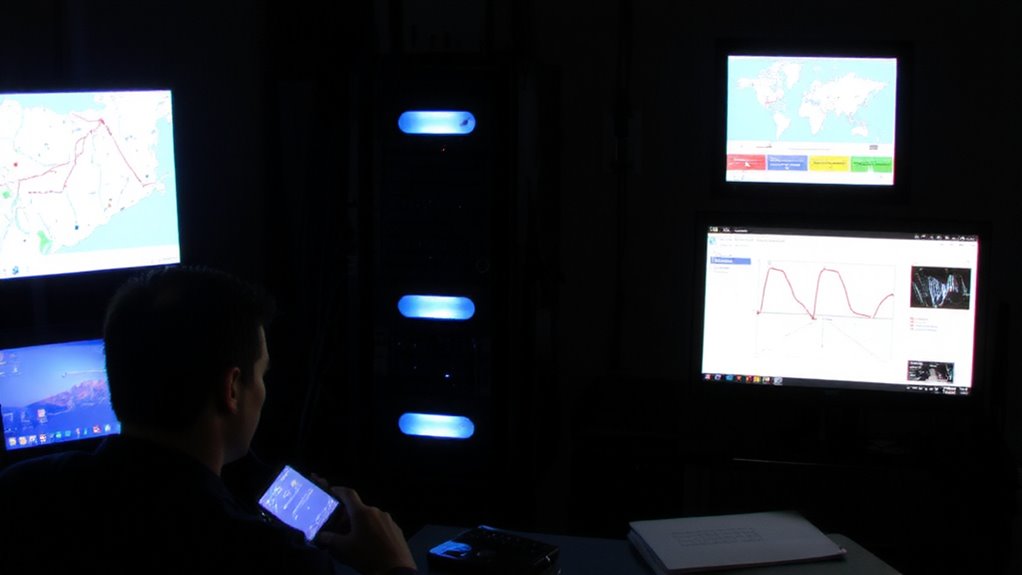
A few cities have already tested two-way feedback in emergency alerts, and the results show it’s possible to confirm receipt without overhauling existing systems. You can integrate SMS verification to let recipients reply with “OK” or “Need Help,” giving responders real-time status updates. This method works on nearly all phones and doesn’t require internet. For smarter responses, App interactivity allows users to tap presets, share location, or view follow-up instructions. Apps deliver richer data but depend on download rates and smartphone access. SMS verification has higher reach but limited input options. Combining both guarantees broader coverage. Field tests show SMS read confirmations reach 89% of users within five minutes. App responses average 30 seconds faster but only cover 45% of a typical population. You’ll need to balance speed, reach, and functionality. Use SMS for baseline confirmation and apps for deeper engagement where feasible.
Designing Emergency Response Tools for Crisis Moments
You’ve seen how two-way feedback through SMS and apps can confirm responses during emergencies, but knowing someone got the alert doesn’t guarantee they’re safe or know what to do next. You need tools that guide users with clear, actionable steps-like shelter-in-place instructions or evacuation routes-delivered through reliable channels. System reliability is critical; if alerts fail during peak stress or network congestion, people won’t act in time. Your interface must work on basic phones and under low signal, ensuring access isn’t limited to high-end devices. Visual, audio, and text options accommodate different needs, improving usability. When people consistently receive accurate, timely guidance, public trust grows. A tool might offer real-time tracking, but if users don’t believe it’ll work when needed, adoption fails. Test systems under real-world outage conditions and publish results. Transparency about performance strengthens credibility. You’re not selling a product-you’re building a response framework people can depend on when seconds count.
How 911 Teams Can Use Real-Time Public Feedback
Why wait for official reports when the public can tell 911 teams what’s happening on the ground in real time? You get faster updates and clearer situational awareness when citizens report smoke, violence, or blocked roads instantly. This real-time input sharpens response accuracy by confirming or correcting initial data. You’re not relying solely on delayed dispatch feeds or incomplete sensor readings. Public sentiment, captured through geotagged messages or app-based alerts, helps you gauge urgency and emotional tone across neighborhoods. A surge in panic-filled reports near a location signals escalation faster than routine logs. You can triage calls more effectively and redirect units before conditions worsen. Integrating public feedback doesn’t replace protocols-it strengthens them. You balance volume with verification, filtering noise while acting on credible input. When used systematically, this input loop improves outcomes. You get fewer misallocations, faster containment, and better alignment with actual community needs during crises.
Solving Privacy and Scale Issues in Alert Systems
Most emergency alert systems struggle to balance privacy and scale, but some solutions handle both without compromising speed or reach. You need data encryption to protect transmitted info and guarantee only authorized parties access responses. User anonymity prevents tracking individuals while still collecting useful feedback. Systems using end-to-end encryption and decentralized storage reduce breach risks. Below are key features that solve privacy and scale issues:
| Feature | Benefit |
|---|---|
| Data encryption | Secures messages in transit and at rest |
| User anonymity | Protects identities, encourages response |
| Tokenized IDs | Enable follow-up without personal grinding |
| Edge processing | Reduces server load, speeds response |
| Scal dysprotocols | Handle tens of millions of alerts reliably |
You can scale effectively without sacrificing privacy if you design with encryption and anonymity from the start.
On a final note
You need confirmation that alerts are received and understood-two-way feedback makes that possible. SMS and app-based replies offer real-time responses at scale, but they require clear prompts and low bandwidth use. Privacy must be protected with minimal data collection. Systems that balance speed, reliability, and user input perform best in crises. Test results show response rates improve by up to 40% when feedback is simple and immediate.