How to Use Magnetic Declination Settings Correctly on Handheld GPS Units
Set your GPS to match the local magnetic declination so its true north aligns with your compass’s magnetic north. Find the current declination value from NOAA or USGS-it changes yearly. Enter the correct degrees east or west in your GPS settings. Then, compare GPS bearing to compass heading; if they’re off by more than 2–3°, recalibrate away from metal. Get this wrong, and you’ll drift hundreds of meters off course. Fine-tuning this setting guarantees reliable navigation in the field.
Notable Insights
- Determine your local magnetic declination using reliable sources like NOAA or USGS.
- Set the declination value in your GPS under the north reference or system settings menu.
- Enter declination as degrees east or west of true north based on your location.
- Ensure GPS is set to display magnetic bearings if using a compass for navigation.
- Test alignment by comparing GPS bearing to compass reading; recalibrate if discrepancy exceeds 2–3 degrees.
What’s the Difference Between True North and Magnetic North?
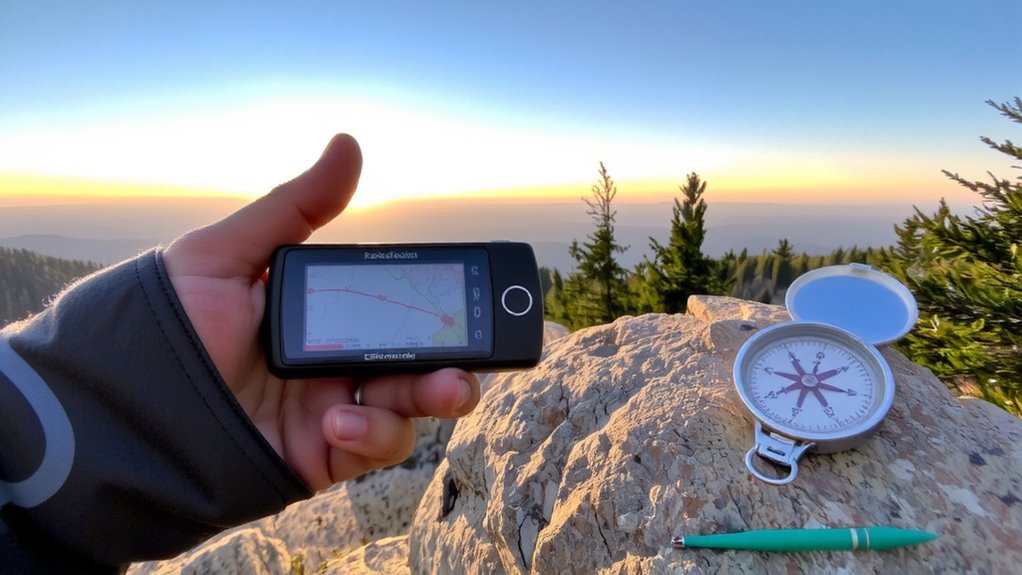
Navigation starts with knowing where north is, but not all norths are the same. True north points to the geographic North Pole, while magnetic north is where your compass actually aims, shifting over time due to Earth’s magnetic field. Grid north aligns with the vertical lines on your map’s coordinate system, often used in GPS units for accurate positioning. When setting up your device, you must account for these differences to maintain correct map orientation. If you don’t, even small mismatches can lead you off course over long distances. Most handheld GPS units let you choose which north reference to use-true, magnetic, or grid-depending on your map and navigation method. For consistency with topographic maps, grid north is usually best. Your GPS will calculate routes accurately, but only if you set the reference correctly. Misalignment causes real-world errors, especially in low-visibility or featureless terrain.
What Is Magnetic Declination and Why It Matters

Magnetic declination is the angle between true north and magnetic north at your location, and it’s not something you can ignore if you want to navigate accurately. Your GPS uses true north, but your compass points to magnetic north, guided by the Earth’s core’s shifting magnetic field. That field isn’t static-it’s influenced by movements deep within the planet and even disrupted by solar wind from space. If you don’t account for the declination, your bearings could be off by several degrees, leading you hundreds of meters off course over long distances. In practical terms, ignoring this difference undermines the reliability of your navigation, especially in remote areas without landmarks. You’re relying on both tools-compass and GPS-and they need to speak the same directional language. That’s why adjusting for magnetic declination isn’t optional if you demand precision. It bridges the gap between map and compass in real-world conditions.
Find Your Local Magnetic Declination
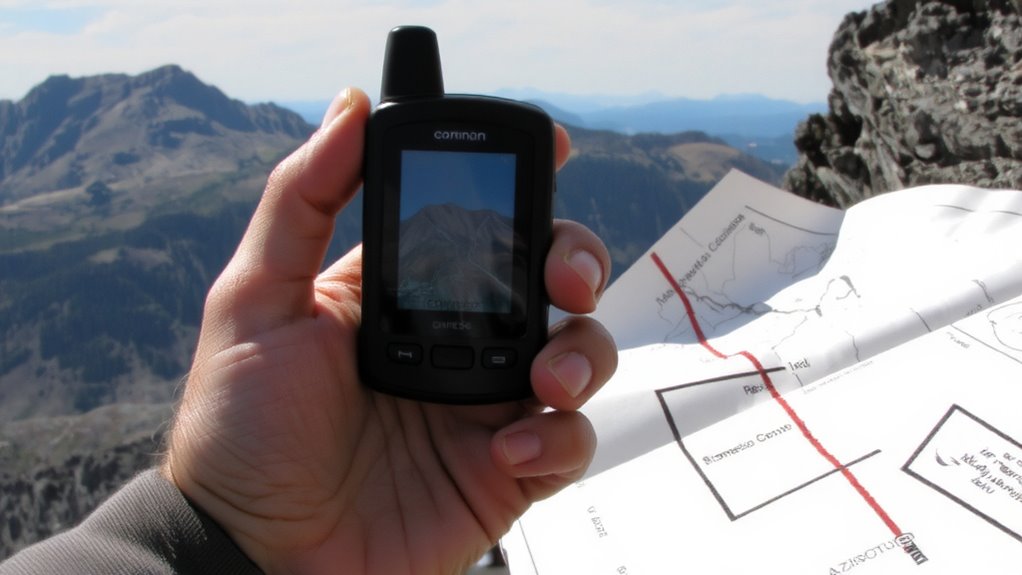
Where do you stand in relation to true and magnetic north? Your GPS relies on true north, but your compass points to magnetic north-the difference is your local magnetic declination. To navigate accurately, you need this number. Start by checking official sources like NOAA or the USGS online calculators-enter your location for up-to-date values. Magnetic inclination affects readings too, as it describes how field lines dip vertically, impacting compass reliability, especially at high latitudes. Grid convergence, the angle between grid north and true north on maps, also plays a role in precision navigation. These factors vary by location and change yearly. Ignoring them introduces error. For field use, a current topographic map or app will list local declination. Always verify with updated data, since even 5° off can misroute you over long distances. Know your zone, account for shifts, and stay on target. A reliable hiking GPS device can automatically correct for declination when properly configured.
Set Declination on Your GPS
You’ll want to set the declination on your GPS the same way you’d calibrate any critical tool-accurately and without guesswork. Proper GPS calibration guarantees your device aligns true north with magnetic north, based on your current location’s declination value. Most handheld units let you input this manually in the settings menu, either as degrees east or west. If you skip this step, your bearing readings will be off, sometimes by tens of degrees, which can lead to navigational errors. While GPS units rely on satellites, signal interference from terrain or weather doesn’t affect declination settings-but improper setup does. Once set, the declination value remains until you change regions or reset the device. Check your map or official sources for the correct figure. This small adjustment improves accuracy without extra gear. It’s a simple step with measurable impact on route consistency and navigation reliability.
Align Your Compass With GPS Declination Settings
Once your GPS is set to the correct declination, the next step is making sure your compass matches that setting. Your GPS reads true north, but your compass detects magnetic north, so without proper compass alignment, your bearings will be off. Most handheld GPS units with built-in compasses require you to perform magnetic calibration before accurate use. This process adjusts the compass sensor to local magnetic fields, ensuring the direction you see matches reality. To calibrate, follow the device’s on-screen prompts-usually involving slow, full rotations. Do this away from metal objects and electronics to avoid interference. After calibration, verify alignment by comparing GPS and compass headings in an open area. If they don’t match, repeat calibration. Consistent compass alignment improves navigation accuracy, especially in terrain where GPS signals weaken. It’s not automatic-manual updates may be needed when you move across regions with varying declination.
Top Mistakes That Skew Your Declination Setting
How often do you assume your GPS automatically accounts for magnetic declination? It doesn’t-unless you’ve set it. Many users overlook this, leading to navigation errors. Outdated maps often compound the issue, as declination values shift yearly. Relying on old data means your readings drift further from true accuracy. Incorrect calibration is another common pitfall; even slight misalignment between GPS and compass skews routes. Using a reliable baseplate compass can help verify your settings in the field.
| Mistake | Consequence |
|---|---|
| Ignoring declination | Directional errors up to 20° |
| Using outdated maps | Misleading reference points |
| Incorrect calibration | Inconsistent bearing alignment |
Don’t trust default settings. Verify your current declination value from reliable sources and update it regularly. Manual input is required on most handheld units. Failure to correct these mistakes risks inefficient navigation, especially in remote terrain where precision matters.
Test GPS and Compass Declination Sync
While your GPS and compass should point to the same direction, they won’t unless you verify their alignment-especially when magnetic declination is involved. Start by setting your GPS to the correct declination value for your location, then compare its bearing reading with your compass when both are level and steady. If they don’t match within 2–3 degrees, check your gps calibration-many units have a built-in calibration routine you should run periodically. Poor compass accuracy often stems from nearby metal, electronics, or incomplete calibration. Test in multiple locations to rule out local interference. A synced system means consistent readings between the compass and GPS track direction, which is critical for reliable navigation. When both tools agree, you’re more likely to stay on course. Regular testing maintains ongoing reliability, especially after battery swaps or extended storage. Don’t assume they’re aligned-verify every time accuracy matters.
On a final note
You need the right declination setting to match your GPS with a compass. Get the current value for your location-maps or NOAA give accurate numbers. Set it in your GPS menu; most units handle east and west values correctly if entered as positive or negative. Then, calibrate your compass following the device’s routine. Skip this, and your bearings drift. Test alignment by comparing GPS direction with compass reading in open terrain. If they match, you’re set.