How to Integrate Wireless Emergency Alerts Into Community Disaster Preparedness Plans
You can rely on Wireless Emergency Alerts (WEAs) to get fast, geotargeted warnings for tornadoes, wildfires, and flash floods without apps or subscriptions. Check your local hazard maps and confirm which authorities activate alerts in your area. Add WEA notifications to your emergency timelines and use drills to test response speed. Since signal delays happen, pair alerts with sirens or radio updates. You’ll see how layering systems improves warning reliability.
Notable Insights
- Incorporate WEAs into emergency response timelines to ensure timely evacuations and actions.
- Verify local hazard risks using updated flood and earthquake maps to align WEA use with community threats.
- Coordinate with county emergency managers to understand WEA activation criteria and alert triggers.
- Educate the public on WEA capabilities, limitations, and required actions during different alert types.
- Combine WEAs with sirens, radio, and community alerts to ensure redundancy and reliable coverage.
What Are Wireless Emergency Alerts?
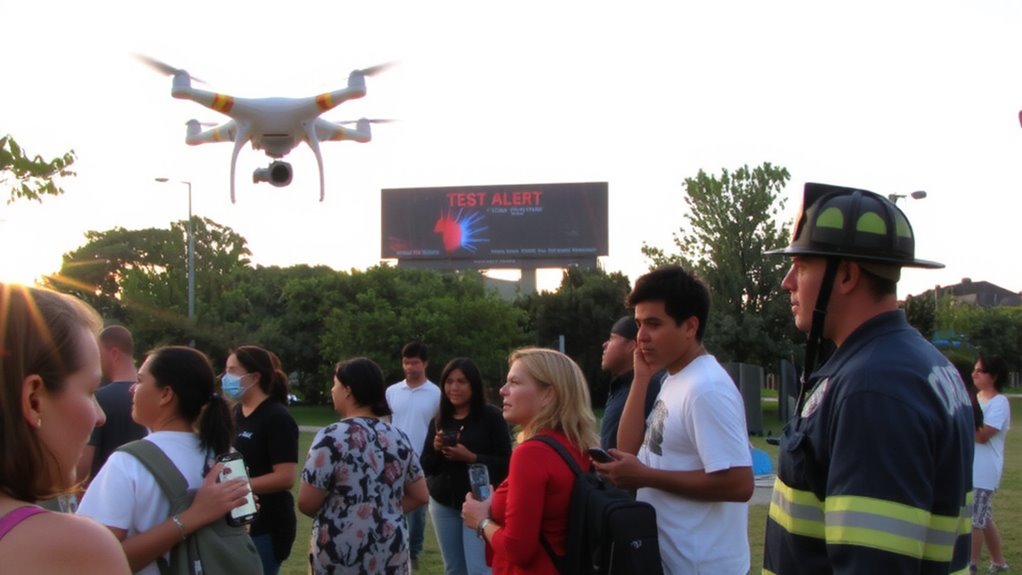
When you’re facing a fast-moving disaster, every second counts, and that’s where Wireless Emergency Alerts (WEAs) come in. These short, geotargeted messages are sent by authorized government agencies via cell towers to notify you of imminent threats like tornadoes or wildfires. WEAs reach most modern mobile devices without needing an app or subscription. Their history origins trace back to the 2006 Warning, Alert, and Response Network (WARN) Act, which mandated the FCC to develop a national alert system. Since then, technology evolution has improved delivery speed, coverage, and message clarity. Alerts now support 90 characters (upgraded from 60), with plans for further expansion. While they don’t replace emergency plans, they provide critical initial warnings. You can’t opt out of most alerts, ensuring broad reach. Reception depends on network availability and device compatibility, so coverage isn’t guaranteed in remote areas.
Map Local Disasters That Trigger WEAs

You’ve got the alert in your hand, but knowing what dangers your area actually faces makes all the difference. Mapping local threats helps you respond fast when WEAs come through. Flood zones and earthquake risks vary greatly by region, so check official hazard maps to confirm your exposure. Don’t assume you’re safe just because disaster hasn’t struck yet.
| Disaster Type | Common Triggers for WEA | Prep Step |
|---|---|---|
| Flash Floods | Heavy rain, dam failure | Know evacuation routes |
| Earthquakes | Magnitude 5.0+ tremors | Secure heavy furniture |
| Wildfires | Rapid spread, wind shift | Maintain defensible space |
Understanding these patterns guarantees you take alerts seriously. Flood zones can change with development. Earthquake risks may be underestimated in quiet periods. Use local data, not guesses.
Connect With Alerting Authorities to Activate WEAs
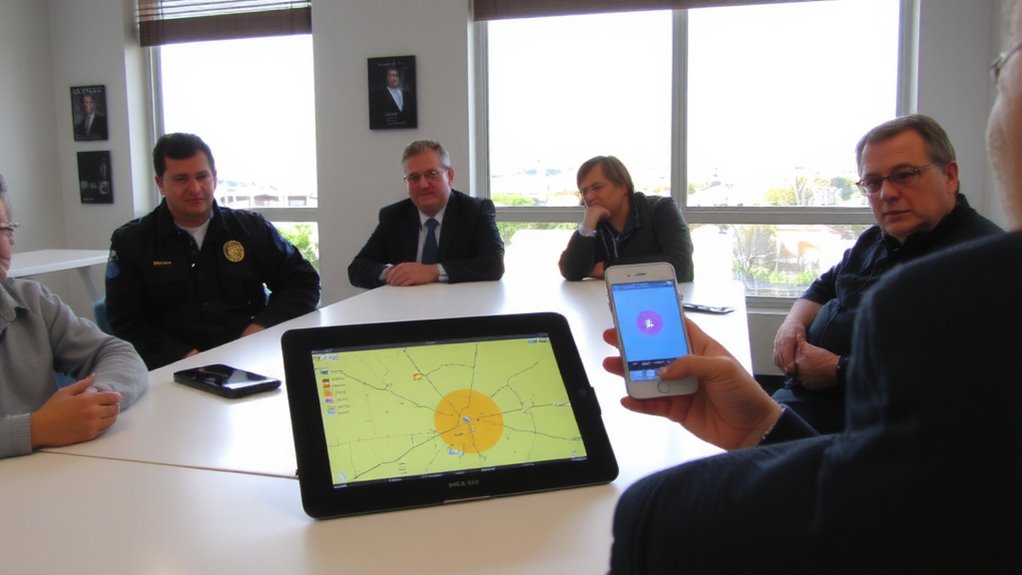
Though you can’t trigger a Wireless Emergency Alert yourself, staying informed starts with knowing which local authorities have the power to activate them. These agencies, like emergency management offices or law enforcement, are responsible for public coordination during crises. You should identify them and understand their alerting protocols. Most require strict alert verification before sending a WEA, ensuring messages are accurate and necessary. This prevents false alarms and maintains public trust. Contact your county emergency manager or visit their website to confirm who issues alerts in your area. Some communities publish activation criteria, such as threat level or event type, which helps you anticipate when a WEA might come. Building this awareness doesn’t speed up alerts, but it improves your response accuracy. Reliable public coordination and solid verification processes are standard-rely on them, not speculation, when planning.
Add Wireless Alerts to Your Emergency Plans
Since Wireless Emergency Alerts (WEAs) arrive automatically on compatible devices within targeted areas, you’ll want to make certain your emergency plan accounts for how and when these alerts reach you. Alert integration means treating WEAs like any other official warning source-include them in evacuation timelines, communication trees, and response checklists. Don’t assume everyone will get the alert simultaneously; signal delays or device incompatibility may disrupt timing. Build redundancy into your emergency coordination by pairing WEAs with sirens, radio broadcasts, or community monitors. Test your plan regularly to verify alert reception across neighborhoods and identify gaps. Adjust zones and contact lists based on real-world performance. Alert integration strengthens response speed, but only if it’s mapped to clear actions. Assign roles for verifying and relaying WEA content, especially in low-cell-coverage areas. Your plan should state exactly how and when the alert triggers each next step.
Teach Residents How WEAs Keep Them Safe
How do WEAs actually protect people when disaster strikes? They deliver critical updates automatically, even without cell service, keeping public safety a top priority. You don’t need apps or subscriptions-your phone receives alerts if it’s on and within range. Alert reliability is high because the system uses FEMA’s Integrated Public Alert & Warning System, which broadcasts directly from authorities.
| Scenario | What You’ll Get |
|---|---|
| Tornado warning | 30-second lead time, location-specific |
| AMBER Alert | Suspect vehicle description, last seen |
| Evacuation order | Route details, shelter locations |
| Earthquake | Shake intensity, safety steps |
| Shelter-in-place | Duration, threat type |
These alerts work across carriers and devices, ensuring consistent alert reliability. You can’t opt out of public safety alerts like presidential or imminent threat messages. Knowing how WEAs function helps you act quickly and correctly when it matters.
Run WEA Drills and Improve Community Response
What good are alerts if no one knows how to respond? You need public drills to test how well people react when a Wireless Emergency Alert (WEA) arrives. Running regular public drills helps identify delays, confusion, or gaps in behavior. Response training isn’t optional - it’s essential. Just receiving an alert doesn’t guarantee safety; knowing the correct next steps does. Use realistic scenarios: tornado warnings, evacuation orders, or chemical spills. Measure response times and adherence to instructions. Adjust plans based on results. Schools, businesses, and neighborhoods can all participate, increasing overall preparedness. Drills also reveal technical issues, like poor alert delivery in certain areas. Combine WEA tests with sirens or PA systems for layered confirmation. Over time, consistent response training improves coordination and reduces panic. Communities that drill respond better. That’s not opinion - it’s evidence from emergency performance data. Prepare. Test. Improve.
On a final note
You’ll get faster warnings when you plug WEAs into your plan. They work on all major carriers and reach most smartphones without apps or signups. Alerts arrive in seconds, but don’t replace sirens or radios-use them together. Test monthly; confirm coverage in basements and rural spots. Some older phones may delay alerts by up to 30 seconds. Adjust response times based on real drill data. WEAs boost reach, but only if paired with clear instructions.