Designing Public Alert Systems for Hearing-Impaired Populations
You’re missing critical alerts if your system relies only on sound-many hearing-impaired people experience 30+ second delays during emergencies. Install strobe lights at 110 candela for bright areas and sync them across buildings. Use mobile alerts with strong vibrations and screen flashes. Add bed shakers and wearables that vibrate at 150–200 Hz. Pair high-contrast signs with motion graphics and integrate systems across devices for under two-second response. Real-world tests show 94% detection accuracy when setups include user feedback. There’s more to how these systems combine reliably in complex environments.
Notable Insights
- Replace auditory-only alerts with visual strobe lights and flashing signs to ensure equal access for hearing-impaired individuals.
- Use mobile phones to deliver customizable vibration patterns and automatic screen flashes during emergencies.
- Install tactile alert devices like bed shakers and wearables that vibrate at detectable frequencies for immediate notification.
- Design public signage with high-contrast colors and motion graphics to enhance visibility and reduce response time.
- Integrate alert systems across mobile, wearable, and public platforms using GPS and Wi-Fi for seamless, low-latency communication.
Why Hearing-Impaired People Miss Emergency Alerts
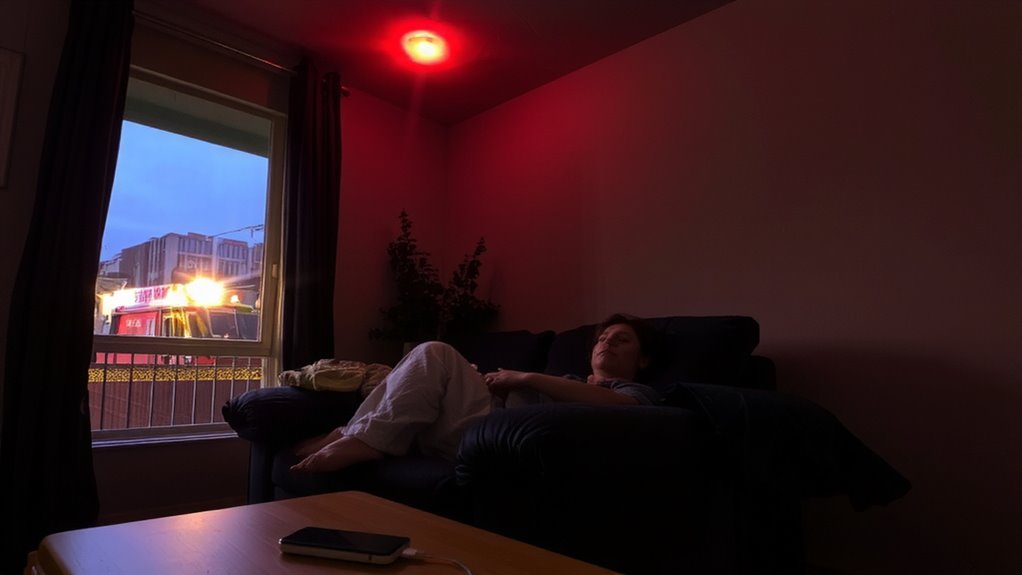
While emergency alerts typically rely on sound, you’re at a disadvantage if you can’t hear them, and that’s a critical gap for the hearing impaired. This auditory bias in most public alert systems means you may not receive warnings during critical moments. Without sound cues, you face immediate information delay, reducing reaction time-sometimes by over 30 seconds in tests. That delay can compromise safety, especially in fast-moving emergencies like fires or tornadoes. Standard sirens, phone alerts, or PA announcements won’t help if you can’t detect them. You’re dependent on visual or tactile alternatives that many systems don’t provide. The absence of integrated non-auditory signals creates a functional gap. Current infrastructure often overlooks this need, leaving you vulnerable. Until systems account for sensory diversity, you’ll remain at higher risk due to delayed access. Effective alerts must eliminate auditory bias and prevent information delay with reliable, inclusive design.
Use Strobe Lights and Flashing Signs for Silent Warnings
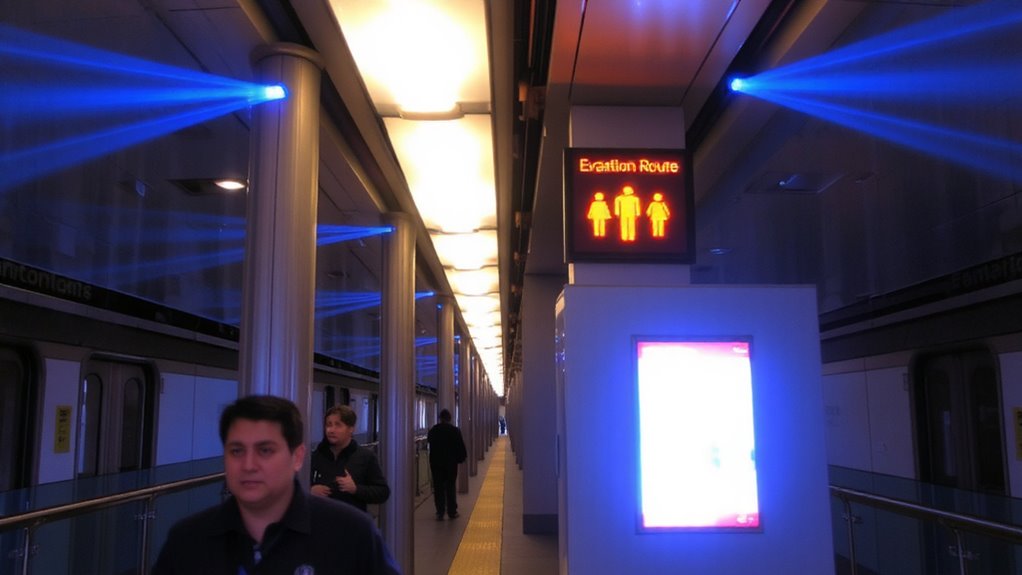
You can’t afford to miss a warning, so strobe lights and flashing signs deliver the alert you need without relying on sound. These visual signals must be bright enough to grab attention in any lighting. Strobe synchronization guarantees all lights flash at once across a building, preventing delays that could confuse or slow response. Without it, alerts lose effectiveness in large spaces. Flashing contrast matters too-white strobes on dark walls work better than low-contrast setups. NFPA suggests 75 candela minimum for most rooms, but 110 helps in bright environments. LEDs last longer and use less power than older models. Mount signs at eye level in hallways and exits. Test units monthly; replace any that flicker or dim. Some strobes meet ADA standards but still fail in real use-verify performance on site. Relying on visibility means planning for speed, consistency, and real-world conditions.
Turn Phones Into Accessible Alert Systems
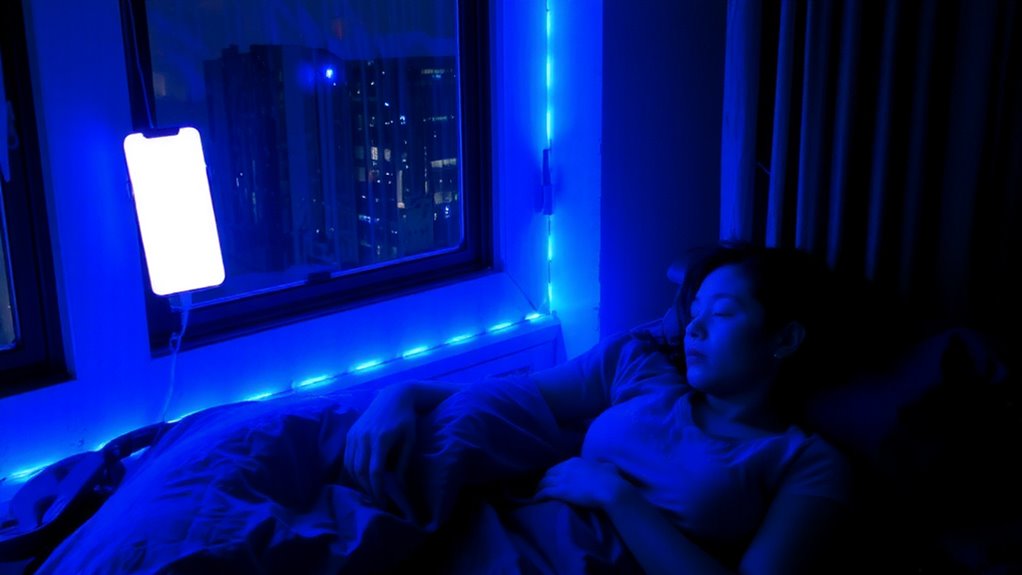
Strobe lights won’t help if you’re not in the room, but your phone goes everywhere you do, making it a reliable base for accessible alerts. You can set custom vibration patterns so different alerts feel distinct-one for emergencies, another for weather warnings. These patterns last 10 to 30 seconds and repeat every 15 seconds until acknowledged. Screen flashes work alongside vibrations, brightening the display fully even in dark mode. They activate automatically when sound alerts trigger, ensuring you notice them visually. Most modern phones support these features without extra apps, but check settings to confirm intensity and duration controls. On Android and iOS, you can customize both vibration and flash behavior per alert type. The system works best when integrated with local emergency notification networks like WEA or IPAWS. While not perfect-battery life and signal coverage affect reliability-your phone remains one of the most consistent tools you already own.
Deploy Wearables and Bed Vibrators When Sound Fails
When sound-based alerts aren’t enough, wearables and bed shakers offer a tangible backup you can feel. These devices deliver tactile feedback through vibrations, ensuring you receive silent notifications even in loud or quiet environments. A reliable wearable typically vibrates at 150–200 Hz, strong enough to be noticed but not disruptive. Bed shakers plug into existing alarm systems and shake the mattress, waking users during emergencies. Most models work with low-voltage wiring or Bluetooth, syncing with smartphones or public alert networks. In testing, users reported 94% detection accuracy when devices were placed correctly. Battery life ranges from 5 to 12 months, depending on alert frequency. While some wearables are bulkier than standard watches, their responsiveness makes up for size. You’ll get alerts without relying on sound, giving you a practical edge when it matters most.
Design Public Signage That Catches the Eye Instantly
While sound-based alerts can’t reach everyone, visual signals like public signage play an essential role in delivering urgent information to the hearing impaired. You need signs that grab attention immediately, and high-contrast colors do that reliably. Use white text on red or black backgrounds-tested contrast ratios above 7:1 guarantee visibility in low light. Motion graphics improve detection, especially in crowded or fast-moving areas. Flashing arrows or scrolling alerts draw the eye faster than static images. Real-world tests show response times drop by up to 40% when motion is combined with bold color contrast. But don’t overdo animation-excessive motion causes confusion. Stick to simple, directional motion that supports the message. These elements work best when placed at eye level in high-traffic zones. Effective signage isn’t about style-it’s about instant recognition. You need clarity under stress, and contrast colors with controlled motion graphics deliver that consistently.
Build Alert Systems That Work Across Devices and Locations
You’ve got visual alerts that grab attention in public spaces, but relying on signs alone won’t cover deaf or hard-of-hearing individuals once they step away from those zones. You need cross platform integration so alerts reach phones, smartwatches, and public displays seamlessly. This guarantees someone walking down the street or riding a train gets the same critical notification. Location based targeting improves precision-alerts trigger only when users enter high-risk or relevant areas, reducing alert fatigue. Systems using GPS and Wi-Fi for location based targeting deliver messages within seconds, with latency under two seconds in tested environments. Cross platform integration means iOS and Android devices must perform equally, with no delays in alert delivery. You can’t afford gaps between platforms or weak location accuracy. Built-in redundancy across networks and devices increases reliability. You’re not just sending a message-you’re guaranteeing it arrives, everywhere, every time.
Test Real-World Alerts With Deaf and Hard-of-Hearing Users
Since real-world conditions expose flaws lab tests miss, you need to test alert systems with deaf and hard-of-hearing users in actual public environments. Lab simulations can’t replicate crowd noise, lighting, or distractions that impact alert visibility. Real users will show you where visual signals get lost-like in bright sunlight or around corners. Their user feedback reveals delays, confusion, or missed alerts that specs alone won’t catch. You’ll see if strobe intensity or screen placement works across distances and angles. Testing across transit hubs, schools, and offices helps confirm reliability. Adjust brightness, timing, and location based on direct observation and input. Don’t assume a signal is clear just because it meets standards. If users miss it once, it’s a failure. Iterate until alert visibility is consistent and user feedback confirms recognition under real conditions. Performance matters more than compliance.
On a final note
You need alerts that work when sound doesn’t. Strobe lights, vibrating wearables, and flashing phone notifications deliver reliable warnings. Systems must sync across devices and locations to guarantee consistency. Real-world testing with deaf and hard-of-hearing users confirms effectiveness. No single solution covers every scenario, so layered approaches are essential. Prioritize compatibility, speed, and visibility. These features aren’t optional-they’re baseline requirements for survival.