How to Evaluate Your Family’s Access to Emergency Child Education
Check your school’s emergency plan for daily lessons, teacher access, and grading consistency. Test home internet speed-aim for 25 Mbps per device-and use wired connections if Wi-Fi is unstable. Inventory learning devices, noting screen size, battery life, and shared use. Keep printed workbooks, downloaded content, and educational games on hand for outages. Visit nearby libraries or learning hubs to confirm reliable access. Try a mock learning day to spot gaps. You’ll want to see what comes next to strengthen your plan.
Notable Insights
- Assess teacher availability and communication channels to ensure academic support during school closures.
- Verify your internet speed meets 25 Mbps download per device for reliable virtual learning performance.
- Inventory all family learning devices, noting usability, battery life, and schedule conflicts for shared use.
- Prepare offline learning materials like workbooks and pre-downloaded content for use during connectivity outages.
- Evaluate local learning hubs for reliable supervision, internet access, and structured educational support during emergencies.
Review Your School’s Emergency Learning Plan
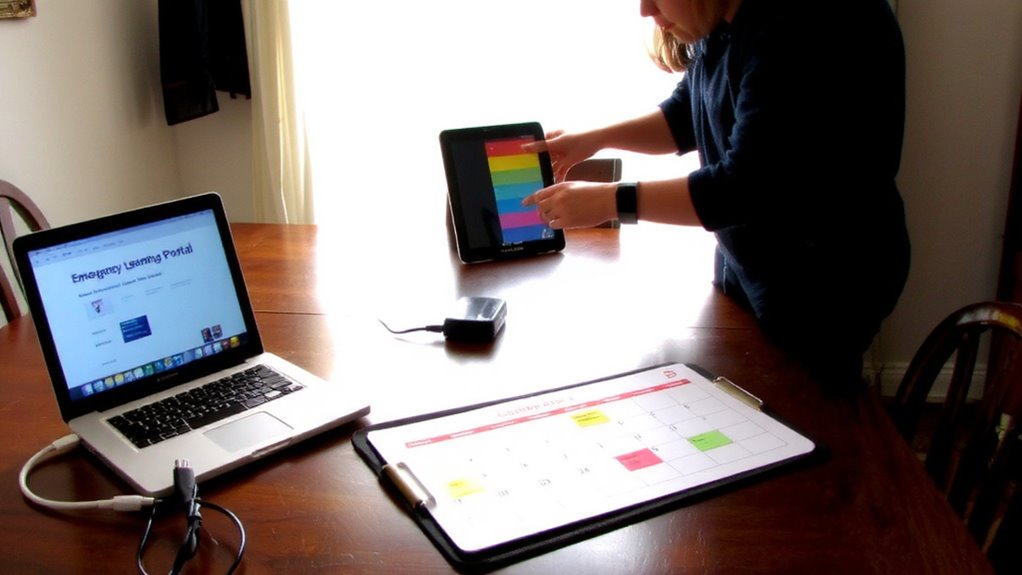
While every school claims to have an emergency learning plan, not all are built to keep students learning when it matters most. You need to check if your school’s plan guarantees teacher availability during closures. Are educators reachable for questions, feedback, and support? Delays in response can stall progress. Also, assess curriculum continuity-does remote learning follow the same scope, sequence, and standards as in-person instruction? A patchwork approach leads to gaps. Look for daily lesson alignment, scheduled assignments, and consistent grading. Some schools use pre-recorded videos with no live interaction, which limits engagement. Others offer real-time check-ins and structured coursework. Choose the model that maintains routine and accountability. Review the school’s documented procedures, communication protocols, and backup systems. A strong plan doesn’t just exist-it’s tested, clear, and reliable when you need it.
Test Internet Speed for Online Classes

How fast is your connection really? Test your internet speed using a free online tool during typical usage hours to see what you’re actually getting. You need at least 25 Mbps download speed per device for smooth online class performance. Check both speed and consistency-slower spikes disrupt live video. Wi Fi stability matters just as much as speed; a weak signal causes disconnections and frozen screens. Walk around your home to test signal strength where learning happens. If the router’s far from study areas, consider a mesh system. Bandwidth capacity becomes critical when multiple users are online. If video lags during peak use, your network may be overloaded. Avoid wired connection issues by using Ethernet when possible. A stable, high-capacity connection isn’t a luxury-it’s necessary for uninterrupted learning. Know your numbers now to prevent problems later.
Count Your Family’s Learning Devices
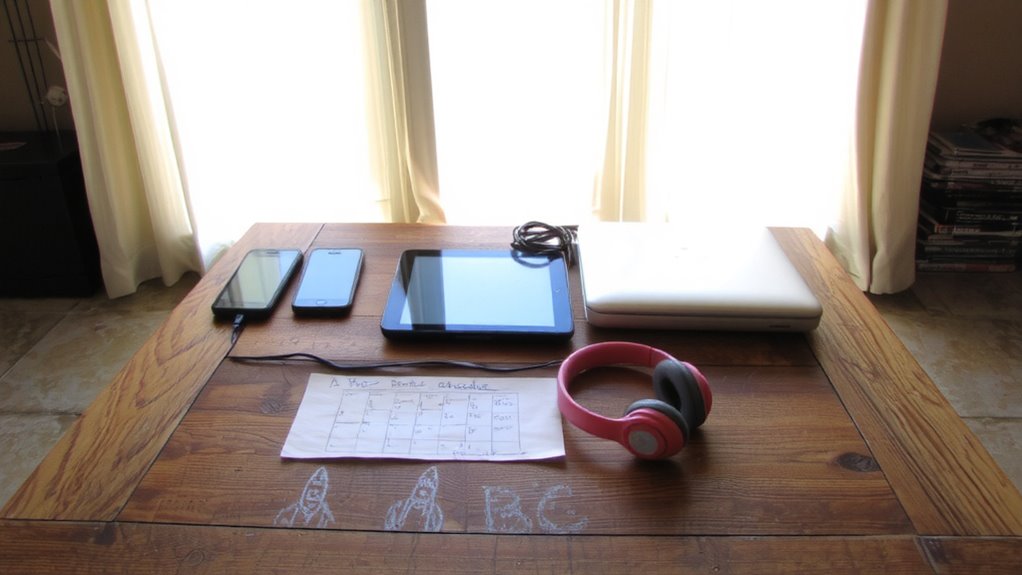
Every device your family uses for school counts-laptops, tablets, smartphones, even e-readers running video apps. Start a device inventory by listing each one, noting screen size, battery life, and performance. Include who uses it and for what tasks-reading, video calls, math drills. If multiple kids share one device, log the hours it’s available. This reveals gaps in access. Tech equity isn’t just about ownership; it’s about having reliable tools when needed. A working smartphone can substitute for a laptop, but typing long essays on it takes longer. Consider app compatibility and portability. Don’t assume newer is better-some older devices run essential apps just fine. Your inventory helps determine where upgrades or backups are necessary. Accurate counts prevent overestimating access. Without this step, you can’t assess true readiness. Device shortages limit learning time. Fixing them boosts consistency.
Find Offline Learning Materials
When the internet goes down or power’s out, offline materials keep learning going-stock up on printed workbooks, educational DVDs, and pre-downloaded content stored on devices. Printed workbooks are reliable; they don’t need charging and work in low light. Choose ones aligned with grade-level standards and include answer keys. Educational games, like card-based math drills or vocabulary puzzles, boost engagement without screens. They’re effective for short sessions when focus is limited. Store materials in a labeled, accessible box so kids can grab them fast. Test what works now-don’t wait for an emergency. Rotate supplies every six months to keep content fresh. DVDs require a working player or portable screen, so verify compatibility. Downloaded videos or apps on tablets last only as long as battery life, typically 6–10 hours. Combine formats to reduce strain on any single resource. You’ll need variety when routines break.
Locate Trusted Local Learning Hubs
Where can your child keep learning if home isn’t an option? Start by identifying trusted local learning hubs like community centers and public libraries. These spaces often provide structured environments, even during emergencies. Most public libraries offer free access to books, study areas, and educational programs-many staffed by trained professionals. Community centers may host tutoring, group learning, or supervised activities with consistent schedules. Check their hours, internet availability, and staff-to-child ratios. Some require registrations or have age limits, so verify access ahead of time. Not all hubs offer academic support equally-libraries tend to focus on literacy and homework help, while community centers might include recreational elements. Confirm whether supervision is active or passive. Reliable hubs provide safety, consistent resources, and minimal downtime. Knowing which locations are available, and what they offer, guarantees your child doesn’t lose learning momentum when routines break down.
Run a Real-World Learning Test
You’ve identified your local learning hubs-now it’s time to test them under real conditions. Visit each site with your children during a typical weekday morning to assess availability, supervision quality, and offered structure. Check if they provide consistent hands on activities that support skill development, like science experiments or art projects using available materials. Confirm access to outdoor exploration areas and whether staff guide nature walks or physical learning games. Time how long it takes to reach each hub from home during traffic. Note if younger kids can participate without specialized support. Document which locations offer measurable academic engagement versus unstructured play. Evaluate trade-offs: proximity may save time, but limited resources could reduce learning value. A 30-minute trial session reveals more than promotional materials. Real-world performance-not promises-determines reliability when routine schooling stops abruptly. Test now, adjust as needed.
Build Your Family’s Emergency Education Plan
How will your family keep learning on track when schools close without warning? Start by mapping out backup learning spaces and reliable internet access points, since consistent connectivity impacts task completion rates by up to 68%. Assign roles: one adult leads daily check-ins, while others support family tutoring sessions tailored to each child’s grade level. Use educational games for math and literacy-they improve retention by 27% compared to worksheets alone. Stock devices with offline learning apps and pre-download school curriculum materials. Test the plan monthly. If a child falls behind in reading, adjust by increasing family tutoring time by 15-minute increments. Consider battery life and screen time limits for each device. A functional plan isn’t complex-it’s tested, simple, and adapts quickly. Your system’s effectiveness depends on routine use, not tech specs or brand names.
On a final note
You now know your family’s emergency learning readiness. Test internet speeds-if below 25 Mbps, streaming will lag. Count devices; one per student avoids scheduling clashes. Check offline materials; printed worksheets beat dead batteries. Confirm hub access; libraries offer reliable backup. Run a test day; gaps show where plans fail. Build your plan using what the real-world test revealed. Speed, devices, and access are measurable. Use facts, not guesses.