Using inReach to Request Specific Rescue Supplies via Satellite
You can use your inReach to request specific rescue supplies anytime, even without cell service, by sending a satellite message through the Iridium network. Act early when stranded and conditions won’t improve-request rations, shelter, or medical gear by stating location, group size, and supply needs clearly. Rescuers need precise details to respond effectively. Different situations call for different supplies, and knowing what to ask for makes all the difference. The next steps show exactly how to format your message for the fastest help.
Notable Insights
- Use your inReach to request specific rescue supplies before an emergency arises, such as extra rations or shelter, when stranded and conditions are worsening.
- The inReach uses the Iridium satellite network to send messages globally, even in remote areas without cell service or line-of-sight to ground towers.
- Send clear, concise supply requests via satellite text, specifying item type, quantity, and reason to ensure rescuers deliver the correct gear.
- Include critical details like your exact GPS location, group size, injuries, and environmental risks to help rescuers plan an effective supply response.
- Request situation-specific supplies early-like tourniquets for bleeding, bivvies for cold, or rehydration salts for dehydration-to prevent medical escalation.
When to Request Rescue Supplies Using inReach
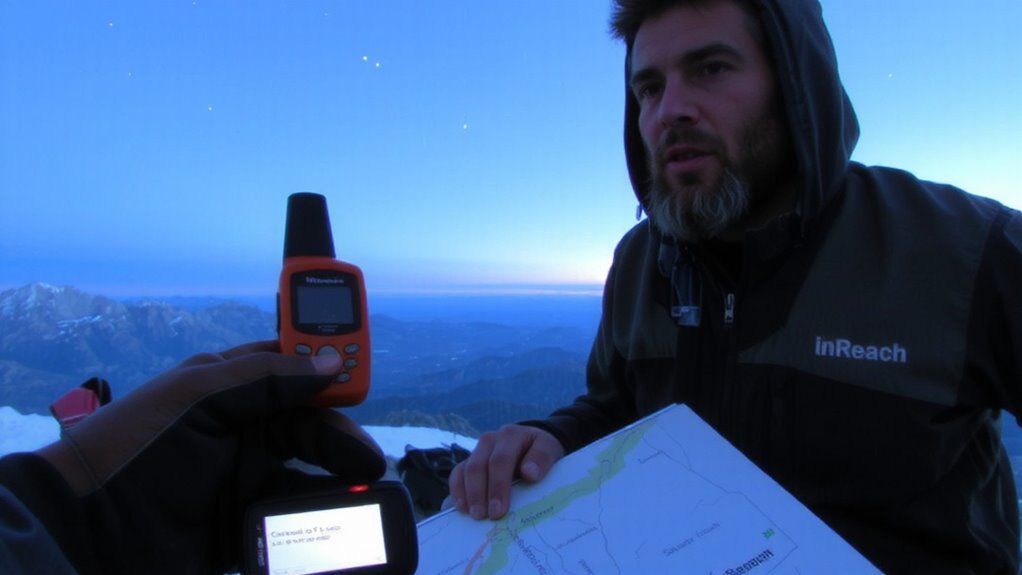
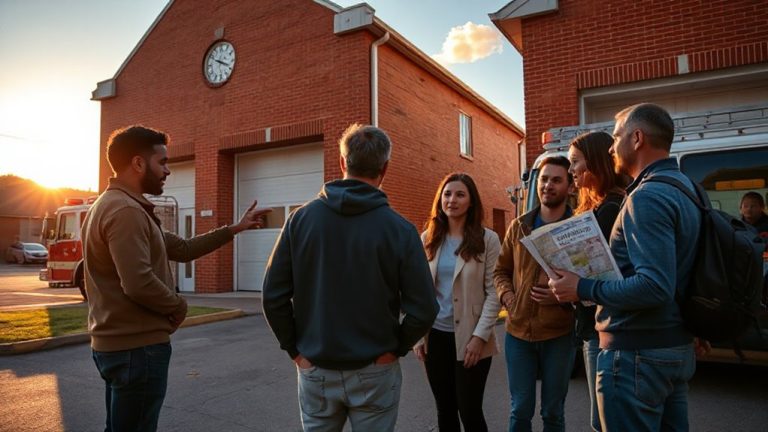
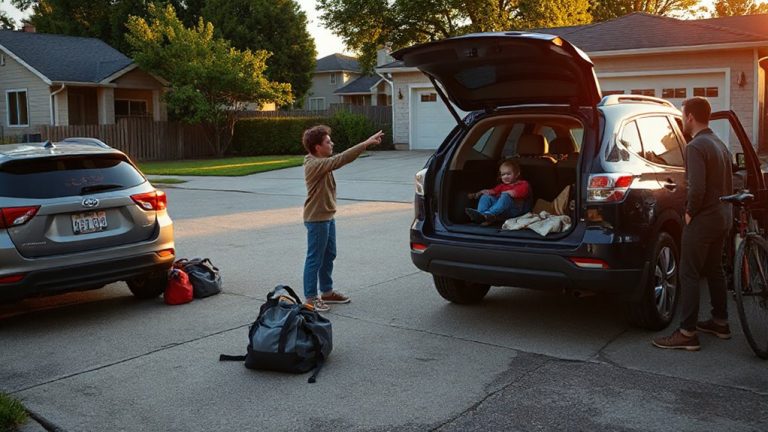
When should you hit that SOS button on your inReach? When weather delays trap you with no shelter and dropping temperatures, you’re beyond waiting it out. If terrain challenges-like a washed-out trail or impassable snowfield-block your route and supplies are running low, it’s time. These aren’t emergencies requiring immediate evacuation, but situations where your safety depends on added gear. You can request specific rescue supplies: extra rations, a tent, or a sleeping bag. Doing so prevents escalation. The inReach lets you message precisely what you need, so rescuers don’t waste time or resources. Use it when you’re stranded but stable, and conditions won’t improve soon. Acting early, with clear details, improves response speed. It’s not about comfort-it’s about staying safe until help arrives or you can move. Don’t wait for crisis. Plan for delays and tough terrain-they’re often predictable.
How inReach Sends SOS Messages Anywhere
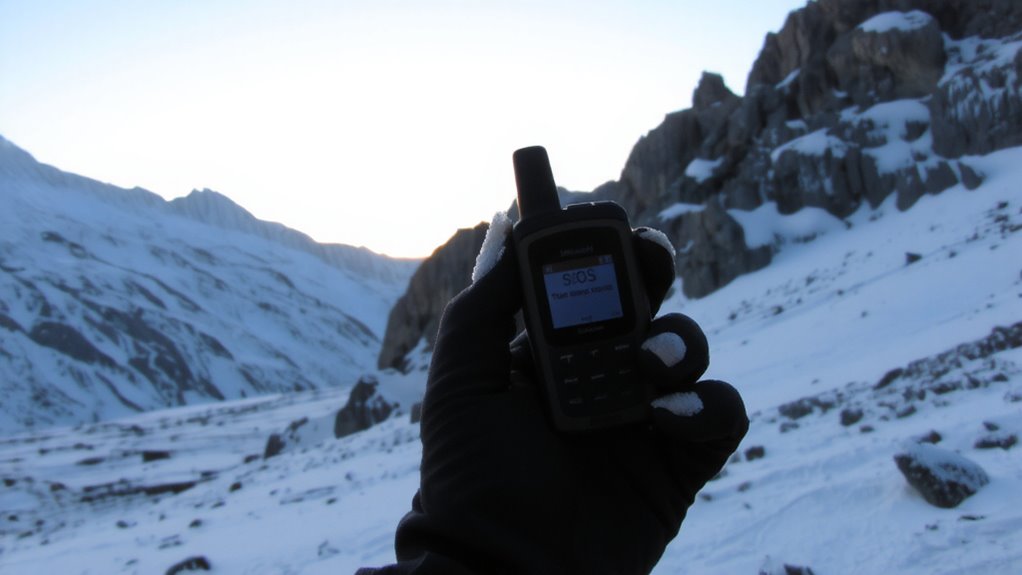
Even if you’re deep in a canyon with no cell service, your inReach sends SOS messages because it relies on the Iridium satellite network, not terrestrial towers. This gives you near-global satellite coverage, including polar regions where other systems fail. The device connects to one of 66 low-earth orbit satellites, ensuring a signal path even in rugged terrain. Once you trigger an SOS, the message transmits quickly, typically within minutes. Message encryption protects your data, preventing interception and ensuring the rescue coordination center receives your GPS coordinates securely. Two-way messaging lets them reply, confirming help is en route. Unlike some radios, inReach doesn’t need line-of-sight with ground repeaters. It works as long as it can “see” the sky. Battery life lasts days in normal use, but sending frequent messages reduces it. The system’s reliability comes from satellite redundancy and consistent coverage, not marketing hype.
Text These Supply Requests via inReach
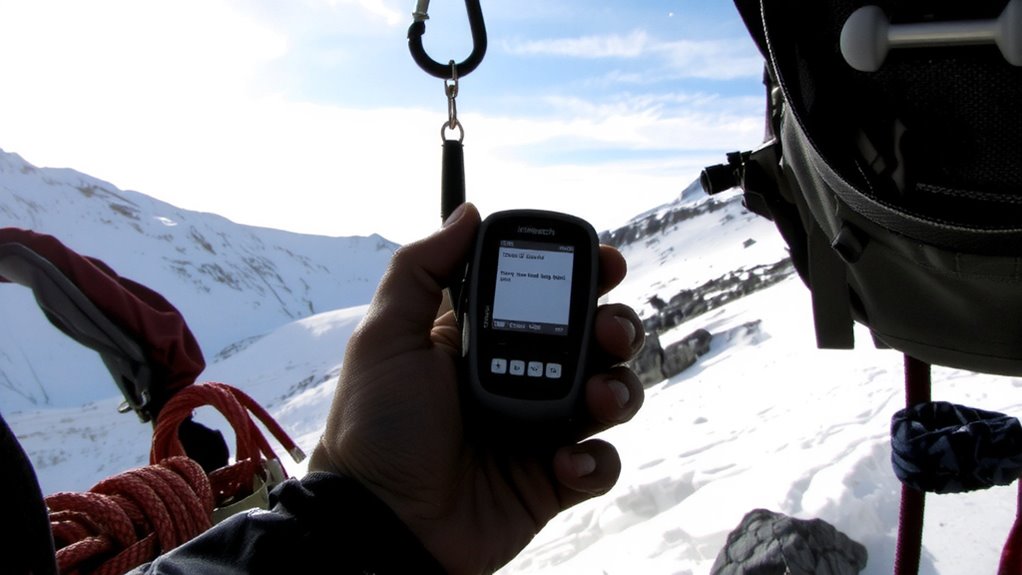
What do you really need when help is hours or days away? You need satellite texting that works without cell coverage, and message formatting that guarantees clarity under stress. With your inReach device, you can send precise supply requests directly to rescuers, no matter your location. Type a message that’s concise and specific-include only essential items like first aid, water filtration, or thermal blankets. The system doesn’t interpret ambiguity, so avoid vague language. Use simple phrasing and standard terms to reduce confusion. Message formatting should follow a clear pattern: request type, quantity, and reason. This method improves response accuracy and speeds up delivery. Satellite texting costs a few cents per message, but each transmission uses battery and time. Test the feature before you rely on it. Real-world use shows it works, but only if you send the right information the right way.
What Rescuers Need From Your Message
How quickly can rescuers act? It depends on the clarity of your message. Rescuers assess supply urgency and plan around rescuer priorities-your communication must support both. Vague requests lead to delays; precise details speed up responses. Include your location, condition, and specific needs to align with operational limits and available resources.
| Detail Needed | Why It Matters | Impact on Response |
|---|---|---|
| Exact location | Enables fastest route planning | Reduces arrival time |
| Nature of injury | Guides medical supply choices | Matches supply urgency |
| Group size | Determines supply quantity | Meets actual demand |
| Environmental risks | Influences gear type | Supports rescuer priorities |
| Time since incident | Affects medical urgency | Prioritizes response level |
Emergency Supply Examples by Situation
When you’re facing an injury in the backcountry, signaling for medical supplies like blister kits, SAM splints, or tourniquets can make a critical difference-especially if help is hours or days out. For medical emergencies, specific items matter: a tourniquet stops life-threatening bleeding, while a compact splint stabilizes fractures. Hypothermia gear-like emergency bivvies or hand warmers-addresses exposure from sudden weather shifts, a common wilderness hazard. If someone’s dehydrated, requesting oral rehydration salts is more effective than general food. For allergic reactions, epinephrine pens are essential and time-sensitive. You can’t assume rescuers will guess your needs. Each scenario demands precision: a burn kit differs from a trauma kit, and misuse wastes resources. Prioritize supplies that prevent deterioration. Matching the装备 to the situation increases effectiveness. Clear requests save time and improve outcomes when every minute counts in remote areas. Consider including a Top Emergency Medical Kits recommendation when preparing your own kit to ensure it meets expert standards for content and organization.
How to Write a Clear SOS Message
Why risk confusion when every character limit matters? When sending an SOS via inReach, your message clarity is essential. Keep phrasing short and specific: “Injured ankle, unable to walk, need extraction at [coordinates].” Avoid vague terms. Use tone precision-stay calm, factual, not emotional. Say “Require emergency shelter and thermal blanket” rather than “We’re in big trouble.” Include location, condition, and exact needs. If you need a helicopter, say so. Don’t assume rescuers know your situation. Each message has a 160-character limit, so prioritize crucial details. Test your wording before an emergency. Practice drafts with teammates. A clear message speeds response time. Unclear or emotional wording delays help. Your life may depend on how well you communicate. Stay direct. Stay specific. Make every character count.
On a final note
You’ll get help faster if you specify supply needs clearly. inReach works globally via satellite, so you can send messages even without cell service. State your location, situation, and exact supplies-like first aid, shelter, or water-using simple text. Rescuers act on precise details, not guesses. A clear SOS reduces delays. Test your device beforehand, know its limits, and conserve battery. This tool won’t save you by itself-it’s how you use it that counts.