Using Satellite Devices to Receive Dust Storm Alerts
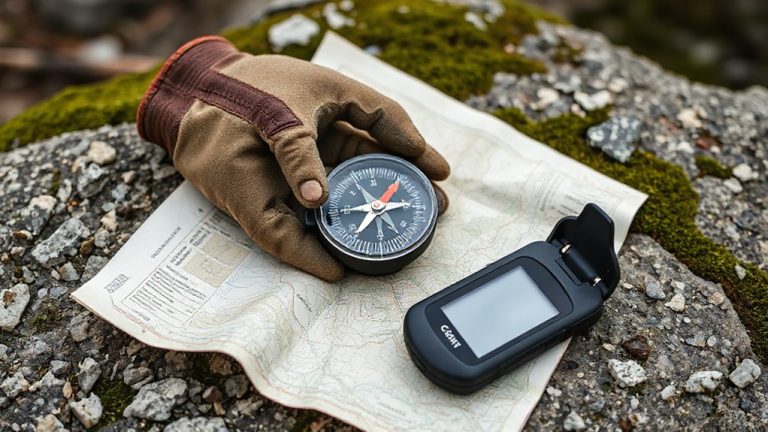
You can rely on satellite devices like the Garmin inReach Mini 2 and SPOT X to get dust storm alerts when off-grid. They use barometric sensors to catch pressure drops and link to satellite networks for real-time warnings, often minutes to hours before a storm hits. With IP68 ratings, 24+ hour batteries, and GPS accuracy within 3 meters, they hold up in harsh conditions. You’ll stay oriented and send messages even when visibility plummets-key features that keep you informed and connected when it matters most. More details on setup and performance follow.
Notable Insights
- Satellite devices like Garmin inReach Mini 2 and SPOT X provide dust storm alerts using real-time atmospheric and wind data.
- Built-in barometric sensors detect rapid pressure drops, signaling approaching storms within minutes to hours.
- GPS and satellite connectivity ensure alerts and location tracking work in remote, off-grid environments.
- Devices with IP68/IPX7 ratings withstand dust, moisture, and impacts during severe weather conditions.
- Customizable alerts and SOS functions enable timely warnings and emergency communication during visibility loss.
Best Satellite Devices for Dust Storm Alerts
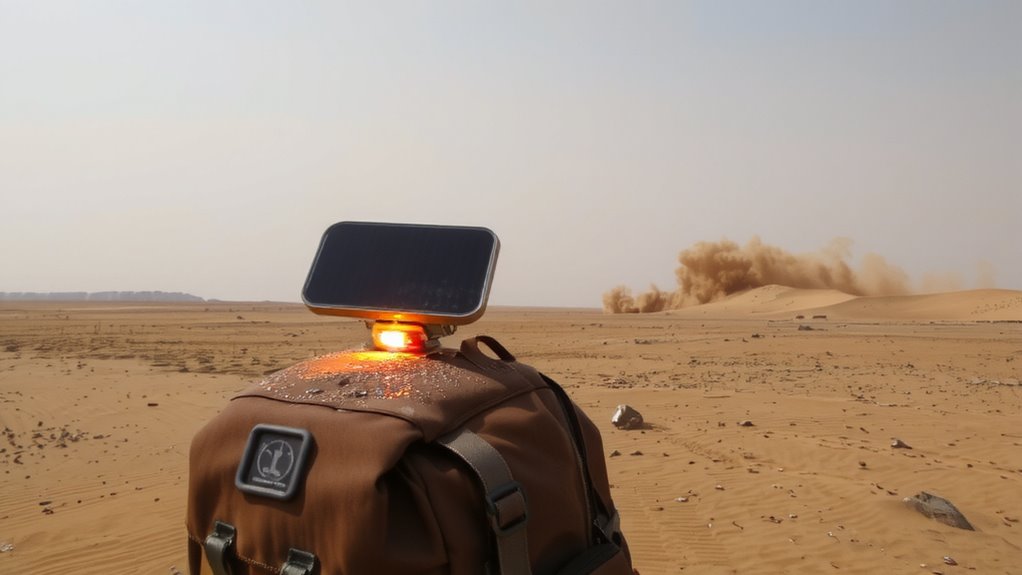
When seconds count, a reliable satellite device can make the difference between getting caught in a blinding dust storm and reaching safety in time. You need one that delivers both signal accuracy and device durability. Models like the Garmin inReach Mini 2 and the SPOT X consistently maintain GPS locks within 3 meters, even in low-visibility conditions, ensuring your location is precise when help is needed. Their rugged, IPX7-rated housings survive drops, dust, and moisture, performing reliably in desert extremes. Signal accuracy stays high thanks to multi-constellation support, while long battery life-up to 14 days in tracking mode-keeps you connected. Device durability isn’t just about toughness; it’s about sustained function under stress. Cheaper units often falter in weak-signal zones or fail prematurely in abrasive environments. Stick with proven models that balance weight, range, and reliability. Your survival gear should work when you do-no guesswork.
How These Devices Detect Storms Early
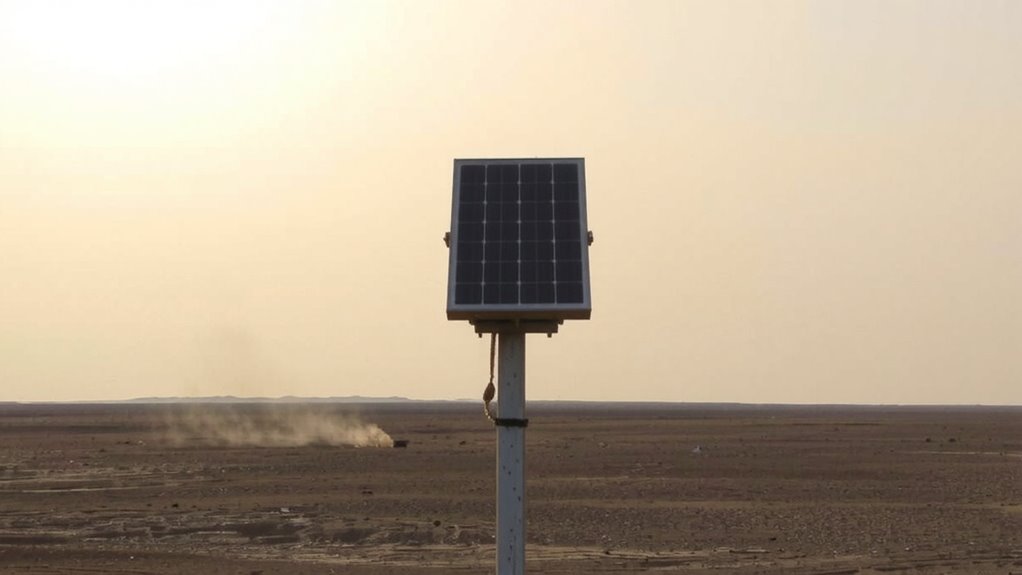
You’ve already got a satellite device built to withstand dust, drops, and extreme heat-now it’s time to understand how it alerts you before a storm hits. These devices pick up early signs by monitoring atmospheric changes, like sudden pressure drops and shifts in humidity, which often precede dust storms. They also analyze real-time wind patterns, identifying when gusts start moving toward your location with increasing speed and consistency. Using satellite-linked sensors and regional weather data, the device detects these conditions and triggers an alert. You’ll get a warning minutes to hours in advance, depending on storm speed and terrain. It’s not perfect-fast-forming storms in remote areas may reduce lead time-but the combination of atmospheric changes and wind patterns provides a practical, measurable edge. No guessing, just data-driven signals designed for survival in harsh environments.
Key Features in Dust Storm Alert Devices
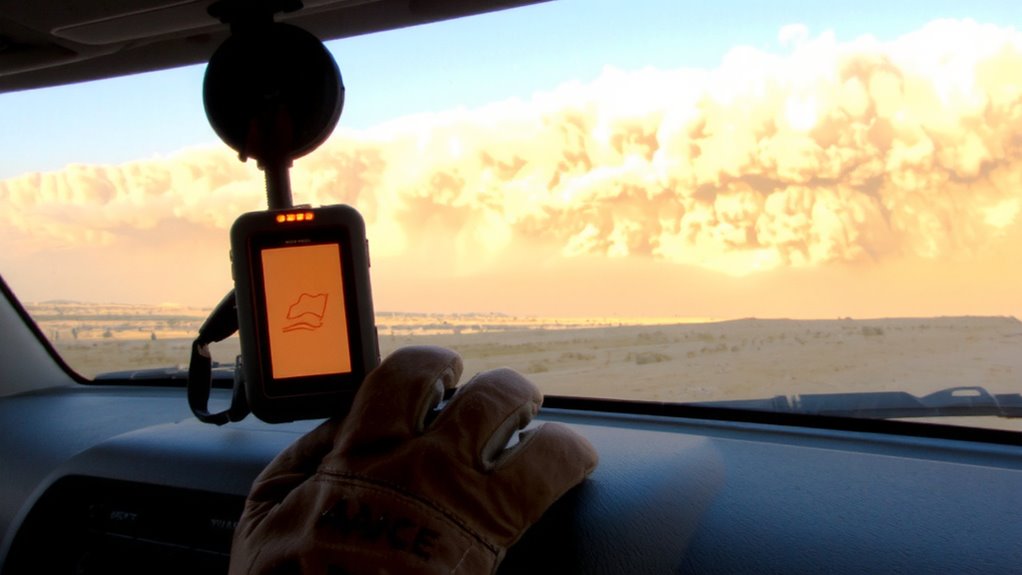
Since early warnings can make a critical difference, look for devices with barometric pressure sensors that detect drops of 1–3 hPa within 10 minutes-a reliable precursor to approaching storms. Signal reliability matters most when cell networks fail; satellite connectivity guarantees alerts reach you. Battery efficiency extends field use, especially in prolonged dust events. Top satellite phones offer reliable performance in extreme conditions, making best satellite phones a smart choice for emergency preparedness.
| Feature | Why It Matters |
|---|---|
| GPS + satellite combo | Guarantees location tracking off-grid |
| IP68 rating | Survives dust and moisture exposure |
| 24+ hour battery life | Supports multi-day alerts without charge |
| SOS button | Enables emergency signaling |
| Low-signal mode | Maintains function in poor conditions |
Choose models that balance signal reliability with battery efficiency. Don’t assume all devices update alerts in real time-verify transmission intervals. Some units last longer but refresh less often, creating risk. Test settings before deployment.
Set Up Dust Storm Alerts on Your Device
Now that you’ve reviewed the core features to look for-like satellite connectivity, battery endurance, and dust resistance-it’s time to get your device ready for actual use. First, confirm device compatibility with your provider’s alert network; not all models support real-time weather updates or third-party integrations. Check the manufacturer’s specs and update firmware to guarantee full functionality. Once confirmed, enable alert customization through the companion app or onboard menu. This lets you set thresholds for wind speed, visibility, or storm proximity so you’re only notified when conditions pose real risk. You can also adjust alert types-vibration, sound, or screen flash-based on environment and hearing. These settings reduce false alarms and conserve battery. Proper setup takes minutes but directly impacts response time. It’s a practical step that bridges hardware capability and real-world reliability, guaranteeing your device works when you need it most.
Use GPS and Messaging During a Storm
When visibility drops and winds pick up, your satellite device’s GPS and messaging features become critical tools for maintaining orientation and communication. GPS gives you accurate location data even when landmarks disappear, helping you stay on course or mark your position for rescuers. Messaging lets you send short updates to contacts or emergency services, but signal interference from severe dust or terrain can delay delivery. Devices using dual satellite networks reduce this risk by increasing coverage. Activate emergency protocols only when necessary-this conserves battery and guarantees alerts aren’t missed. Test message delivery times in normal conditions to set realistic expectations during a storm. Some models support scheduled check-ins, which can automatically trigger alerts if you don’t respond. Know your device’s limits: GPS accuracy typically stays within 3–5 meters, but heavy interference may reduce reliability. Balance battery use with frequent updates to stay safe without draining power.
Where Satellite Alerts Work Best for Travelers
A satellite alert device works best in open environments where you’ve got clear sky visibility, like deserts, high-altitude trails, or remote coastlines-locations where cell networks are absent and escape routes are limited. You’ll get reliable coverage in desert regions, where dust storms form rapidly and terrain blocks traditional signals. On remote highways, especially in the Southwest U.S. or Australian Outback, these devices provide early warnings when no other communication exists. Obstructions like dense forests or canyons reduce signal acquisition, but open ground guarantees consistent satellite handshake. Devices with multi-constellation support, like GPS and GLONASS, perform faster location locks-often under 30 seconds. Battery life varies, but models lasting 20+ hours suit long drives. Test your unit before travel; some struggle in extreme heat above 120°F. For travelers, pairing alerts with weather apps on satellite messengers adds practical redundancy without overcomplicating use.
On a final note
You’ll get reliable dust storm alerts with satellite devices like the Garmin inReach Mini 2 or Zoleo, which use global networks for coverage. These tools detect early pressure and wind shifts, sending real-time warnings. GPS and two-way messaging help you navigate safely during storms. Alerts work best in remote, arid regions where cell service fails. Battery life and signal strength vary-balance size, cost, and performance based on your travel needs.