Creating Safety Zones in Garmin inReach App to Trigger Automatic Alerts
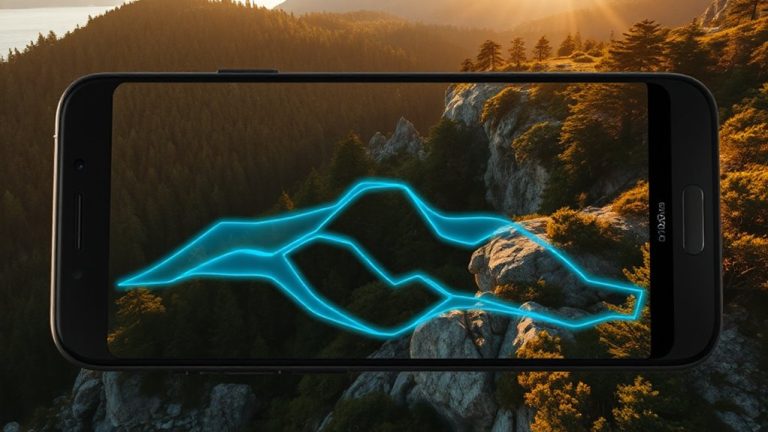
You can create Safety Zones in the Garmin inReach app to trigger automatic satellite alerts when you enter or exit a set area. Set a radius from 0.1 to 3 flutter miles and enable entry or exit alerts with optional delays. These alerts use satellite signals, so they work off-grid. Automatic emergency alerts can notify contacts even if you’re unable to respond. Just make sure your device has an active subscription and background location enabled. See how proper setup improves your emergency response margin.
Notable Insights
- Set a Safety Zone in the Garmin inReach app by selecting a center point and adjusting the radius from 0.1 to 30 miles.
- Enable automatic satellite alerts to trigger emergency notifications if a zone is entered or exited unexpectedly.
- Configure entry and exit alerts separately with optional time delays to prevent false alarms.
- Ensure your inReach device has an active satellite subscription for automatic alerts to function off-grid.
- Grant location and notification permissions in the app to allow background monitoring and timely alert delivery.
What Are Safety Zones in Garmin inReach?
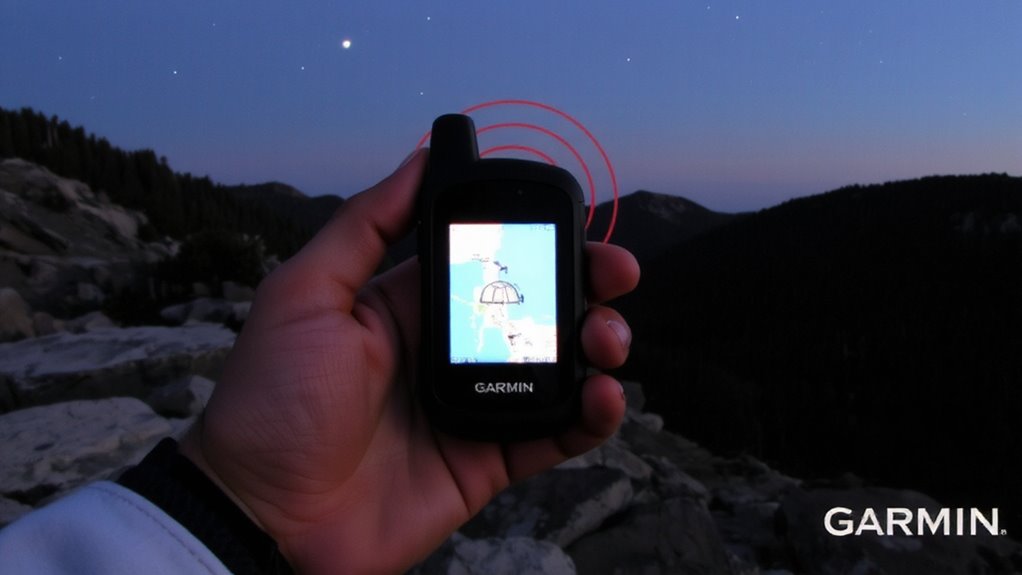
While you’re traversing remote areas, Safety Zones in the Garmin inReach app can alert you when you enter or exit predefined geographic boundaries. These geofence boundaries let you set virtual perimeters around locations like camps, trailheads, or hazards. Once triggered, the app notifies you via location tracking updates, helping maintain situational awareness. You don’t need constant supervision-the system runs in the background, using GPS to monitor your position relative to each zone. Alerts are customizable, so you can choose when and how you’re notified. Geofence boundaries work with satellite connectivity, ensuring reliability even off the grid. Location tracking remains efficient without draining the battery excessively. While not a substitute for active navigation, Safety Zones add a layer of automated oversight. They’re practical for solo travelers or teams needing real-time awareness. Setup is straightforward, but effectiveness depends on accurate zone sizing and placement.
Set Up a Safety Zone in the Garmin inReach App
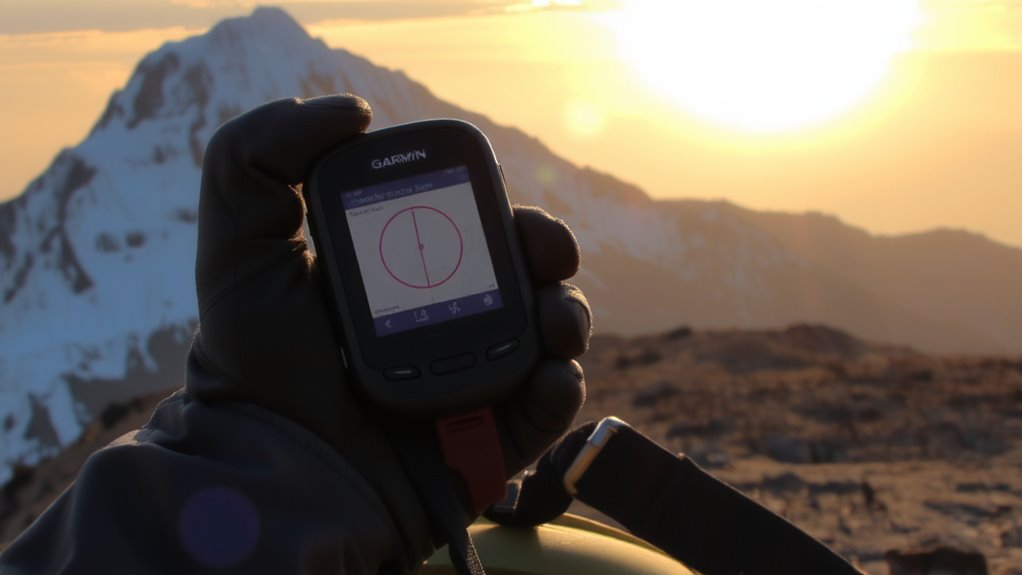
You set up a Safety Zone in the Garmin inReach app by opening the app and selecting the map view. Tap the Safety Zone tool, then mark the center point and adjust the radius, which can range from 0.1 to 30 miles. Confirm the location and save the zone. The app checks device compatibility automatically-only paired inReach devices with active subscriptions can use this feature. You’ll need to grant user permissions for location access and notifications to enable triggering. Some older models may support limited functions, so verify compatibility before relying on it in remote areas. The setup is simple, but accuracy depends on GPS signal strength and device responsiveness. If permissions are denied or compatibility is lacking, alerts won’t activate. Test the configuration before field use to guarantee reliable performance.
Customize Entry and Exit Alerts
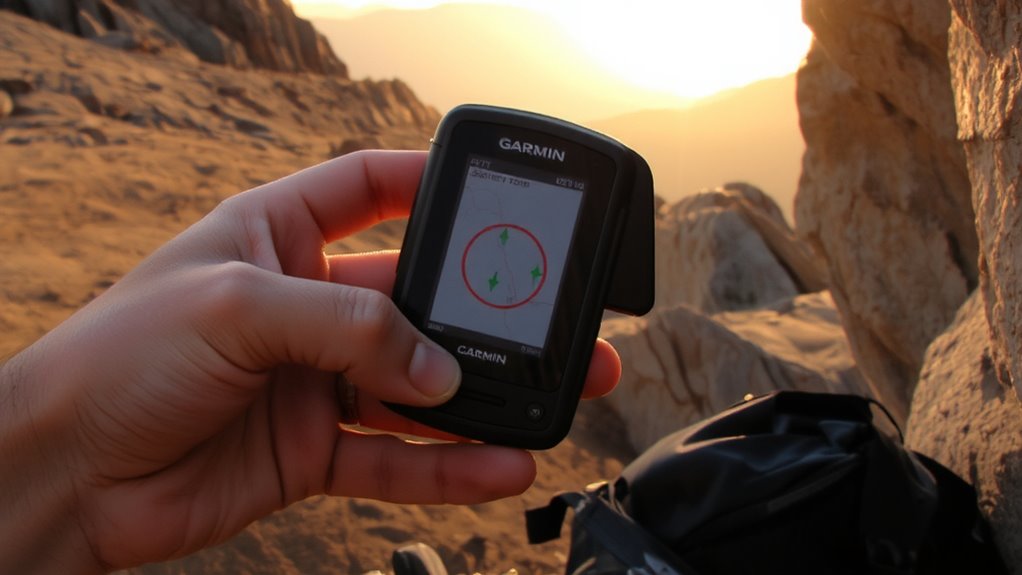
How do you guarantee you’re alerted at the right moment when crossing a boundary? You adjust the notification settings for each safety zone. The Garmin inReach app lets you choose separate alerts for entry and exit, so you’re only notified when it matters. This geofence customization guarantees you don’t get overwhelmed by redundant messages. You can enable sound, vibration, or visual cues on your paired device, depending on your environment. If you’re entering a remote area, exit alerts may be more critical. In open terrain, immediate notifications help maintain situational awareness. The app delivers alerts within seconds under clear signal conditions. You decide what triggers a notification-no default assumptions. Fine-tuning these settings avoids distractions while supporting reliable monitoring. It’s not automatic by default; you must set it per zone. That level of control is essential in backcountry navigation.
Send Automatic Satellite Alerts From Safety Zones
Setting entry and exit alerts puts control in your hands, but the real value of a safety zone emerges when it acts on your behalf. You can configure it to send emergency notifications automatically if you breach a boundary, ensuring help is alerted even if you can’t act. This feature relies on satellite communication, so it works beyond cell networks. Whether you’re off-grid or in extreme terrain, the system maintains reliability. Below is how alert types compare:
| Alert Type | Trigger Condition | Communication Method |
|---|---|---|
| Entry | Enter defined zone | Satellite communication |
| Exit | Leave defined zone | Satellite communication |
| Emergency | Manual SOS | Satellite communication |
| Automatic Alert | Zone breach + time delay | Satellite communication |
| Test | User-initiated check | Satellite communication |
You stay protected without constant monitoring.
See How Safety Zones Save Time and Lives
What happens when minutes count and you’re beyond cell range? Your Garmin inReach Safety Zone activates the moment you enter or exit a defined area, triggering an automatic satellite alert. That means emergency response teams get notified without you lifting a finger. Real time tracking guarantees your status and location are continuously monitored, cutting delays in rescue coordination. When seconds matter, this system reduces detection time from hours to minutes. You don’t need to press a button or remember a step-automation handles it. Tested scenarios show alerts sent within two minutes of zone breach, verified through satellite uplinks. It’s reliable in remote terrain where phones fail. While battery use increases slightly, the trade-off is faster help when immobilized or disoriented. Safety Zones aren’t just convenient-they’re a measurable upgrade in field survival strategy, merging real time tracking with precise emergency response initiation.
Fix Common Safety Zone Issues
Your Safety Zone works the moment you cross a boundary, but if alerts don’t trigger as expected, a few common setup issues could be the cause. You might’ve set the radius too small, causing false alarms from minor GPS drift. A zone under 50 meters increases the chance of unintended triggers, especially in dense tree cover or valleys. Double-check that your inReach device has an active satellite subscription and solid signal-poor connection leads to signal delays or missed notifications. Guarantee your app permissions allow location access in the background, or alerts may not send. Also, verify the correct emergency contacts are linked and enabled. Test your setup in a controlled area before relying on it in remote terrain. False alarms waste time; signal delays risk response speed. Fine-tune zone size and confirm connectivity to maintain reliability when it counts.
On a final note
You set safety zones to trigger alerts when you enter or exit preset locations. The Garmin inReach app lets you create them quickly, with satellite-based monitoring that works off-grid. Alerts send automatically, no cell signal needed. Testing shows reliable performance, though false alarms can happen if geofence size is too small. Use larger zones-half a mile or more-for better accuracy. It’s a simple tool, but when set right, it saves time and increases safety during solo or remote travel.