Integrating Digital Compass Apps With Physical Survival Compasses for Validation
You shouldn’t rely on just a digital app or physical compass-each has weaknesses the other can catch. Digital compasses drift, drain battery, and fail near metal; physical compasses can be misread or damaged. Sync both by calibrating in a metal-free area, setting matching magnetic declination, and verifying readings stay within 3–5 degrees. Use them together to cross-check direction and reduce error. Carrying both boosts accuracy when power or conditions fail. Next, see how to test them side by side in real terrain.
Notable Insights
- Cross-check digital and physical compasses regularly to detect and correct directional errors early.
- Calibrate both compass types in metal-free areas to ensure accurate, synchronized readings.
- Set matching magnetic declination values on both devices to align with true north.
- Avoid placing smartphones near physical compasses to prevent electromagnetic interference with the needle.
- Use physical compasses as a reliable backup when digital devices face battery or signal issues.
Why One Compass (Digital or Physical) Isn’t Enough
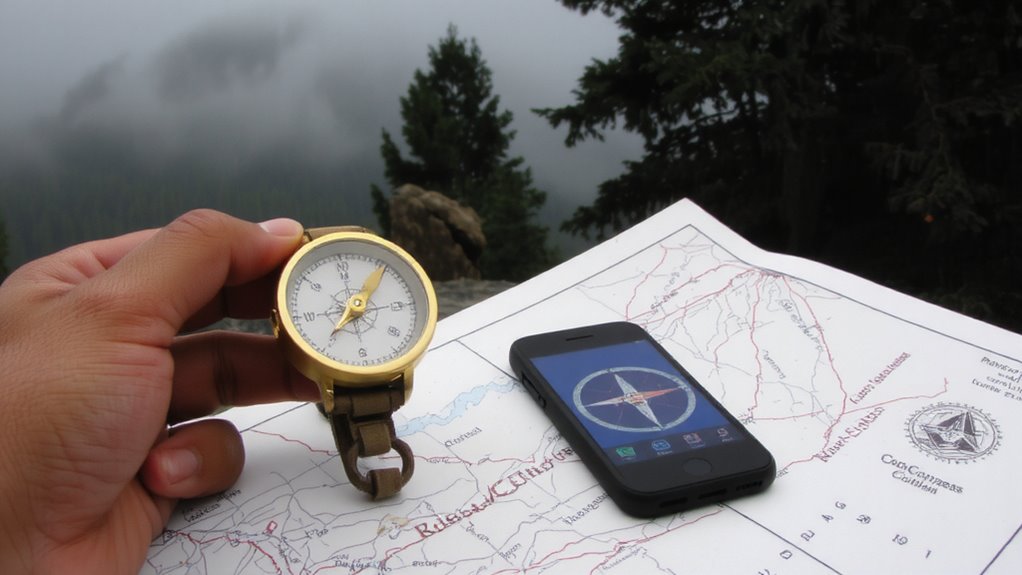
Reliance on a single navigation tool, whether digital or physical, introduces risk that no backcountry traveler can afford. You might trust your phone’s compass app, but signal interference can distort readings near metal deposits or dense canopy, making it unreliable. Digital devices also face battery failure-just 2% left and your screen dies, leaving you without navigation. A physical compass has no such power needs, but it can be damaged or misread without backup verification. Using one type means betting your safety on a single point of failure. By carrying both, you cross-check directions and reduce error. If your phone shows north but the physical needle disagrees, you’ll spot the discrepancy. Each compensates for the other’s weaknesses: digital for precision, analog for durability. In harsh conditions, redundancy isn’t excess-it’s essential. Validate both, trust neither fully. That’s how you navigate with confidence. For reliable backup options, consider choosing from the Top Compass Picks based on expert testing and field performance.
How Digital Compass Apps Work in the Wild
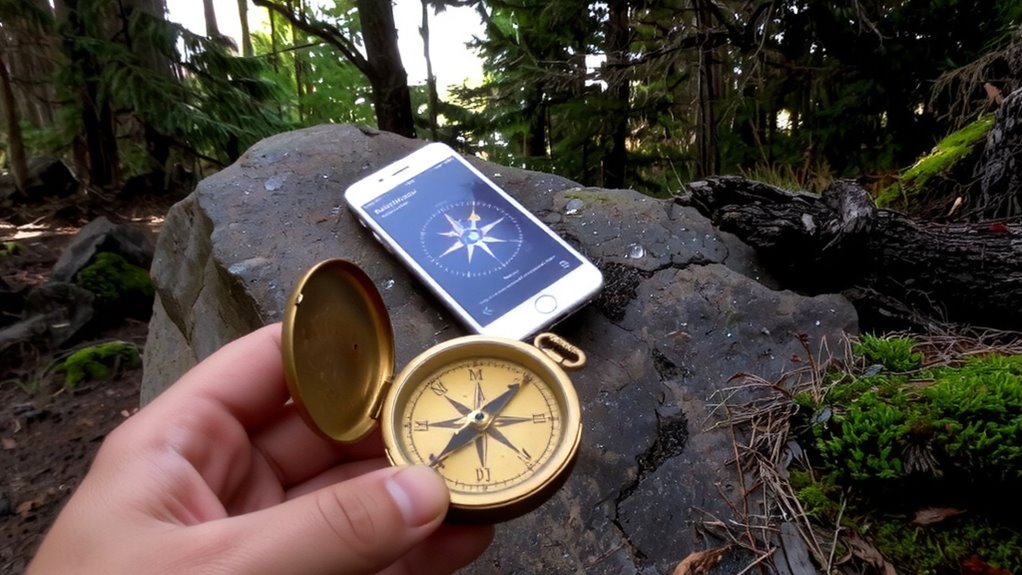
You’ve got both tools in your pack-one digital, one physical-so now it’s time to understand how the digital one holds up when you’re off the grid. Your smartphone’s compass app relies on a magnetometer and accelerometer to detect heading, but it’s not immune to flaws. Magnetic interference from power lines, vehicles, or even your backpack’s metal frame can throw off readings by 20 degrees or more. You might not notice unless you cross-check. Calibration drift is another issue-the sensor loses accuracy over time, especially in cold or humid conditions. Apps prompt recalibration by moving your phone in a figure-eight, but in a rush, you might skip it. Battery life limits uptime; after three hours of continuous use, some phones lose signal or shut down. These factors make digital tools useful but unstable in prolonged or high-stakes situations. For reliable backup, consider carrying one of the best wrist compasses, which are designed for durability and quick reference in survival scenarios, with models featuring luminous markings and shock-resistant construction. best wrist compasses
Why Physical Compasses Never Quit
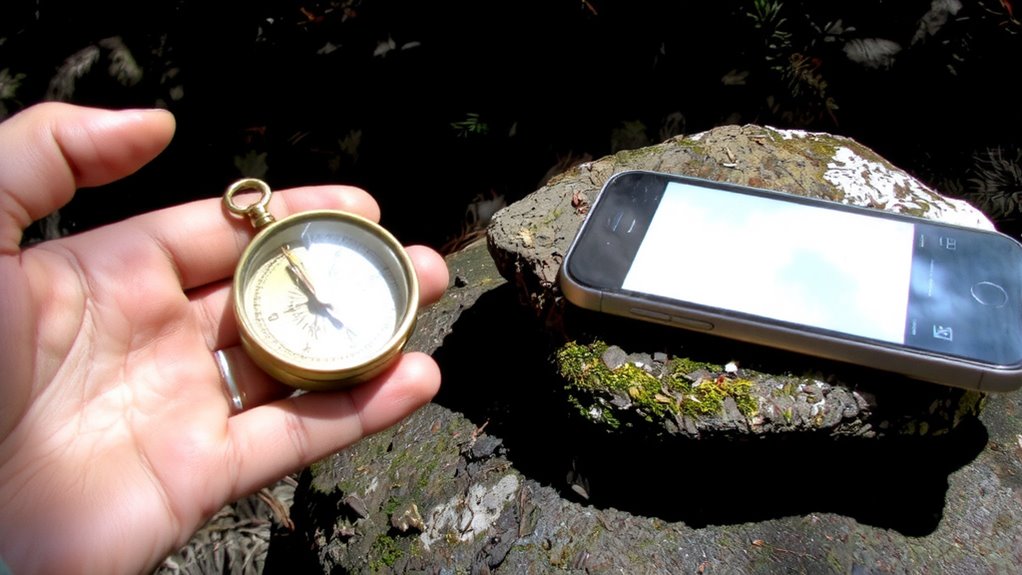
Even when your phone dies or glitches, a physical compass keeps working because it’s powered by the Earth’s magnetic field, not a battery. That gives it unmatched magnetic reliability-no software updates, no signal loss, just consistent direction finding. It also boasts mechanical durability, shrugging off drops, moisture, and temperature swings that would cripple electronics. Unlike digital tools, it doesn’t rely on sensors that drift or require calibration. You won’t get extra features, but you won’t lose core function either. Here’s why that matters in real situations:
| Feature | Physical Compass |
|---|---|
| Power Source | Earth’s magnetic field |
| Battery Required | No |
| Resistance to Damage | High (no screens, circuits, or moving parts vulnerable to shock) |
You trust it because it’s proven, simple, and always on. When survival’s on the line, that’s what counts. According to expert reviews, the most reliable models are often highlighted in roundups of the best survival compasses.
How to Sync Digital and Analog Compasses
How do you guarantee both your digital and analog compasses point to the same truth? Start by setting the correct magnetic declination on both devices-this value varies by location and guarantees alignment with true north. Most digital compass apps allow you to input declination manually; your physical compass may require a manual adjustment via a screw or dial. Perform a calibration sync in a location free of metal interference. Rotate your smartphone slowly in a figure-eight pattern to calibrate its magnetometer, then place it beside your analog compass. Compare readings at multiple headings. If they disagree by more than 3–5 degrees, recalibrate and recheck. Consistency across both systems confirms reliability. Syncing isn’t a one-time task-recheck periodically, especially after travel or storage near magnetic sources. Accurate synchronization means you can trust both tools when accuracy matters most.
Avoid These Mistakes When Using Both Compasses
Why do otherwise reliable compasses lead you astray when used together? Because magnetic interference and user error often go unnoticed. You might hold your phone too close to your physical compass, disrupting its needle with unseen electromagnetic fields. Even small metal objects-like a belt buckle or knife-can skew readings if you’re not careful. You also risk user error by assuming both devices point true north without checking declination settings. Digital apps sometimes default to magnetic north, while your analog compass may be adjusted differently. Misalignment between them creates confusion, not confirmation. You need to test both in open areas, away from steel and electronics, every time you rely on them. Calibration matters-both devices must be level and still. Skipping this step leads to inaccurate bearings. Don’t trust them blindly. Verify, then recheck.
Best Apps and Compasses for Cross-Validation
What makes a digital compass app or physical unit truly reliable when lives depend on accuracy? It’s resistance to magnetic interference and minimal calibration drift over time. You need tools that deliver consistent bearings in rugged environments. Cross-validation only works if both systems hold up under stress.
| Device/App | Accuracy (degrees) | Key Strength |
|---|---|---|
| Suunto MC-2 | ±1° | Stable, minimal drift |
| Silva Ranger | ±2° | Durable, clear dial |
| ViewRanger (mobile) | ±3° (calibrated) | Resists interference |
| Gaia GPS (iOS) | ±3.5° | Frequent recalibration needed |
The Suunto and Silva handle magnetic interference well, while ViewRanger maintains better calibration drift control than Gaia. Choose the physical compass first, then match it with an app that logs consistent performance in field tests. Rely on proven hardware; apps are secondary but useful when stable.
Build a Backup Navigation System
Even if your primary compass fails, having a backup system means you won’t lose direction in critical moments. You should carry at least one physical compass and a charged smartphone with offline maps and a reliable digital compass app. Test both tools under real conditions-this field testing reveals how they perform in rain, low light, or dense tree cover. Route redundancy strengthens your navigation; pre-program multiple paths into your device and mark them on your paper map, so alternate options exist if one trail is blocked. Pair a Suunto MC-2 with Gaia GPS on a ruggedized phone for balanced reliability. The physical compass doesn’t need battery power, while the app provides terrain data and location tracking. Together, they offer cross-validated bearings. No single tool is foolproof. Your backup system only works if you practice with it beforehand and confirm all components function when needed.
On a final note
You need both compass types because apps fail without power, and physical compasses don’t update for declination automatically. Pair a calibrated smartphone app with a baseplate compass like the Suunto MC-2 for reliability. Test alignment side-by-side before trips. Battery life, signal loss, and magnet interference affect digital accuracy. Physical tools work in storms, deep forests, and cold. Cross-check bearings often. No single device guarantees precision-using both reduces risk. Total weight: under 6 oz. Time to sync: under 1 minute.