How to Identify Emergency Risks for People With Mobility Impairments
You face real risks during emergencies if you use a mobility device or depend on power-driven medical equipment. Standard exits and shelters often block wheelchair access, and stairwells trap those who can’t climb. Power outages disable ventilators without reliable backups-test batteries quarterly and plan for over 24 hours. Poor door clearances and slippery floors add hazards. Make sure evacuation routes, shelters, and alerts work for your needs-because waiting puts you at greater risk. You’ll find better ways to prepare just ahead.
Notable Insights
- Assess mobility limitations and building layout to identify evacuation challenges, especially stair access for wheelchair users.
- Evaluate power outage risks for medical devices by checking battery backup duration and maintenance schedules.
- Inspect door widths and thresholds to ensure wheelchair accessibility and eliminate tripping hazards.
- Verify that evacuation routes and emergency shelters have ramps, turning space, and accessible facilities.
- Test communication systems for mobility devices, including backup options during signal or power failure.
Understand Your Unique Evacuation Needs

How do you know which evacuation plan really fits your mobility needs when seconds count? Evacuation planning starts with evaluating your specific mobility limits and the environment you’re in. If you use a wheelchair, can you navigate stairs quickly? If not, you’ll need personal assistance or evacuation aids like stair chairs. Evaluate response times-will help arrive before danger escalates? Some plans rely on volunteers; others assign trained staff. Test each option under realistic conditions: time your exit from your home’s furthest room, factoring in aid retrieval and coordination. A plan that depends solely on personal assistance may fail if helpers aren’t present. Combine self-reliance with support systems for redundancy. Consider weight capacity, ease of use, and space requirements of evacuation tools. No single solution fits all. Your plan must match your mobility, location, and available help-practically, reliably, every time.
Prepare for Power Outages With Medical Devices
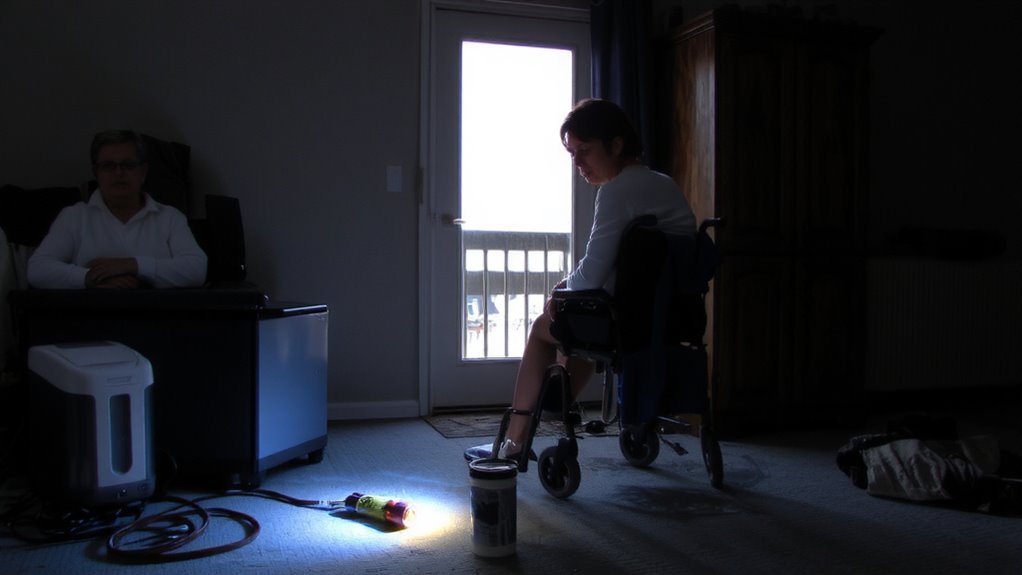
Power outages can disable life-sustaining medical devices, turning a temporary grid failure into a dire situation, especially if you rely on electrically powered equipment like ventilators, oxygen concentrators, or infusion pumps. You need reliable battery backups rated to last at least twice your typical outage duration-check manufacturer specifications and test them quarterly. A 12-hour backup may seem sufficient, but extended outages often exceed 24 hours. Integrate battery backups into your emergency power plan and confirm compatibility with your devices. Perform regular device maintenance: clean components monthly, replace filters as directed, and schedule annual professional inspections to guarantee operational integrity. Malfunctions during outages increase risk, so functional checks matter. Never assume your equipment will work when needed. Use manufacturer-recommended supplies and keep spare batteries charged. Confirm that your backup power source automatically engages-no delays mean fewer risks when seconds count. For extended outages, consider pairing your setup with a reliable emergency power generator to maintain critical device functionality.
Find and Fix Home Accessibility Barriers
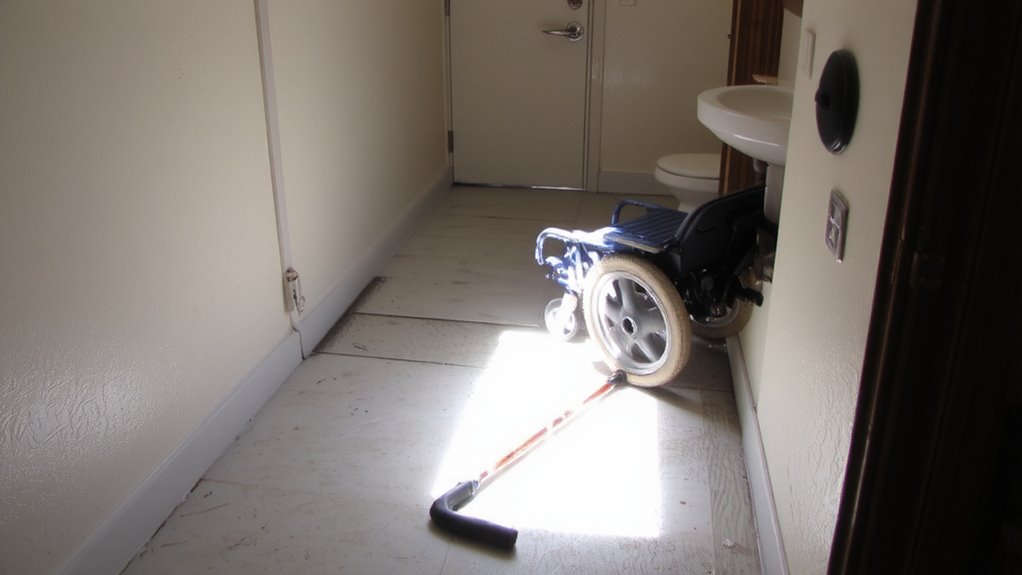
While your home may feel safe, hidden accessibility barriers can turn a routine emergency into a dangerous situation if you’re unable to move quickly or access support areas. Check all door width measurements-minimum 32 inches is required for wheelchair passage, but wider is better under stress. Many interior doors fall short, especially in older homes. Install offset hinges or replace frames if needed. Floor changes matter just as much. Even small level changes, like ½ inch between rooms, can snag wheels or walkers during fast exits. Replace raised thresholds with ramps or beveled edges. Secure loose rugs and guarantee flooring is slip-resistant. Every inch counts when seconds matter. These fixes aren’t cosmetic-they’re functional upgrades that support safe, unimpeded movement when you need it most. Test each path with your mobility device under low-light conditions to guarantee real-world usability.
Ensure Evacuation Routes and Shelters Are Accessible
If you use a mobility device, standard evacuation routes and shelters might not work for you, so verifying accessibility in advance is critical. Many shelters lack proper access ramps, turning space, or level floor areas, which can block entry or restrict movement. Test your route during drills to identify obstacles early. Check that evacuation paths have accessible signage-high-contrast, tactile labels at consistent heights-to support clear shelter navigation during low visibility or high stress. Reliable signage reduces confusion and speeds up movement. Confirm shelters have accessible toilets, cots, and charging areas for medical devices. Don’t assume compliance means usability; visit in person to assess real-world conditions. Some shelters meet minimum standards but still create navigation barriers due to clutter or poor layout. Knowing exactly where you can go-and how you’ll get there-ensures you won’t be stranded when time matters.
Secure Backup Communication for Mobility Devices
When your mobility device relies on electronic controls or wireless signals, a communication failure during an emergency can leave you stranded, so having a backup method to operate or signal for help is essential. Choose systems with signal redundancy, like dual-band radios or Bluetooth plus RF, so one failed frequency doesn’t cut contact. Test for device compatibility with emergency alert networks and public warning systems-some remotes won’t interface with building alarms or rescue frequencies. A hardwired manual override is reliable when wireless fails, giving direct control without signal dependency. Keep a whistle, strobe light, or mobile alert app as low-power backups. These don’t rely on device compatibility and work across environments. Battery-powered backup comms should last at least eight hours. Prioritize models verified in independent performance tests. Redundant systems aren’t foolproof, but they reduce single-point failure risks and improve response odds when every minute counts. A reliable option includes carrying a satellite messenger device, which can transmit distress signals even in areas without cellular coverage.
On a final note
You need a plan that matches your mobility needs, not someone else’s. Check evacuation routes and shelters-they don’t always work as claimed. Backup power for medical devices lasts hours, not days, so test it. Communication tools fail when signals drop. Realistic prep means knowing limits, not trusting promises. Your safety depends on what’s proven, not what’s advertised.