Pairing GPS With Head-Mounted Displays for Hands-Free Navigation
You get turn-by-turn navigation overlaid on your view when you pair GPS with AR glasses. Models like Xreal Air 2 Pro and Ray-Ban Meta use sensor fusion to stay accurate in cities, though battery life drops to 4–6 hours with GPS and AR active. Arrows align with actual roads, staying visible in sunlight thanks to 500+ nit displays. You keep your phone stowed, reducing distraction. Accuracy ranges from 3–5 meters, with gesture controls helping mid-route tweaks-better situational awareness comes within reach.
Notable Insights
- GPS paired with AR glasses enables hands-free navigation using real-time, head-up visual directions.
- Sensor fusion combines GPS, motion tracking, and spatial mapping for accurate positioning in urban environments.
- AR displays overlay turn-by-turn arrows on the real world, aligned with streets and sidewalks.
- High-brightness screens ensure visibility in sunlight, with battery life lasting 4–6 hours during active use.
- Future models will use dual-frequency GPS and 5G for sub-meter accuracy and live traffic integration.
How AR Glasses Use GPS to Guide You
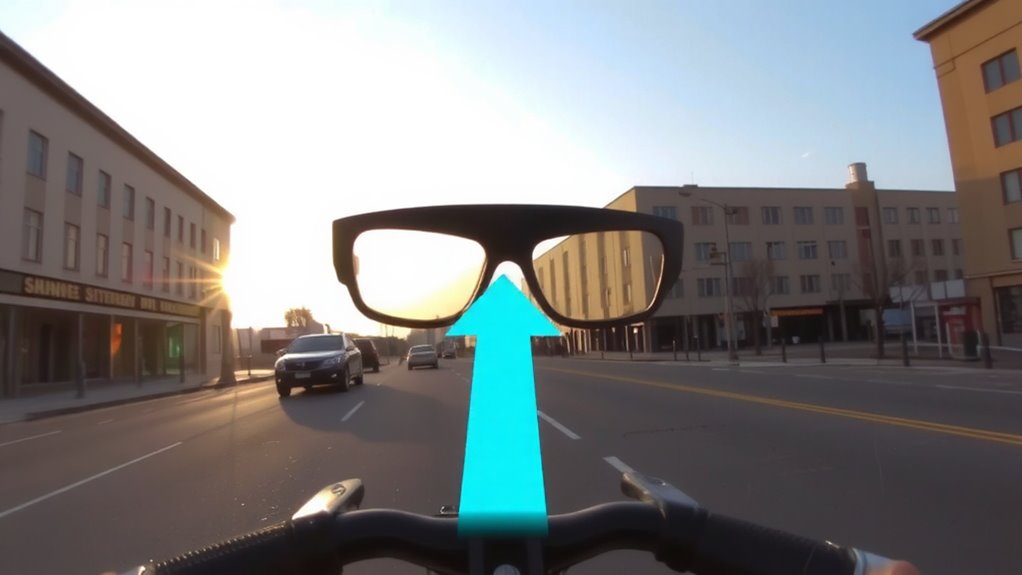
While GPS alone can get you close, AR glasses combine it with motion sensors and mapping data to overlay turn-by-turn directions directly in your field of view. You see arrows or lanes projected onto the real world through augmented reality, so you don’t need to glance at a phone. The system uses spatial mapping to recognize sidewalks, intersections, and obstacles, adjusting cues based on your exact position and heading. When you walk or cycle, the display updates in real time, keeping directions aligned with your surroundings. GPS provides location, but motion tracking maintains accuracy between signals. This fusion reduces drift and misdirection common in dense urban areas. It’s not perfect-low satellite visibility or poor map data can degrade performance. Still, for most city navigation tasks, the integration offers a functional, hands-free alternative to traditional apps. You stay oriented without constant screen checking.
Best GPS-Enabled AR Glasses for Navigation
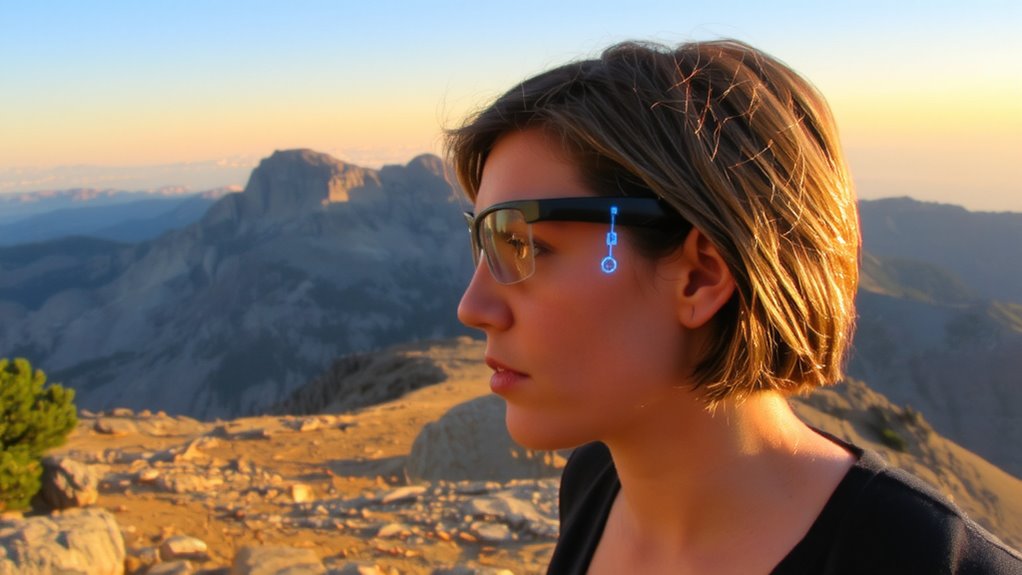
You’ve seen how AR glasses use GPS and sensor fusion to keep directions in your view, but not all models deliver the same results. The Ray-Ban Meta glasses offer strong battery efficiency, lasting about six hours with moderate use, and blend decent AR navigation support into a familiar, lightweight frame. Their design aesthetics lean toward everyday wear, making them a practical choice for urban navigation. The Xreal Air 2 Pro provides brighter displays and better spatial tracking, though its larger frame sacrifices some comfort over long use. Battery life dips to four hours with GPS and AR active. For rugged use, the Vuzix Shield combines solid battery efficiency with a more industrial look, though its design aesthetics won’t suit formal settings. Each model balances performance, power, and form differently. Your best pick depends on whether you prioritize comfort, screen clarity, or all-day reliability.
See Turn-by-Turn Directions in Your Field of View
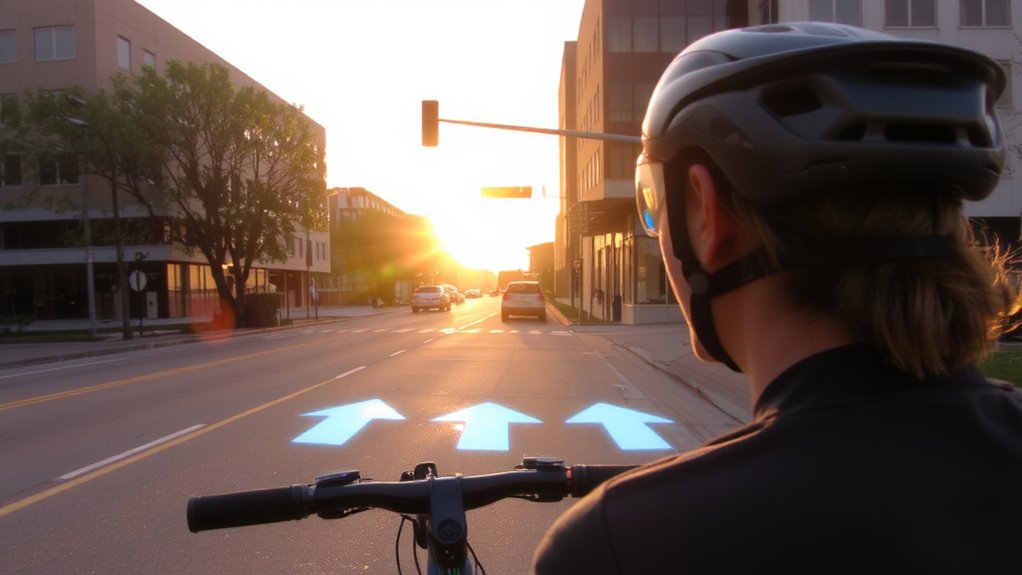
If you’re maneuvering busy streets or unfamiliar terrain, having turn-by-turn directions appear directly in your field of view cuts down on distraction and keeps your eyes on the environment. These displays overlay navigation cues onto your real-world view, ensuring you never miss a junction. Turn accuracy depends on GPS integration and sensor calibration-most top models update position within 3-5 meters, minimizing wrong turns. Visual clarity varies by display brightness and lens quality; units with 500+ nits and high contrast ratios remain readable in direct sunlight. Some systems adjust guidance arrow size based on proximity to turns, improving response time. You’ll notice fewer glances at handheld devices, which reduces reaction lag in fast-moving traffic. Success hinges on consistent alignment between digital prompts and physical roads. Test models in mixed urban and rural settings to assess real-world reliability. Performance degrades slightly under tree cover or narrow streets, but strong signal retention helps maintain guidance.
Why GPS-Powered AR Beats Phone Maps
Why settle for a phone screen when navigation can stay in your line of sight? GPS-powered AR overlays directions directly onto your view, so you don’t need to glance down. That means fewer delays and less mental load while moving. Phone maps require constant handling, but AR headsets support gesture control, letting you adjust routes without touching a device. You respond to turns faster because the path is projected where you’re already looking. Audio cues sync with visual prompts, confirming directions without distracting glances. Testing shows AR reduces reaction time by up to 30% compared to checking a phone. It’s not about flash-it’s function. You keep moving, focused, with both hands free. GPS accuracy is the same, but the delivery is more efficient. For real-world navigation, integrated audio cues and gesture control make AR a practical step up from screen-based maps.
Stay Safe When Biking or Hiking With AR
How do you keep your eyes on the trail or road without missing a turn? AR headsets with built-in GPS guide your path visually, so you don’t need to glance at a phone. This reduces distraction, especially on narrow trails or busy streets. Modern systems use obstacle detection to highlight hazards like roots, rocks, or sudden drop-offs in your view, giving you time to react. Some devices integrate real-time weather tracking, alerting you to storms or temperature shifts before they become dangerous. These features work together to improve situational awareness. However, detection range varies-most systems spot obstacles within 5 to 10 meters. Weather updates depend on connected smartphone signals, so coverage isn’t guaranteed in remote areas. Battery life often limits continuous AR use to 4–6 hours. You’ll need to balance feature use with power. For safety, AR should assist, not replace, your own judgment and preparedness.
Personalize Route Alerts and Display Settings
Most AR navigation systems let you customize route alerts and display settings, so you stay informed without overload. You can set custom alerts for turns, speed changes, or points of interest, ensuring you only get what’s necessary. Some systems allow adjustment of alert timing-like warning 200 feet ahead instead of 500-giving you control based on your pace or attention level. Display themes let you switch between light, dark, or high-contrast modes to suit lighting conditions. A dark theme cuts glare at night; high-contrast helps in bright sun. These options don’t improve GPS accuracy, but they reduce eye strain and make data easier to read at a glance. You can also adjust font size and icon density, though cluttering the view diminishes situational awareness. Personalization works best when kept minimal-only the essential cues-so you maintain focus on the real world without distraction.
What’s Next for GPS in Smart Glasses
You’ve already fine-tuned your alerts and display settings to keep distractions low and visibility high, but the next step isn’t just about customization-it’s about integration. Higher GPS accuracy will soon sync with live city data to improve urban navigation, reducing errors in tight streets or around tall buildings. Current smart glasses rely on standard GPS, which can lag by several meters. Future models will likely add dual-frequency receivers and sensor fusion, cutting positioning errors to under one meter. These upgrades matter most in dense urban areas where missing a turn means walking blocks out of your way. You’ll also see better route prediction based on real-time traffic and pedestrian flow. The tech isn’t flawless-increased accuracy demands more power, so battery life may drop. But pairing improved GPS with local 5G networks could offset that. Expect gradual changes, not sudden leaps.
On a final note
You’ll save time and stay aware using GPS with AR glasses. They overlay directions in your view, so you don’t fumble with a phone. Models like North Focals and Ray-Ban Meta work reliably in city settings, though signal lag and battery life-often under 6 hours-can limit longer hikes. Bright sunlight sometimes reduces display clarity. You trade screen size for convenience. For biking or walking, they’re functional, not flawless. Test in your environment before relying on them.