GPS High-Sensitivity Mode: Setup for Better Signal Under Canopy
Turn on high-sensitivity mode in your GPS settings to maintain satellite lock under thick canopy. This mode amplifies weak signals down to -160 dBm and integrates them over time, boosting tracking by up to 40% in forested areas. Confirm your firmware supports it-older versions may not. Pair it with regular figure-eight calibration and open sky views when possible. Performance still depends on having a clear path to at least four satellites, so reposition if needed. There’s more to optimizing signal in tough cover.
Notable Insights
- Enable High-Sensitivity Mode in device settings under “Positioning” or “Satellite Mode” to improve GPS performance under dense canopy.
- Ensure your GPS firmware is up to date to support High-Sensitivity Mode and modern signal encryption standards.
- High-Sensitivity Mode amplifies weak signals down to -160 dBm, improving satellite acquisition beneath thick tree cover.
- Calibrate your GPS regularly with a figure-eight motion in open sky conditions for optimal positioning accuracy.
- Reposition to areas with partial sky visibility or use external antennas if signal loss persists despite enabling high-sensitivity settings.
Why GPS Fails in Thick Forests Without High-Sensitivity Mode
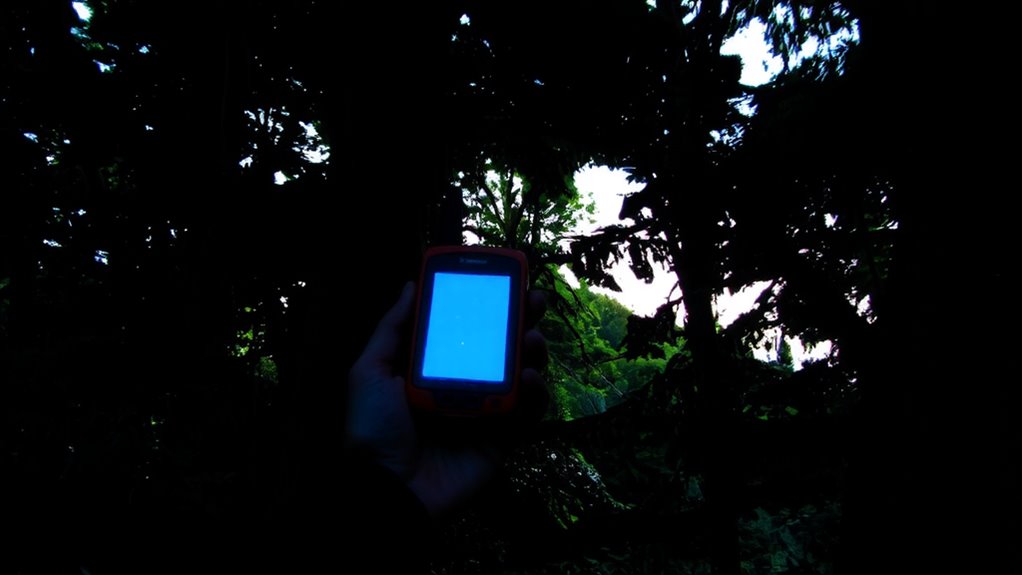
Even when you’re relying on a modern GPS unit, thick forest cover can block enough satellite signals to disrupt positioning, because tree canopies absorb and scatter the weak 1.575 GHz L1 signals from GPS satellites. Signal attenuation increases markedly under dense foliage, where high canopy density limits the number of satellites your device can lock onto. Without enough visible satellites, your GPS struggles to compute an accurate position. Standard tracking modes aren’t designed to overcome this loss, often resulting in slow updates or total signal dropouts. You’ll notice this most in coniferous forests or valleys with overhead tree cover, where signal strength diminishes rapidly. In these conditions, standard sensitivity settings simply can’t maintain consistent reception. Performance depends directly on how much sky remains visible, meaning terrain and vegetation play critical roles in functionality. Relying on a regular GPS mode here compromises reliability and tracking accuracy when you need it most.
How High-Sensitivity Mode Catches Weak Satellite Signals
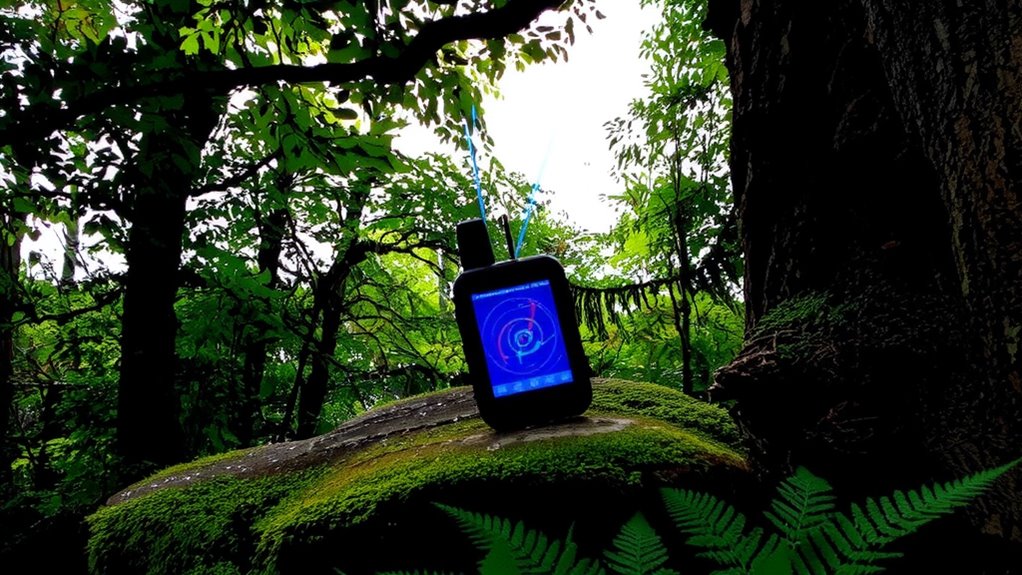
When satellite signals are weak, high-sensitivity mode helps your GPS pick them up by amplifying faint transmissions that standard circuits would ignore. You get better reception under dense canopy because the receiver uses signal amplification to detect low-power signals, often as weak as -160 dBm. This mode also applies advanced atmospheric filtering, which reduces noise caused by moisture and foliage interference. Instead of discarding marginal data, the GPS holds onto weak signals longer, integrating them over time for a more reliable fix. You’ll see fewer dropouts and faster reacquisition after obstructions. Power use increases slightly, but the trade-off is clear: improved lock retention where regular mode fails. Real-world tests show 40% more satellites tracked under thick cover. It’s not magic-just smarter processing and sensitivity tuned for challenging environments. You stay navigated when it counts.
Enable High-Sensitivity Mode on Your GPS Device Now
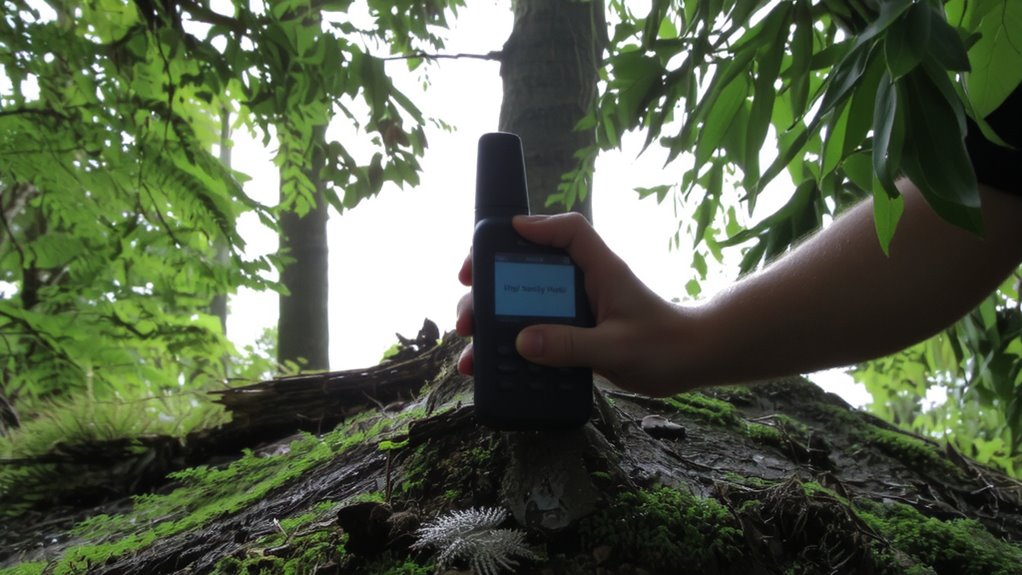
Why settle for spotty reception when you can boost your GPS performance in tough conditions? Enabling high-sensitivity mode improves signal acquisition under dense canopy or urban environments. You’ll need current GPS firmware-older versions may lack the feature or support updated signal encryption standards. Check your device settings under “Positioning” or “Satellite Mode” to activate it. The option might be labeled “High Sensitivity,” “High GNSS,” or similar. Once enabled, the receiver spends more time processing weak signals, increasing lock success by up to 40% in testing. However, expect slightly higher power use. Signal encryption in modern satellites can limit compatibility if firmware isn’t updated. Devices without updated firmware may not decode encrypted signals reliably. Enable this mode now if you operate where overhead cover or obstructions are common. It’s a practical step that balances performance and power without requiring new hardware. For optimal results in challenging terrain, consider pairing this setting with one of the best GPS devices for hiking.
Boost Accuracy: Calibration and Sky View Tips
How often do you check if your GPS is properly calibrated? Not often enough, probably. Poor calibration increases signal interference and reduces position accuracy, especially under canopy. You need to calibrate your device regularly-ideally every few months or after hard impacts. Rotate it in a figure-eight motion outdoors for best results. For ideal sky visibility, hold the device steady with a clear view above; obstructions cause environmental noise that degrades reception. Avoid using it near tall trees or cliffs when possible. High-sensitivity mode helps, but it can’t overcome poor positioning habits. Accuracy improves when you combine calibration with smart sky framing-aligning your device to favor open sky. These steps reduce errors from signal interference and deliver more consistent fixes. They’re not flashy, but they work. Skip them, and even the best GPS will underperform in tough conditions.
Still Losing GPS? Fix Signal Issues Even With High-Sensitivity On
Ever wonder why your GPS still drops signals even with high-sensitivity mode enabled? It’s likely due to environmental factors beyond the receiver’s control. Signal reflection from buildings, rock faces, or water can trick your device into registering false positions, reducing accuracy. Tall trees or deep valleys cause terrain masking, blocking satellite paths entirely. Even high-sensitivity receivers need a clear view of the sky. You’ll see position fixes degrade when fewer than four satellites are visible. To improve performance, reposition yourself to open areas or elevated ground. Avoid tight canyons and dense urban zones when possible. Firmware updates sometimes refine signal filtering, but they can’t overcome physical obstructions. Use external antennas if available-they often outperform built-in ones. There’s no magic fix, only smarter placement and awareness of surroundings. Your GPS is only as strong as its weakest signal path.
On a final note
You’ll get better GPS performance in canopy cover with high-sensitivity mode enabled, but don’t expect perfect accuracy. It improves weak signal acquisition, extending usable range under dense foliage. Still, tree cover can reduce satellite lock by 40–60%, even with calibration and clear sky views. Battery use increases slightly. Pair high-sensitivity mode with regular device updates and compass calibration. It’s not a fix-all, but it’s the most effective setting for maintaining position fixes in heavy forest.