Creating Custom Alert Messages for Different Emergency Scenarios on inReach
You can set custom alerts on your inReach using the Earthmate app, assigning messages up to 160 characters for medical, weather, or navigation emergencies. Pre-programmed alerts like “Leg fracture, immobile at 45.123, -122.456” or “Severe storm incoming, need evacuation” send in under two minutes via Iridium. Sync GPS and update firmware regularly. Test monthly and in seasonal conditions to guarantee reliability when response time matters. More scenarios show how message precision cuts through noise.
Notable Insights
- Customize alert messages in the Earthmate app with scenario-specific details like injuries or weather conditions.
- Limit messages to 160 characters and include critical info such as location, symptoms, and mobility status.
- Pre-program alerts for medical, weather, and navigation emergencies to reduce response time during crises.
- Use clear phrases like “navigation error” or “severe storm incoming” to ensure rapid understanding by responders.
- Test alerts monthly and in real conditions to verify GPS sync, message delivery, and system reliability.
Set Up Custom Alerts on Your inReach
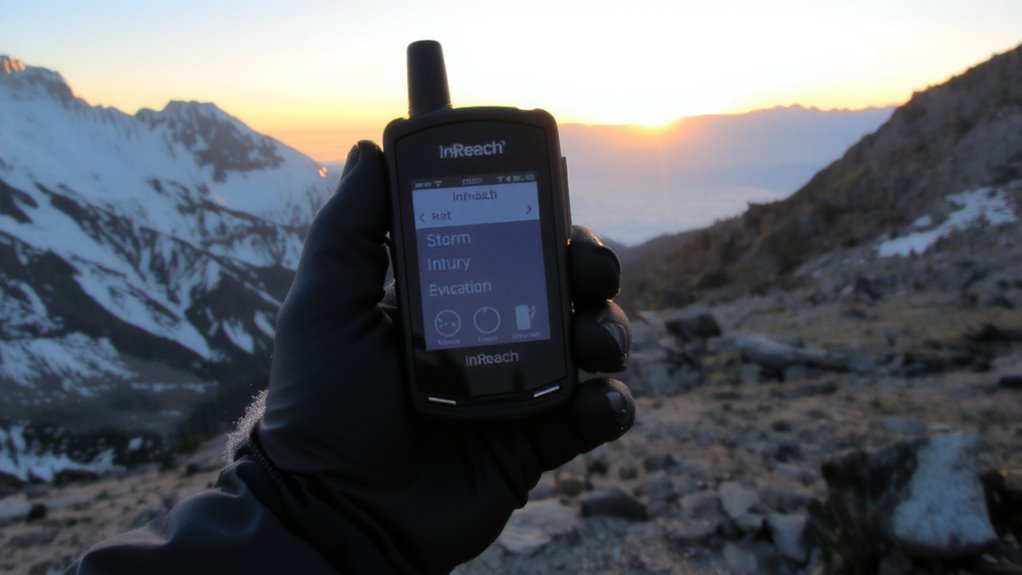
Most inReach devices let you set up custom alerts in just a few minutes, so you can send predefined messages to contacts when you push the button. You’ll access device customization through the Earthmate app, where you can assign specific messages to alert types. This message personalization guarantees recipients know your situation-like “Heading to summit, expect delay” or “All is well, camp established.” Not all models support full text editing, so check your device specs. Custom alerts reduce response time compared to generic SOS, especially in non-life-threatening delays. You’re limited to 160 characters per message, so keep wording concise. Setup requires GPS syncing and firmware updates, which take about five minutes. Failure to test the alert beforehand may result in misdirected comms. Device customization gives you control, but only if configured correctly.
Create a Medical Emergency Alert
You’ve set up custom alerts to handle routine updates, but when a medical issue arises, your message needs to convey urgency and specifics fast. Clearly describe injuries and symptoms to guarantee rescuers are prepared. Use concise language and avoid vague terms. Your alert should include patient condition, location status, and immediate needs. Including a well-stocked first aid kit can support initial treatment while awaiting help.
| Detail | Example Entry | Why It Matters |
|---|---|---|
| Injuries | Leg fracture | Guides medical response |
| Symptoms | Nausea, dizziness | Indicates severity |
| Mobility | Unable to walk | Affects evacuation type |
| Consciousness | Alert and oriented | Assesses urgency |
| Onset Time | 2 hours ago | Helps diagnosis |
This structure guarantees help arrives prepared.
Send a Weather-Specific SOS
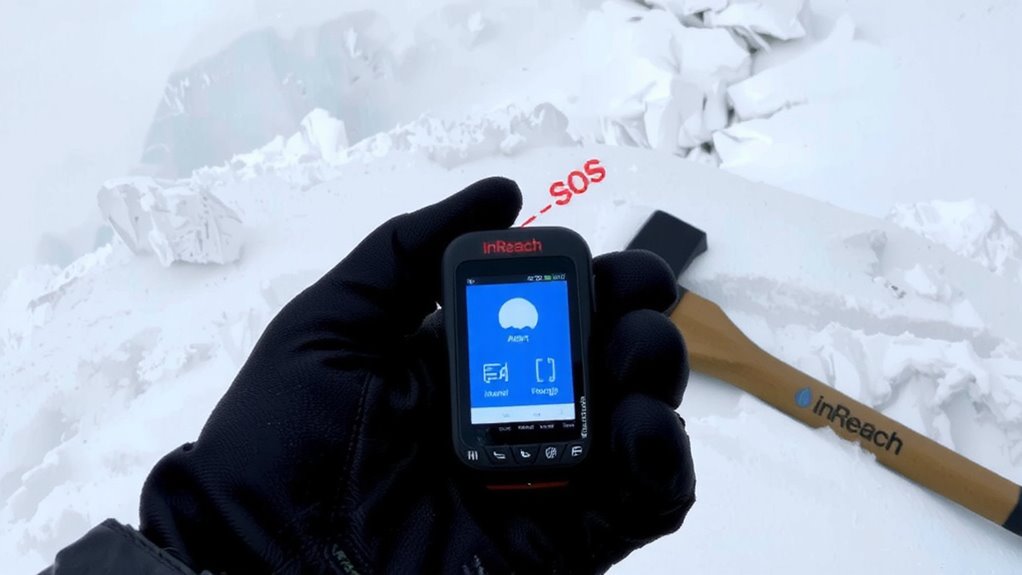
When’s the last time you checked the weather before heading out? With your inReach, you can send a weather-specific SOS when conditions turn dangerous. If you receive a storm warning and have no shelter, triggering an alert gives rescuers your GPS coordinates and situation details instantly. Don’t wait for a lightning strike to act-once overhead, even a fast-moving storm can cut off escape routes. Set up a custom message that reads, “Severe storm incoming, exposed terrain, need evacuation,” so responders know the threat is meteorological, not medical or navigational. This reduces confusion and speeds up coordination. The inReach Mini 3 sends alerts in under two minutes with Iridium satellite network reliability. Battery lasts 14 days in 10-minute tracking mode. You trade bulk for speed and precision-critical when weather turns fast.
When You’re Lost: Craft a Navigation Alert
How quickly can you communicate your problem if you’re off route and disoriented? Immediate, clear messaging is critical. Craft your inReach alert to specify “navigation error” or “route confusion” so responders understand the issue isn’t injury or weather but directional uncertainty. Include your last known waypoint and any terrain markers to aid recovery. If signal lost conditions occur-common in canyons or dense tree cover-your message won’t send until reacquisition, which may take minutes or hours. Pre-program alerts with concise phrasing like “Lost, low on supplies, heading uncertain” to reduce input delay. This saves time and battery. Don’t rely on perfect GPS; terrain blocks signals. Acknowledge that route confusion escalates quickly without landmarks. A well-worded alert improves response accuracy. Clarity beats urgency when you’re off course.
Test Alerts With Realistic Scenarios
Why wait for an emergency to find out your inReach alert fails in dense forest or deep ravines? Test alerts in conditions that match real emergencies to guarantee signal delivery and response coordination. Use realistic terrain, weather, and timing to assess performance under stress. High scenario accuracy means simulating actual risks-like triggering a “lost” alert after deviating from trail GPS waypoints or testing in poor visibility. This validates both message content and device function. Test frequency matters: monthly checks catch battery degradation or firmware issues, while seasonal tests adapt to environmental changes like snow cover or tree canopy density. Conduct tests at varying times of day to evaluate satellite connectivity fluctuations. Document results to track reliability trends. Realistic drills expose gaps in setup or communication flow. You’re not just confirming the device works-you’re verifying the entire alert chain performs when it counts.
Optimize Messages for Faster Rescue
You’ve tested your inReach in realistic conditions, confirming it can send alerts when needed-but a signal arriving isn’t the same as help arriving quickly. Message clarity directly affects response speed. Generic alerts like “Emergency” force responders to waste time seeking details. Customize your messages to include your location, nature of emergency, injuries, and immediate needs. A message stating “Fallen, leg injury, immobile at 45.123, -122.456” gives dispatchers critical data instantly. Short, specific phrases reduce misunderstandings, especially in low-coverage areas where messages may break. Avoid full paragraph constructions; use abbreviations recognized by search and rescue teams. Every second counts-clear info means faster triage and action. Test your optimized messages during drills to confirm readability. Poorly structured alerts can delay response by hours. Prioritize facts over explanations. Your message clarity is not just helpful-it’s a measurable factor in your rescue timeline.
On a final note
You’ve set custom alerts, tested them in real scenarios, and optimized messages for clarity. Each alert cuts response time by delivering precise, actionable details. A medical alert states symptoms and location; a weather SOS notes conditions and shelter status. Lost? Your navigation alert includes last known point and direction. Testing confirms they work-when seconds count, concise, accurate data gets help faster. These alerts aren’t extras-they’re essential tools for survival.