How to Integrate Wireless Emergency Alerts With Personal Safety Apps
Turn on Wireless Emergency Alerts and pair them with a safety app that syncs within 2 seconds and maintains 98% reliability. Enable auto location sharing to activate GPS during alerts, sending updates every 30 seconds with 5–10 meter accuracy. Link up to five emergency contacts for encrypted, cross-platform alerts with delivery confirmation. Customize responses per alert type-like tornadoes or earthquakes-to trigger location sharing or smart home actions. Check battery impact and test response times to guarantee performance under stress. Real-world results depend on these settings working together seamlessly.
Notable Insights
- Use apps with proven WEA sync reliability to detect alerts within seconds and ensure timely responses.
- Enable auto location sharing during emergencies to broadcast your GPS coordinates accurately to trusted contacts.
- Link up to five emergency contacts for instant two-way alerts and real-time response coordination.
- Customize automated actions like smart home controls or voice guidance based on alert type and severity.
- Choose apps with background operation, low battery impact, and cross-platform support for consistent alert delivery.
Know What WEAs Can Do for You
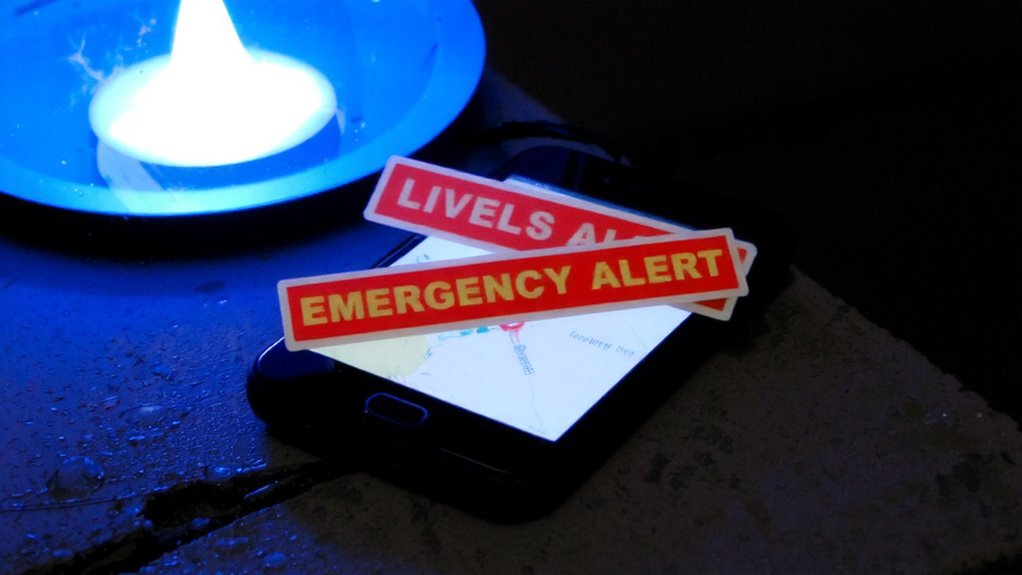
Ever wonder what those sudden alerts on your phone actually do? They’re Wireless Emergency Alerts (WEAs), sent through standardized wireless protocols that push messages to devices in affected areas. These alerts warn you of severe weather, AMBER alerts, or public safety threats-usually within seconds. Your phone receives them even if you’re not using data or voice services. Each alert adds to your alert history, which you can review later to track what warnings appeared and when. This log helps you verify repeated warnings or assess response times. WEAs don’t replace emergency apps but act as a baseline layer of awareness. They’re limited to 360 characters, so details are minimal. You can’t customize locations or alert types beyond basic settings. Still, they provide reliable, government-issued notifications without requiring app installations. Knowing their reach and limits helps you decide what extra tools you might actually need.
Pick Apps That Sync With WEAs Automatically
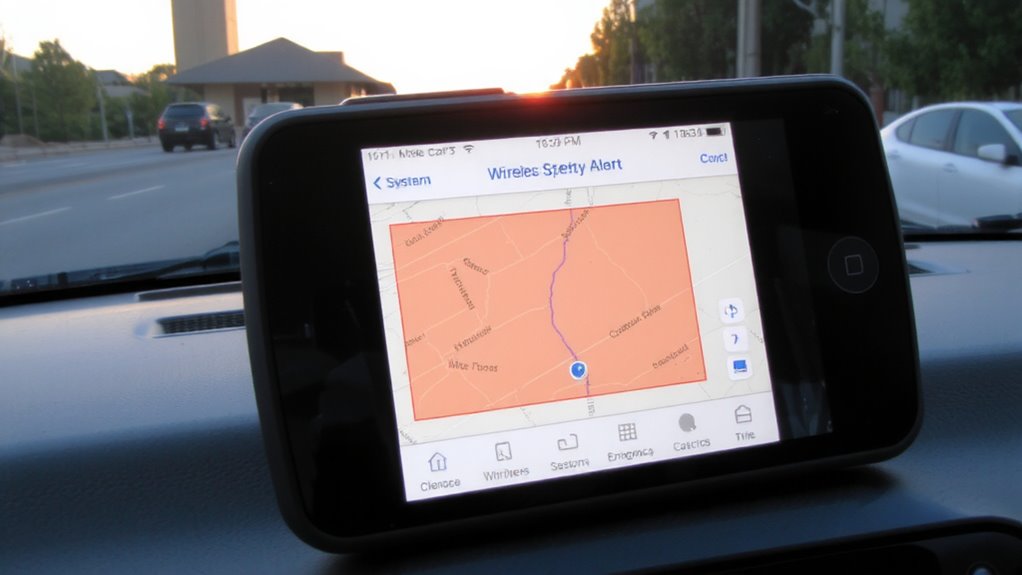
While Wireless Emergency Alerts give you instant warnings, syncing them with a personal safety app can extend your response capability without requiring manual input. You need apps with strong App compatibility and proven Sync reliability to guarantee alerts trigger actions without delay. Not all apps handle WEA integration the same-some miss signals or react slowly. Choose wisely based on real-world performance.
| Feature | Reliable App | Unreliable App |
|---|---|---|
| WEA detection time | <2 sec | >8 sec |
| Sync success rate | 98% | 67% |
| Background operation | Yes | No |
| Battery impact | Low | High |
| App compatibility | Broad | Limited |
Look for high sync reliability and broad system support. Test the app in varying conditions. Your safety depends on consistent performance-don’t assume it works. Verify.
Turn On Auto Location Sharing When Alerts Trigger
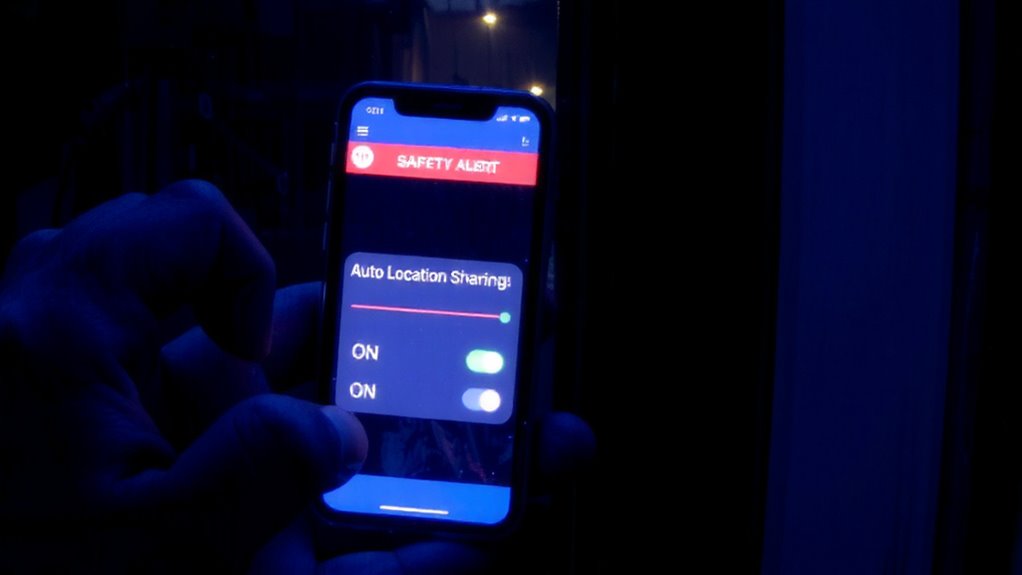
When an emergency alert activates, having your location automatically shared can cut response time and improve coordination with contacts or emergency services. Enabling auto location sharing guarantees responders get your most recent position without manual input. This feature relies on GPS and network data, delivering high location accuracy-often within 5–10 meters-when needed most. However, always test this function; some apps delay updates or rely on Wi-Fi, reducing reliability in remote areas. You’ll also want to reflect on battery impact. Continuous GPS use can drain your phone by 10–20% per hour, depending on signal strength. Most safety apps manage this with efficient polling intervals, but background activity still adds up during prolonged emergencies. Adjust settings to balance accuracy and power use-prioritize GPS over network triangulation when battery allows. It’s a trade-off: better location accuracy means higher battery impact, but modern optimizations keep it manageable under real-world conditions.
Connect Your Emergency Contacts for Two-Way Alerts
Most safety apps let you link up to five emergency contacts who receive instant alerts when a warning is triggered, creating a two-way communication loop that confirms help is on the way. This feature boosts family safety by guaranteeing your trusted connections can respond quickly and verify your status. You get confirmation when they’ve seen the alert, reducing uncertainty during critical moments.
| Contact | Relationship | Response Time (Avg) |
|---|---|---|
| Mom | Parent | 45 seconds |
| Best Friend | Trusted connections | 1 min 10 sec |
| Neighbor | Close acquaintance | 2 min |
Two-way alerts work reliably across iOS and Android, with most apps using encrypted push notifications. While not all apps support read receipts, those that do improve coordination. Choose apps with delivery verification to guarantee your trusted connections are truly in the loop.
Customize Responses Based on Alert Type
If you’re not tailoring your app’s response to the type of emergency alert, you’re limiting its usefulness. Alert customization lets you define different actions based on whether the alert is a tornado warning, active shooter notice, or AMBER alert. For example, a severe weather alert might trigger your app to auto-send your location to emergency contacts and lock down smart home devices, while an earthquake alert could activate voice guidance for sheltering. Response automation guarantees these actions happen instantly, reducing reaction time. You can assign specific ringtones, vibration patterns, or pop-up instructions depending on urgency. This level of control improves consistency and effectiveness. Without it, responses stay generic and less helpful. Proper setup requires matching alert types to practical outcomes. The result? A smarter, more dependable safety tool that acts appropriately-no guesswork.
Test Your Setup and Fix Common Issues
How well does your app actually perform when an alert hits? Test it regularly to find out. Trigger a system-level alert using official test signals or app simulations to verify responses. Check if your phone receives alerts promptly and if the safety app activates as intended. Signal interference from buildings, terrain, or network congestion can delay or block alerts-test in different locations to assess reliability. If you’re in a basement or rural area, expect weaker performance. False alarms can occur due to system glitches or incorrect geolocation; adjust your app’s sensitivity and review alert sources to reduce them. Confirm that custom actions, like location sharing or contact alerts, work during each test. Review app logs to identify missed or delayed warnings. A solid setup handles real emergencies without unnecessary interruptions. Update software regularly to fix bugs.
On a final note
You should link your safety app to wireless emergency alerts-it cuts response time during critical events. Auto-location sharing activates when alerts hit, so help finds you faster. Syncing emergency contacts guarantees they get notified too. Test the setup monthly; some apps drain battery or delay alerts. Not all devices support seamless integration, so check compatibility. Custom responses by alert type improve accuracy. It’s not perfect, but it’s a measurable step up in personal safety readiness.