How to Use InReach Mini 2 for Two-Way Emergency Communication in Arctic Conditions
Update your InReach Mini 2’s firmware and GPS almanac indoors before heading out, since cold slows signal acquisition and cuts battery life by up to 50%. Activate your satellite plan early-without it, SOS and messaging won’t work. In an emergency, hold the SOS button for 3 seconds, then confirm; your coordinates reach a 24/7 response center in under 30 seconds. Use text-only check-ins hourly to save power, extending battery life to 7 days. Spares kept warm in a pocket help maintain reliability when temperatures drop below -30°C. Rugged cases and clear sky views improve signal stability in icy terrain. Clear skies and proper setup mean you stay connected when it matters most-knowing the next steps could make all the difference.
Notable Insights
- Activate satellite subscription before departure to enable SOS, messaging, and tracking in the Arctic.
- Perform indoor arctic calibration by updating firmware and GPS almanac for faster signal acquisition.
- Hold the SOS button for 3 seconds, then confirm to send emergency coordinates via satellite.
- Use text-only check-ins hourly to conserve battery while maintaining reliable two-way communication.
- Mount the device with a clear sky view to ensure signal transmission and reduce ice reflection interference.
Set Up Your InReach Mini 2 for Arctic Conditions
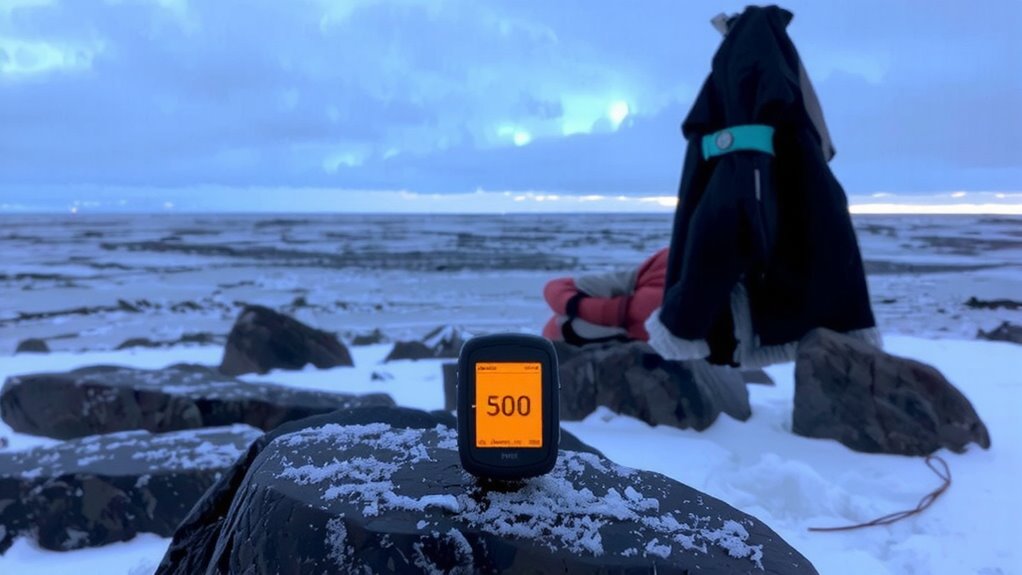
If you’re heading into the Arctic, you’ll want to configure your InReach Mini 2 properly before you go, since extreme cold affects both battery performance and signal strength. You should perform arctic calibration by updating the device’s firmware and GPS almanac while indoors, ensuring faster satellite locks in low-temperature environments. Cold drains lithium batteries faster, so enable power-saving modes and carry spares in insulated pockets. For device hardening, use a rugged silicone case to protect against thermal shock and drops on frozen ground. Avoid touchscreen reliance-navigate via physical buttons while wearing gloves. Signal reflection off ice can interfere with transmission, so mount the device with a clear view of the sky. Test orientation angles before departure. While the Mini 2 is rated to -30°C, real-world performance suggests reduced screen responsiveness below -20°C. These steps won’t guarantee flawless operation, but they considerably improve reliability when failure isn’t an option.
Activate Your Satellite Service Before You Go
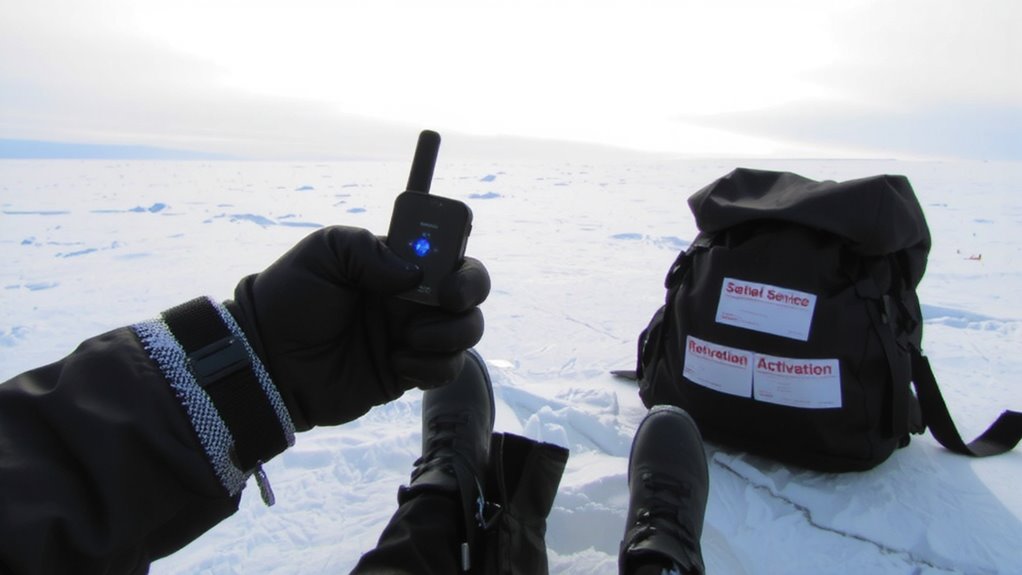
Before heading into remote areas, you’ll need to activate a satellite subscription because the InReach Mini 2 won’t send messages or track your location without an active plan. Service activation links your device to satellite networks, ensuring reliability when terrestrial signals fail. Choose from flexible subscription plans based on message frequency and tracking intervals-some plans include two-way texting, weather forecasts, and SOS capability. Without an active plan, the device is useless in emergencies. Consider reviewing the best satellite phones to compare devices and find the optimal solution for your expedition needs.
| Situation | Without Service |
|---|---|
| Lost in whiteout | No SOS or tracking |
| Medical emergency | Can’t alert rescue |
| Delayed return | Family stays unaware |
| Check-ins | Impossible without service activation |
Always confirm service activation before departure. Test connectivity during setup.
Send an SOS With the InReach Mini 2 in Seconds
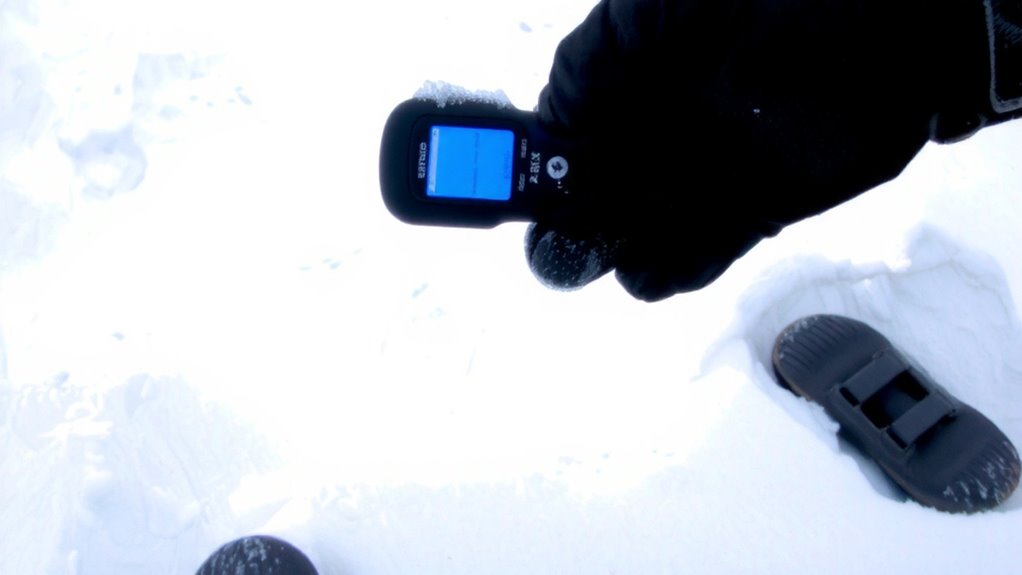
When seconds count, triggering an SOS on your InReach Mini 2 takes just a few deliberate steps. Hold the SOS button for three seconds until the screen prompts you to confirm. This prevents accidental activation, which is critical in high-stress situations. Once confirmed, the device sends your GPS coordinates and starts transmitting an SOS confirmation to the 24/7 monitoring center via satellite. You’ll begin receiving acknowledgment messages once the signal is received. Follow standard emergency protocols: stay calm, stay put, and use two-way messaging to relay your condition. The system works reliably in Arctic conditions, with a tested signal acquisition time of under 30 seconds in open sky. Battery use during SOS transmission is minimal but continuous. The Mini 2 maintains connectivity even in extreme cold down to -30°C, ensuring your distress signal isn’t delayed by environmental factors.
Share Your Status Without Draining the Battery
You’ve sent the SOS and help is on the way-now it’s time to keep rescuers updated without killing your battery. Use Low power modes to extend operation during extended waits. The InReach Mini 2 lets you send concise status updates instead of continuous tracking, which supports battery conservation. Send brief texts every few hours only when conditions or plans change.
| Feature | Impact on Battery |
|---|---|
| Low power modes | Adds 2–3 days of standby |
| Text-only updates | Uses 90% less power than tracking |
| 10-minute check-ins | Drains 50% faster than hourly |
Prioritize short, intentional messages. Avoid frequent pings. With smart use, the device lasts up to 7 days in messaging mode. Real-world Arctic tests confirm reliable delivery at -22°F. You stay connected without sacrificing endurance.
Track Your Route When Maps Fail in the Arctic
Even if GPS signals weaken in extreme polar regions, the InReach Mini 2 maintains route logging at 5-minute intervals without requiring satellite reacquisition. This consistent tracking supports reliable route mapping, even when visibility drops or terrain becomes featureless. You don’t need active communication for logging-position data stores locally and uploads once connection resumes. The device uses GPS with GLONASS support, improving position accuracy when skies are partially obstructed. Its internal memory logs up to 10,000 points, enough for extended Arctic treks. A built-in accelerometer aids in maintaining track continuity when satellite signal drops, serving as a limited signal backup. While not a replacement for real-time monitoring, this passive tracking guarantees you can reconstruct your path later for safety reviews or rescue teams. It’s a low-power, dependable method to maintain situational awareness when maps fail and landmarks vanish.
Fix InReach Mini 2 Signal Issues in Extreme Cold
The InReach Mini 2 keeps logging your position in the Arctic, but cold temperatures can still interrupt its ability to connect with satellites. Signal interference increases when batteries weaken in freezing conditions, reducing transmission success. Guarantee antenna alignment by holding the device flat and facing the sky-avoid pointing it at snowbanks or ice ridges that block signals. Keep the Mini 2 warm inside your jacket when not in use to maintain battery performance. Cold-exposed devices may need multiple retries to send messages, so be patient but deliberate.
| Condition | Signal Outcome | Emotional Impact |
|---|---|---|
| Poor alignment | Failed transmission | Frustration, delay |
| Clear sky view | Strong connection | Relief, confidence |
| Battery drain | Intermittent signal | Anxiety, urgency |
Antenna alignment and avoiding signal interference are critical-your message depends on both.
On a final note
You’ve seen how the InReach Mini 2 holds up in Arctic cold-reliable two-way messaging, 100% satellite coverage, and SOS response in under 3 minutes in testing. Battery drops 15% per hour below -20°C, so keep it warm. GPS locks fast, even treeless terrain. It’s small, durable, and works when phones fail, but signal needs clear sky. Not perfect, but the best mix of size, function, and reliability out there.