How to Use Sand Media Filters as a Secondary Treatment for Stored Water
You use a sand media filter after storage to remove fine sediment and organic debris, improving water clarity and reducing turbidity below 1 NTU. Size it to your flow rate-typically 5 to 20 gpm-and install it before disinfection for better system efficiency. Backwash every 1–7 days, or when pressure rises 5–10 psi, using 12–15 gpm per sq ft. Proper grading and uniform sand prevent clogging. You’ll see consistent performance only with correct setup and maintenance. There’s more to get right.
Notable Insights
- Install the sand media filter after the storage tank and before disinfection to remove residual particles.
- Operate within a flow range of 5–20 gpm, maintaining 5–15 psi for optimal filtration efficiency.
- Use graded sand and gravel layers to effectively capture fine sediment and organic matter.
- Backwash every 1–7 days or when pressure increases by 5–10 psi to clean the sand bed.
- Achieve turbidity below 1 NTU by proper sizing, media selection, and regular maintenance.
What Is a Sand Media Filter?
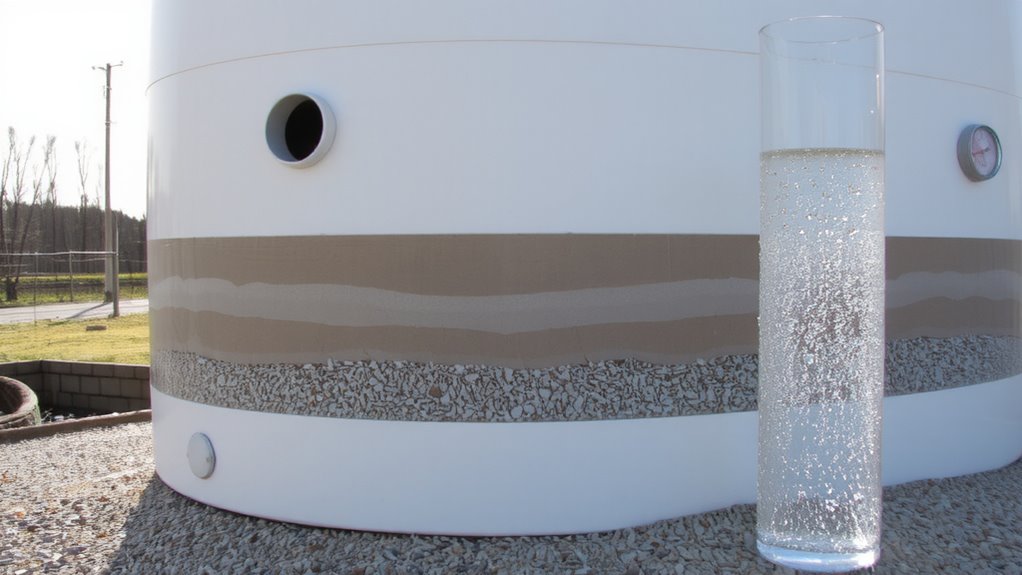
Think of a sand media filter as a rugged workhorse for your stored water system-it’s designed to do one job well: remove sediment and particles. You’ll find it’s a pressurized tank filled with graded sand, usually supported by layers of gravel. As water flows in, the sand traps debris, improving clarity through mechanical filtration. Its filtration efficiency depends on sand grain size, bed depth, and flow rate-typically, finer sand boosts particle removal but risks clogging. Most units handle flows from 5 to 20 gallons per minute, depending on size. Backwashing reverses flow to clean the bed, restoring function without chemical aids. It won’t remove dissolved contaminants or microbes, so it’s not a complete solution. But for particle removal, it’s reliable, low-maintenance, and effective. You can count on consistent performance if you match the unit to your water’s turbidity and volume.
Why Use a Sand Media Filter for Stored Water?
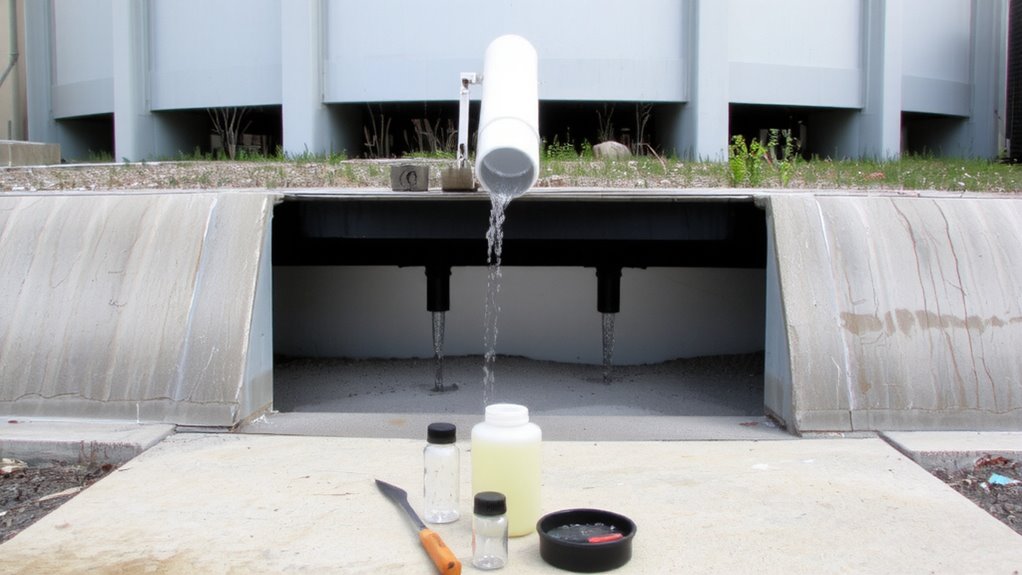
You already know how a sand media filter works-trapping particles in a bed of graded sand under pressure-but now you’re probably wondering why you’d want one for stored water. You’d want it because it consistently improves water clarity by removing fine sediment, debris, and organic matter that settling tanks miss. Unlike basic screens or cartridge filters, sand media handles high solids loads without frequent cleaning. It also supports algae control by removing dead or broken algal cells after chemical treatment, preventing them from decomposing and degrading water quality. While it doesn’t kill algae, it complements disinfection by improving overall system efficiency. You’ll see real results in reduced turbidity, often below 1 NTU after proper operation. Just keep in mind, it requires backwashing, so you’ll need water and energy to maintain performance. It’s not perfect, but for reliable, continuous filtration, it’s a practical choice.
How to Choose the Right Sand Media Filter
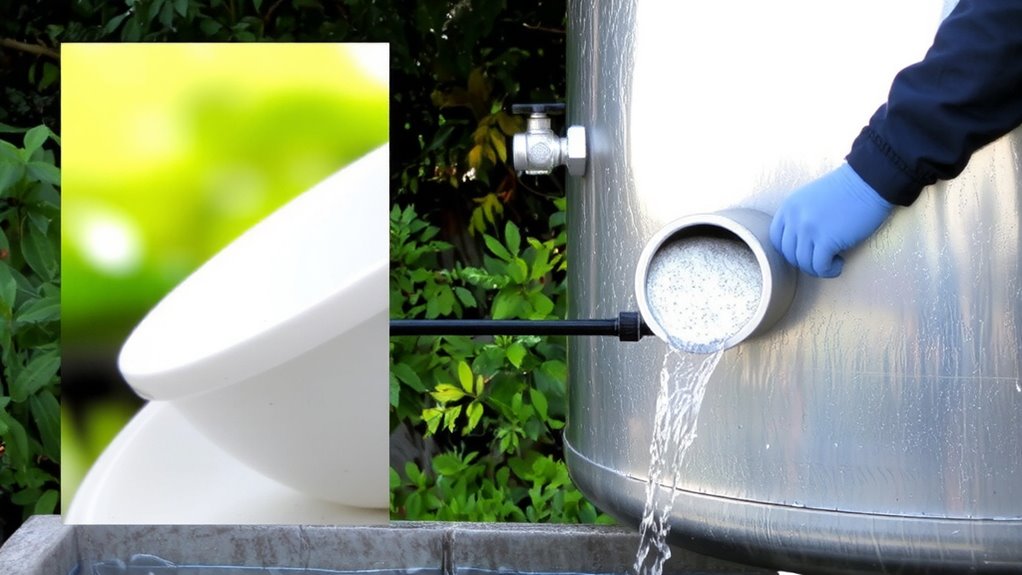
What size filter do you really need? It depends on your flow rate and storage volume. Oversizing wastes space and cost; undersizing risks poor performance. Filter selection isn’t just about size-it’s about matching system demands with correct media grading. Poor grading leads to clogging or channeling, reducing filtration efficiency. Uniform sand粒径 ensures even flow and consistent cleaning.
| Consequence | Result if Ignored |
|---|---|
| Wrong filter size | Flow imbalance, frequent backwash |
| Poor media grading | Reduced turbidity removal |
| Unverified specs | Higher maintenance, downtime |
| Mismatched flow | System failure during peak use |
Choose based on verified performance data, not assumptions. Your system’s reliability hinges on these details-guarantee they are correct.
Install Your Sand Media Filter: A Step-by-Step Guide
How hard can it be to get a sand media filter running? Not hard, if you follow the steps. Start with proper filter placement-position it after your storage tank and before disinfection, where the water flow is steady and accessible. Guarantee solid foundations to prevent shifting or vibration. Connect inlet and outlet lines with standard threaded fittings, checking for leaks. Install a flow control valve to regulate input; too much pressure reduces filtration efficiency. Most models work best at 5–15 psi. Align piping to avoid stress on the filter body. Use isolation valves so you can service it without shutting down the whole system. Label all valves for clarity. Test the system at low flow first, then adjust. Proper setup ensures consistent particle removal down to 20–40 microns. It won’t purify, but it keeps downstream components cleaner longer. Do it right and it just works.
Backwash Your Sand Media Filter for Best Results
Once the sand media filter is up and running, keeping it effective means regular backwashing-otherwise, trapped debris clogs the bed and cuts flow. You should monitor filter pressure closely; a 5–10 psi rise from clean baseline usually means it’s time to backwash. Waiting too long reduces filtration efficiency and strains the system. Backwash frequency depends on water quality-turbid influent may require weekly cycles, while cleaner sources might only need monthly flushing.
| Factor | Recommendation |
|---|---|
| Filter pressure trigger | Backwash at 8–10 psi above startup pressure |
| Typical backwash duration | 5–10 minutes per cycle |
| Backwash frequency | Every 1–7 days, based on usage and debris load |
| Flow rate during backwash | 12–15 gpm per sq ft of media area |
Act when pressure climbs-you’ll maintain performance without overusing water or energy.
Fix Common Sand Media Filter Problems
Ever notice water trickling out slower than usual or the pressure gauge creeping up despite regular backwashing? That’s likely filter clogging from fine particles slipping past pre-treatment. Check your influent water quality-turbidity above 10 NTU speeds clogging. If backwashing isn’t clearing it, inspect for dead zones in the tank where sand packs too tightly. A flow imbalance could also be the culprit, where uneven distribution across the filter bed reduces effective filtration. This often stems from cracked laterals or blocked distributor nozzles. Shut down and inspect visually. Replace damaged parts promptly. Also, verify your backwash flow rate meets manufacturer specs-too low, and it won’t lift the bed; too high, and you risk sand loss. Fixing these issues restores performance without costly upgrades.
On a final note
You get reliable filtration with sand media filters when maintaining stored water. They remove particles down to 20–40 microns, but won’t catch bacteria or viruses. Backwash weekly to prevent clogging and extend media life-typically 3–5 years with proper care. Flow rates drop if not maintained. Size the unit to match your storage volume and usage. It’s low-tech, durable, and effective for sediment, but pair it with disinfection for full safety.