How to Use Satellite Communicators to Send Non-Emergency Updates to Family
Turn on your satellite messenger outdoors and pair it with your phone via Bluetooth-setup takes under two minutes. Use the app to send custom check-ins like “At camp, all good” since 160 characters is the limit. Pre-write messages so they’re ready when signal allows. Set location tracking every 30 minutes to balance battery and updates. Models like inReach Mini 2 support email and social sharing once online, though delays of several hours can happen. Pick a reliable device that fits your terrain and test the app first. A clear sky view helps signal lock, which may take up to 10 minutes. You’ll learn how to optimize every feature for regular, stress-free updates.
Notable Insights
- Pair your satellite communicator with the manufacturer’s app via Bluetooth and sync firmware before heading out.
- Write concise custom check-in messages in the app, keeping them under 160 characters for quick transmission.
- Enable automatic location tracking at 30-minute intervals to share your progress without manual updates.
- Test device and app compatibility with your smartphone OS to ensure seamless setup and message delivery.
- Use models with email automation or social media integration to schedule updates that send when signal is available.
Set Up Your Satellite Messenger and App
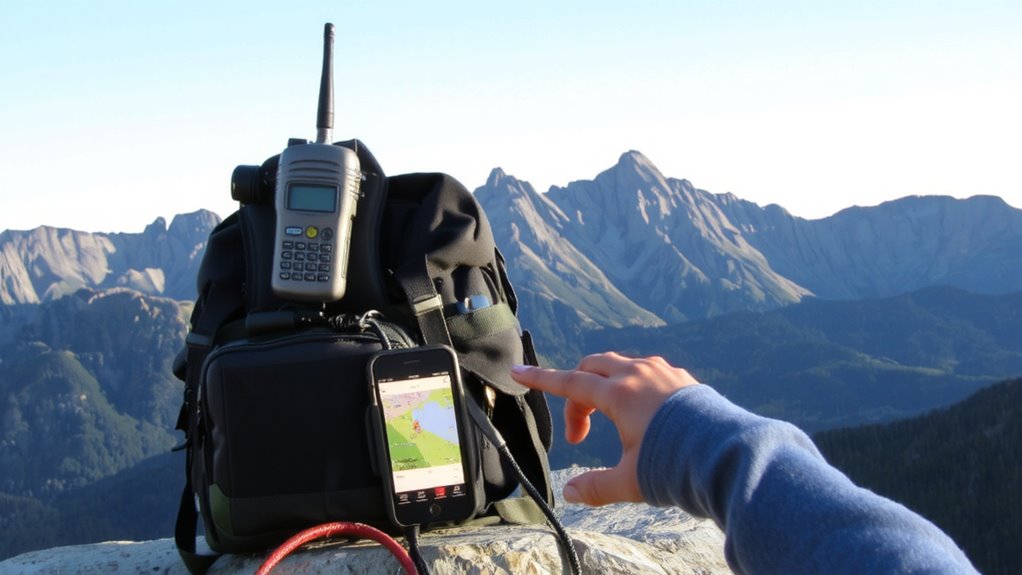
A satellite messenger won’t do you any good if it’s not set up right, so start by powering up the device and pairing it with the manufacturer’s app-usually Garmin Explore, inReach, or Zoleo-via Bluetooth. Device pairing typically takes under two minutes and requires a stable connection to sync firmware and location services. You’ll need to confirm signal acquisition, which can take up to ten minutes outdoors with clear sky visibility. Once connected, enable message customization so you can adjust default text for check-ins. This lets you send clearer, more specific updates-like “At camp, hiking tomorrow”-instead of generic alerts. Most apps allow up to 160 characters per message, which gives enough room for basic details. GPS accuracy averages within 5 meters when locked. Skipping setup steps risks delays or failed transmissions, especially in remote areas with weak coverage. Always verify settings before leaving service zones.
Create Custom Check-In Messages

Why send vague alerts when you can provide clear status updates? Custom check-in messages let you confirm safety and share plans without confusion. Use message personalization to replace generic texts with concise, specific updates-like “Camped at Lower Fork Trailhead, all good” or “Delayed by snow, arriving tomorrow.” This clarity reduces worry and improves communication efficiency. Most satellite messengers allow you to pre-write messages in the app, so they’re ready when you’re in range. You control delivery timing by sending manually when conditions allow, ensuring messages go out when signal is stable. This approach avoids misinterpretation and supports reliable updates. Personalized messages take seconds to send and offer more value than preset options. It’s a practical trade-off: minimal setup for meaningful reassurance. Not all devices support long texts, so keep messages under 160 characters.
Schedule Automatic Location Updates
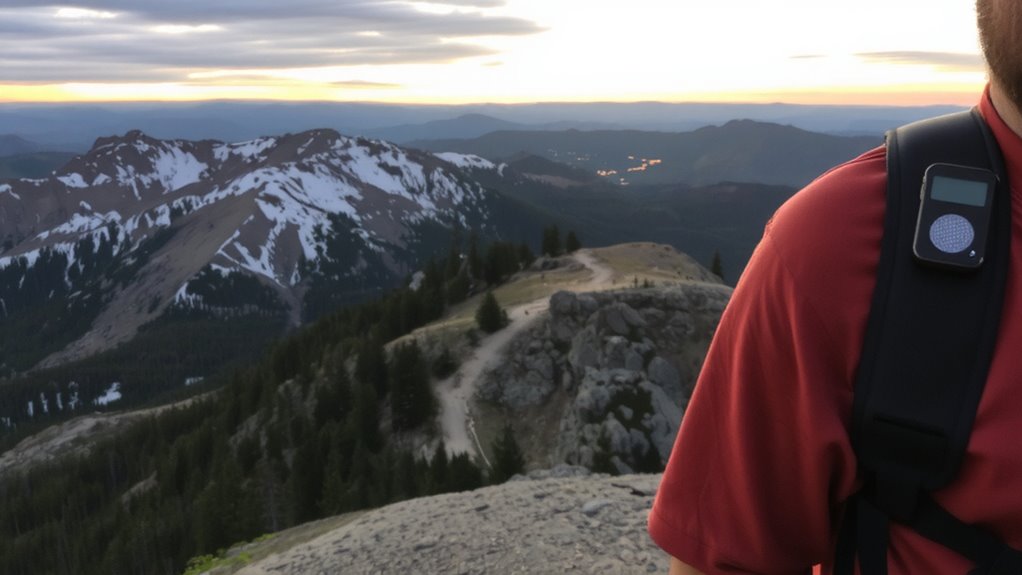
You’ve set up custom check-in messages to clarify your status, but staying visible between those updates matters just as much. Scheduling automatic location updates guarantees your family sees your progress without constant manual input. Enable location tracking at regular time intervals-every 10, 30, or 60 minutes-depending on your movement and battery needs. Shorter intervals give more precision but drain power faster; longer intervals conserve battery but reduce tracking detail. Most satellite communicators let you adjust these settings on the device or via app. In testing, 30-minute intervals strike a practical balance for hikers, offering location updates without excessive drain. The data shows movement patterns clearly and confirms steady progress. This background tracking works silently, so you stay connected even when you forget. It won’t replace check-ins, but it adds consistent visibility, especially during long stretches between messages.
Choose a Satellite Communicator for Routine Use
Reliability isn’t optional when picking a satellite communicator for daily or frequent use. You need consistent performance across environments, not just in emergencies. Look for models with proven track records in varied terrain and weather. Device compatibility matters-ensure it pairs easily with your smartphone and operating system so setup and messaging stay hassle-free. Don’t assume all apps work the same; test the interface before committing. Check subscription plans carefully. Some charge monthly even if you barely use the device, while others offer flexible pay-as-you-go options. Evaluate how much messaging and tracking you actually need. A cheaper plan may limit updates, while pricier ones include extras you won’t use. Balance cost with functionality. Choose a device that supports routine check-ins without draining your battery or budget. Real-world reliability means it works when cell service doesn’t-and keeps working. A reliable option for consistent connectivity is one of the best emergency communication devices.
Share Updates on Social Media and Email
Once you’ve selected a satellite communicator that handles routine messaging and tracking reliably, you can expand its use beyond basic check-ins. Some models support social media integration and email automation, letting you share updates without cell service. These features depend on app compatibility and satellite network speed. Below compares key models:
| Device | Email Automation | Social Media Integration |
|---|---|---|
| Garmin inReach Mini 2 | Yes | Yes (via mobile app) |
| SPOT X | No | Limited (manual only) |
| Zoleo 2 | Yes | Yes |
| Somewear Global Hotspot | Yes | Yes |
| Highmark 2 | No | No |
Email automation saves time by sending pre-written messages on a schedule. Social media integration routes updates through linked accounts when back online. Not all systems deliver messages instantly-delays up to several hours are common. Choose based on real-world performance, not just specs.
On a final note
You can rely on satellite communicators for regular updates because they work beyond cell coverage. Set up custom messages and automatic check-ins to keep family informed without draining battery. Devices like Garmin inReach Mini 2 or Zoleo offer global coverage and app integration. They’re compact, durable, and efficient, though subscription plans add cost. Use scheduled location pings and text to balance data use and peace of mind.