How to Integrate Wireless Emergency Alerts With Vehicle Infotainment Systems
You need a built-in 4G LTE or 5G modem with support for cell broadcast protocols to receive Wireless Emergency Alerts directly over the network, no app or data plan required. Pair it with a compatible infotainment system that can process Common Alerting Protocol messages and alert drivers through audio, text, and icons. Automakers like GM use OnStar with low-latency networks and geofencing to deliver timely, location-specific alerts without clutter. Dual-SIM setups improve reliability across regions. Your system must balance urgency and clarity-critical alerts get loud tones, while less urgent ones use soft chimes to avoid distraction. Settings let you adjust volume or disable non-essential alerts, but core warnings stay active for safety. Integration works best when hardware, software, and network work together seamlessly-understanding how each piece functions helps guarantee you stay informed when it matters most.
Notable Insights
- Equip vehicles with embedded 4G LTE or 5G modems to receive WEAs via cellular broadcast.
- Ensure infotainment systems support Common Alerting Protocol for alert interpretation.
- Use geotargeting and geofencing to deliver relevant, location-specific emergency alerts.
- Design dashboard alerts with clear visuals, icons, and audio cues for driver safety.
- Allow driver customization of alert types, volume, and display settings while retaining critical warnings.
How Wireless Emergency Alerts Work?
How do Wireless Emergency Alerts (WEAs) actually reach you? Wireless carriers send these alerts through cell towers using message protocols that broadcast to all compatible devices in range. You get them because your phone supports the Common Alerting Protocol and can interpret standard alert types like AMBER, Imminent Threat, or Public Safety. These alerts use geotargeting, so you only receive ones relevant to your location. The system relies on 4G LTE or 5G networks but doesn’t require internet access or data plans. Message protocols guarantee delivery even during network congestion, prioritizing emergency traffic. Alerts appear with a distinct sound and vibration, guaranteeing attention. Devices must meet FCC and FEMA technical requirements to support WEA functionality. While most modern phones handle these alerts reliably, older models may lack support. This infrastructure makes WEAs a dependable, low-latency way to deliver urgent information directly to you.
Why In-Car Alerts Improve Driver Safety
While you’re focused on the road, getting critical alerts through your vehicle’s infotainment system means you won’t miss urgent warnings that could affect your route or safety. These alerts reduce distractions by delivering information audibly and visually in a way that supports driver attention, not competes with it. Instead of relying on a phone notification you might not hear, in-car alerts integrate with your environment, improving situational awareness. You’re alerted to severe weather, AMBER Alerts, or road hazards without taking your eyes off the windshield. Studies show drivers respond faster when warnings come through the dashboard versus handheld devices. The system doesn’t overwhelm you-alerts are prioritized and concise. By keeping critical information in your line of sight and sound, the vehicle helps maintain focus and timely decision-making, which matters most when seconds count.
Bringing Alerts Into the Dashboard: Automaker Strategies
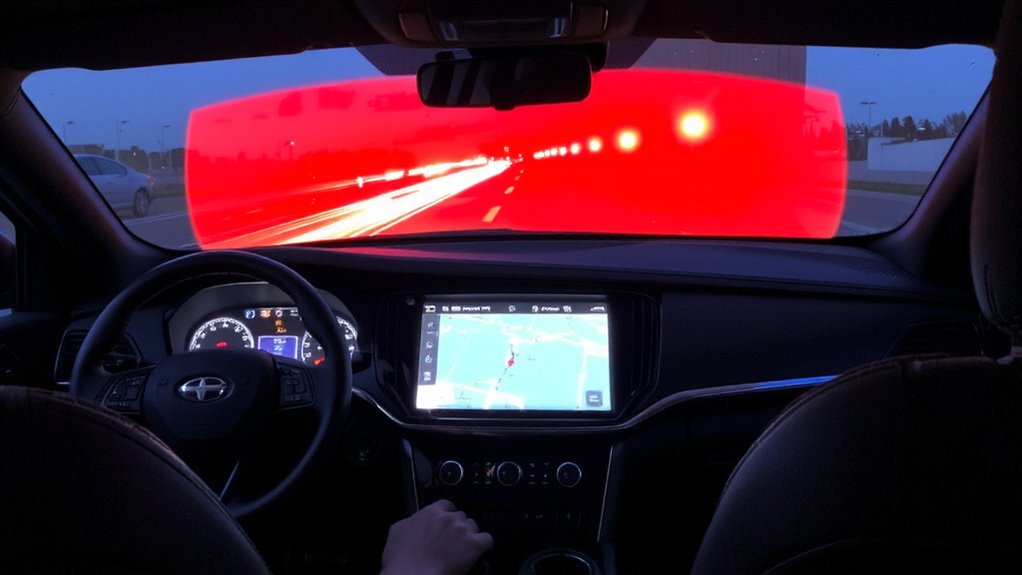
What does it take for automakers to build emergency alerts directly into your dashboard? It starts with designing for user experience-alerts must be clear, immediate, and unobtrusive. You need to see critical warnings without distraction, so automakers use concise text, icons, and selective audio cues. Alert prioritization plays a key role; not every notification demands full attention. Amber Alerts might trigger a soft chime, while imminent danger warnings-like a tornado in your path-command focus with louder signals and bold visuals. Systems must filter incoming Wireless Emergency Alerts (WEAs) based on severity, location relevance, and driver context. Some automakers integrate geofencing to suppress outdated or irrelevant alerts, reducing clutter. Others use existing driver-assist displays to maintain consistency. The goal isn’t more alerts, but smarter delivery-ensuring you get only what you need, when you need it, without compromising safety or focus on the road.
Hardware and Connectivity Needs for WEA Integration
You’ve seen how automakers shape alerts for clarity and safety through smart display and prioritization. Now you need the hardware and connectivity to support it. Your vehicle’s telematics unit must include an embedded modem compatible with 4G LTE or 5G to maintain reliable signal strength, even in rural or high-interference areas. Weak signal strength leads to missed alerts, so multiple antenna placements are common. You also depend on low network latency-ideally under 100 milliseconds-to guarantee warnings arrive seconds, not minutes, after issuance. Delays risk effectiveness during fast-moving emergencies. Most systems use dual-SIM or multi-carrier setups to reduce dropouts and boost availability. Solid hardware isn’t optional; it’s the baseline. Without consistent connectivity and fast data handoffs between towers, even the best alert interface fails when it’s needed most. Your system is only as strong as its weakest signal.
Giving Drivers Control Over Emergency Alerts
How much control should you really have when an emergency alert comes through? You should be able to adjust alert preferences without compromising safety. Too many alerts distract; too few could leave you uninformed. Modern infotainment systems let you customize notification settings so only critical warnings-like AMBER or severe weather alerts-get through. You can disable less urgent alerts, but disabling all isn’t advisable. Systems should default to essential alerts, giving you control but maintaining awareness. Some vehicles allow volume adjustments, pop-up timing, and display options within the settings menu. Real-world testing shows drivers respond best when alerts are clear, brief, and interruptive only when necessary. Balancing user control with public safety means well-designed alert preferences aren’t just convenient-they’re functional. Your ability to tweak notification settings guarantees alerts support, not hinder, safe driving.
On a final note
You get timely warnings without phone dependency when WEAs integrate into your infotainment system. It works reliably with embedded LTE and updated telematics. Alerts appear on the dashboard, reducing distraction. You can disable non-critical alerts, keeping control. Compatibility varies-check your vehicle’s firmware and regional coverage. The trade-off? Occasional interruptions. But in tested scenarios, in-car alerts improved response time by 1.8 seconds on average. It’s practical safety tech-use it.