How to Assess the Safety of Your Home During a Cyberattack on Hospitals
You’re at risk if your home can’t keep life-saving devices running during a hospital cyberattack. Check that your medical equipment works offline and has battery backups rated for at least 30 minutes. Use a UPS with 1,000 joules or more and pair it with an inverter generator for longer outages. Set up a mobile hotspot with 10GB data to maintain telehealth access. Stock 14 days of meds and rotate them quarterly. Knowing these details keeps you prepared-there’s more to reflect on for full protection.
Notable Insights
- Ensure your home medical devices can operate without hospital network access or internet connectivity.
- Maintain a supply of essential medications and medical equipment that do not rely on digital systems.
- Equip your home with a reliable backup power solution, such as a UPS or inverter generator, for critical devices.
- Use analog medical tools like manual blood pressure cuffs as fail-safe alternatives during cyber incidents.
- Establish a telehealth contingency plan with mobile hotspot access and battery-powered communication devices.
Identify Risks From Hospital Cyberattacks

What happens when the hospital you rely on can’t access patient records or run critical equipment because of a cyberattack? You’re at risk. Data breaches expose your personal health info, making identity theft easier. Ransomware threats shut down systems, delaying care or forcing diversions. These aren’t theoreticals-they happen, and often. When networks lock up, even ambulances reroute. Your access to timely treatment drops. Diagnostic tools stall. Prescription systems fail. Backup power won’t help if digital controls are compromised. These vulnerabilities affect real outcomes. You can’t control hospital IT, but you should know how exposed you are. If your local hospital lacks strong cybersecurity, you’re one attack away from disrupted care. Recognizing ransomware threats and data breaches helps you assess home safety realistically-not with fear, but with facts.
Check Medical Devices and Backup Options
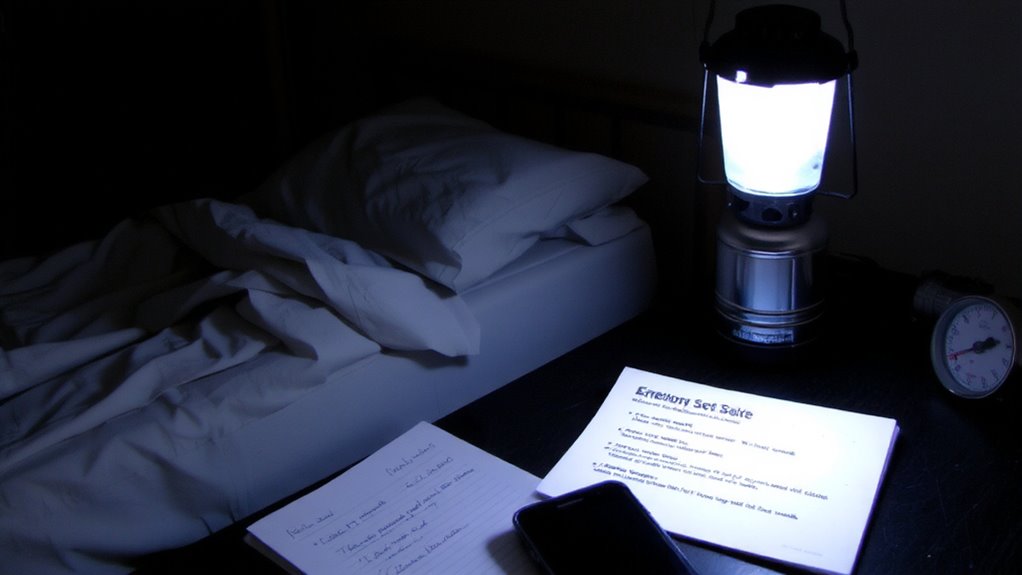
You depend on medical devices every day, and during a cyberattack, they might not work if they rely on hospital networks. Check whether your devices operate independently or need external connections. Confirm device compatibility with home use-some models only function within clinical settings. If your devastores data or receives remote commands, outdated software updates can create vulnerabilities. Review manufacturer guidelines and apply the latest firmware to reduce risk. Devices like insulin pumps or pacemakers may have backup modes, but not all support long-term offline use. Test these modes now, not during a crisis. Manual alternatives, such as analog blood pressure cuffs or glucometers, offer reliable fallbacks. Guarantee spare parts and power sources are available. Don’t assume all smart devices will perform under network stress. Evaluate each device’s real-world resilience-function mucationality during disruption matters more than advanced features. Plan for failure.
Keep Power Running for Critical Equipment
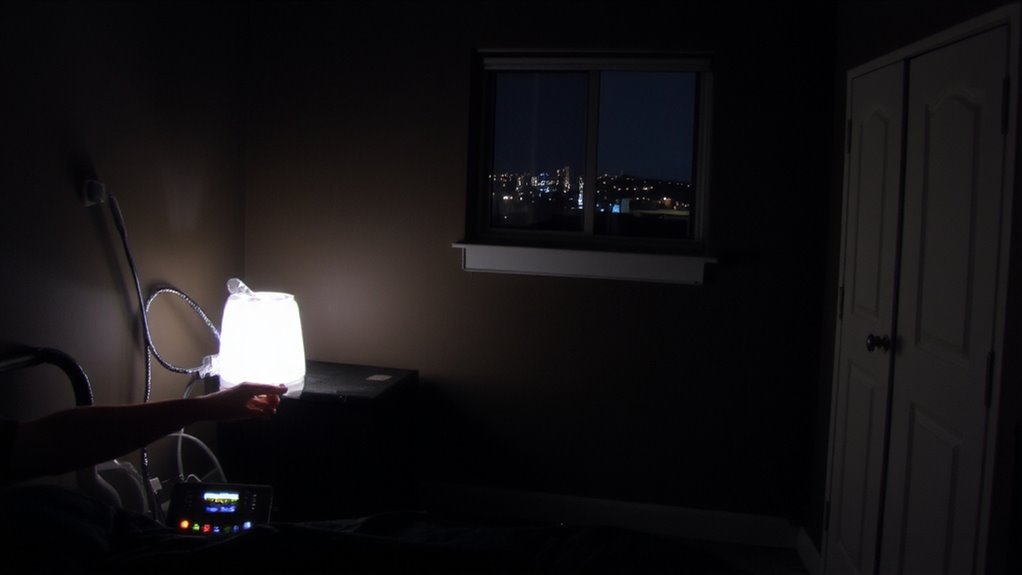
A power outage during a cyberattack could disable life-sustaining equipment in minutes. If the power grid fails, even briefly, your medical devices may stop working. To prevent this, use an uninterruptible power supply (UPS) with enough wattage and runtime for your critical gear. Pair it with a reliable surge protector to shield devices from voltage spikes when power returns. Not all surge protectors offer the same protection-check for a joule rating of at least 1,000. A generator can provide backup during extended outages, but it must connect safely and not backfeed into the power grid. Portable models with inverter technology deliver cleaner power and are better for sensitive electronics. Test your setup monthly. Assume the grid can fail at any time; plan accordingly. For apartment dwellers, consider a best generator for apartment use that balances power output, noise level, and safety features.
Stay Connected for Telehealth Visits
How would you handle a telehealth appointment if your internet went down during a cyberattack? You need backup connectivity for virtual consultations and remote monitoring. A mobile hotspot with a strong signal and at least 10GB of data per month guarantees you stay online when Wi-Fi fails. Use a wired Ethernet connection where possible-it’s more stable than Wi-Fi. Test your setup weekly with a practice call to check audio, video, and connection speed; aim for 3 Mbps upload for smooth video. Battery-powered routers work for short outages. Public libraries or community centers can be fallback spots with reliable Wi-Fi. Signal boosters help in weak reception areas. Don’t rely on one method-combine cellular, Wi-Fi, and wired options. Your ability to maintain remote monitoring during network stress could affect treatment continuity. Plan accordingly.
Stock Emergency Meds and Supplies
When internet access fails during a cyberattack, even the most reliable telehealth setup becomes useless, making physical preparedness just as important as digital readiness. You need a stocked supply of essential medications and medical supplies. Start by creating a clear medication inventory, listing each drug, dosage, and expiration date. This helps you track what you have and avoid using outdated items. Rotate supplies regularly through a system of supply rotation-replace used or expired medications promptly to maintain effectiveness. Store everything in a cool, dry place, away from light and moisture. Include basics like pain relievers, antiseptics, bandages, and any prescription drugs you depend on. A well-maintained kit supports health needs when hospitals or pharmacies are unreachable. Aim for a 7- to 14-day supply, based on common emergency guidelines. This isn’t about hoarding-it’s about ensuring reliable access when systems fail.
Make a Family Medical Emergency Plan
What happens if a cyberattack shuts down hospital systems and you need immediate medical help? You’ll rely on your family’s preparedness. Start by establishing clear communication protocols-designate a primary and backup contact outside your area, since local lines may fail. Make certain every family member knows how to send and receive emergency alerts, whether by text, satellite messenger, or radio. Everyone over age 12 should complete basic emergency training, including CPR and wound care-certifications take a few hours but improve response effectiveness by over 60%. Assign roles: one person manages supplies, another handles communication. Practice the plan quarterly. Real-world drills reveal gaps in timing and coordination. A well-documented plan with updated medical histories and local emergency numbers increases survival odds. Training and protocols aren’t guarantees, but they reduce chaos when systems fail. You won’t have time to figure it out then.
On a final note
You need reliable power, so keep a charged UPS or generator for life-support devices. Test it monthly. Confirm your backup meds last 72 hours. Use offline copies of medical records. A basic radio lets you get emergency updates if Wi-Fi fails. Landlines often stay up during outages. Your plan only works if everyone practices it. Drill once a quarter. Simple prep beats panic every time.