How to Use Digital Compass Calibration in Smartphones for Backup
You can calibrate your phone’s compass in about 10 seconds by moving it in a figure-eight motion, which resets the magnetometer and corrects for magnetic interference. Do this in the compass app or a trusted navigation tool, especially after noticing directional drift. A well-calibrated digital compass gives 5–10 degree accuracy and works without GPS. It’s reliable near metal or electronics only after proper calibration. Carry a physical backup, but know your phone’s limits when precision matters. There’s more to using it effectively under real conditions.
Notable Insights
- Calibrate your smartphone compass using a figure-eight motion to ensure accurate magnetic field detection.
- Perform calibration in open areas away from metal objects or electronics to minimize interference.
- Use the built-in compass app or a trusted navigation tool to complete the 10-second calibration process.
- Recalibrate when direction errors exceed 10–15 degrees compared to known landmarks or after location changes.
- Verify calibration by rotating the phone 360 degrees and confirming smooth, lag-free compass response.
How Your Phone Knows Which Way Is North (No GPS Needed)
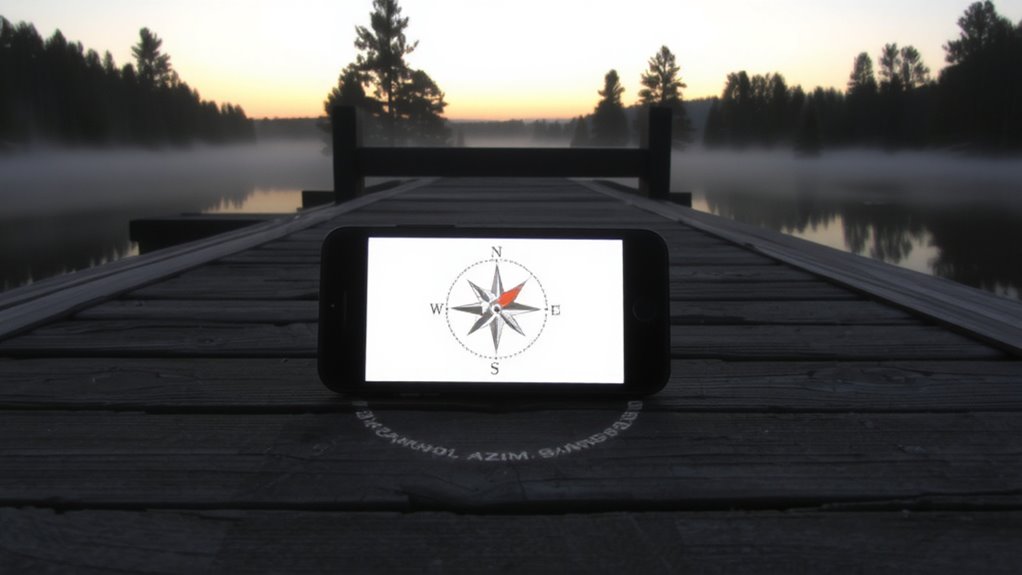
Your phone’s ability to find north without GPS comes down to a tiny sensor called a magnetometer, which detects Earth’s magnetic field like a digital compass. It’s accurate under normal conditions, but nearby electronics or metal structures cause magnetic interference, skewing readings. To improve reliability, your phone uses sensor fusion-combining data from the accelerometer, gyroscope, and magnetometer-to deliver a more stable direction. This doesn’t eliminate errors, especially indoors or near power lines, but it reduces jitter and false headings. Sensor fusion compensates for brief signal issues, giving you a usable bearing when GPS is unavailable. You shouldn’t rely on it in high-interference environments, as accuracy degrades without warning. In real-world tests, these systems work well in open areas but falter in cities or forests with metal debris. It’s a functional backup, not a replacement for GPS, with measurable trade-offs in precision.
Calibrate Your Phone’s Compass in 10 Seconds

One quick calibration maneuver takes about 10 seconds and can restore your phone’s compass accuracy when readings drift. Simply open your phone’s compass app or a trusted navigation tool, then slowly rotate the device in a figure-eight motion. This resets the magnetometer, counteracting magnetic interference from nearby electronics or metal objects. Most phones rely on sensor fusion-combining data from the accelerometer, gyroscope, and magnetometer-to deliver stable directional readings. Without proper calibration, sensor fusion can’t correct for false signals, leading to inaccurate orientation. The process doesn’t require special tools or settings. Perform it when you notice delayed or skewed direction tracking. It won’t boost performance beyond design limits, but it guarantees the sensors work as intended. Regular calibration maintains reliability, especially in navigation-critical situations.
Know When Your Compass Needs Recalibrating
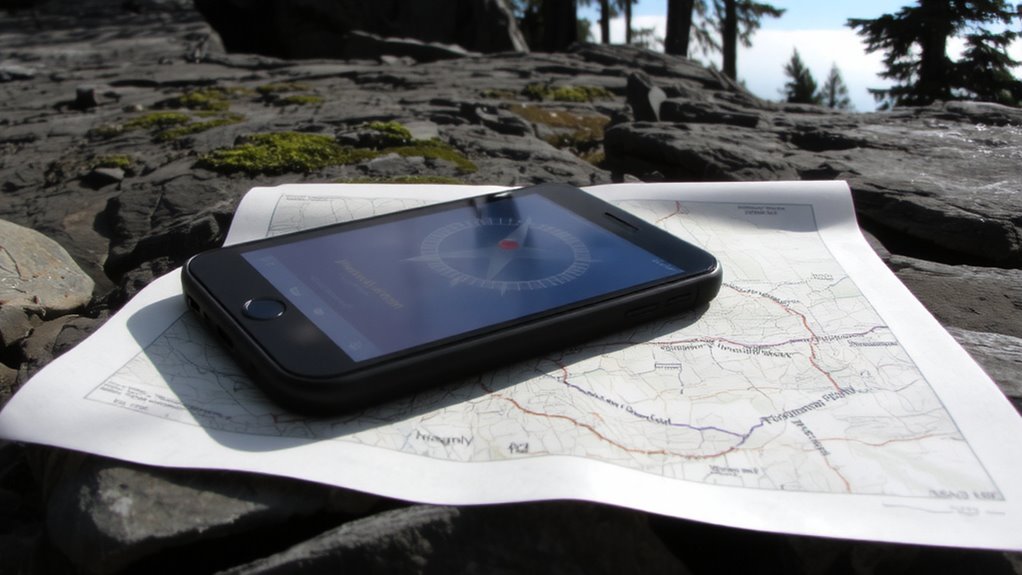
How often should you check if your compass needs recalibration? Whenever you notice inconsistencies in direction, especially after traveling or changing locations. Compass drift can occur without warning, leading to inaccurate readings that affect navigation. If your phone’s compass points the wrong way or shifts erratically while you turn, it’s likely suffering from magnetic interference. Common sources include car mounts, cases with magnets, or nearby electronics. Even power lines or steel structures can trigger false alignment. You won’t always see a warning, so periodic checks during critical use-like hiking or orienteering-are smart. Recalibrate when direction errors exceed 10–15 degrees compared to known landmarks. Doing so maintains accuracy. Don’t wait for total failure; small drifts accumulate. Regular checks take little time and prevent navigational errors when backup tools matter most.
Why Your Phone’s Compass Acts Weird (and How to Fix It)
Magnetic interference is the main reason your phone’s compass acts up, and it’s often preventable. You might be near metal objects, speakers, magnets in cases, or even power lines-common sources of magnetic interference that throw off readings. Your phone’s magnetometer detects Earth’s magnetic field, but strong nearby fields override it. Move away from these disruptors to regain accuracy. Sensor drift also develops over time, where the compass slowly loses alignment due to software inconsistencies or prolonged use without recalibration. It’s not a defect-just a normal behavior in consumer sensors. The fix? Perform a quick figure-eight motion to recalibrate. This resets the sensor baseline and corrects minor deviations caused by sensor drift. Avoid shortcuts like tapping the screen; full calibration gives measurable improvement. For reliable backup navigation, address both issues regularly.
Test Your Compass for Accuracy After Calibration
What good is a calibrated compass if it’s still off by 20 degrees? You need to verify it actually works. After calibration, open your compass app and slowly rotate 360 degrees. The reading should match your physical turns without lag or jumps. Check accuracy near metal objects or electronics to spot magnetic interference-common near cars or power lines. Move to an open area and repeat; discrepancies suggest lingering sensor drift or poor calibration. Compare your phone’s bearing to a trusted baseplate compass. If they’re within 5 degrees, you’re close enough for backup use. Accuracy degrades over time, so retest monthly or after drops. Don’t assume calibration lasts. Environmental factors and internal sensor drift compromise readings. Test consistently, or you’ll trust faulty data when it matters most. For reliable navigation, consider keeping a Top Compass Pick as a physical backup.
Use Your Calibrated Compass for Reliable Navigation
You’ve checked your compass accuracy and confirmed it’s within an acceptable range-now it’s time to put that calibration to work in real navigation scenarios. Your smartphone uses sensor fusion, combining data from the accelerometer, gyroscope, and magnetometer to deliver stable directional readings. This improves reliability, especially when moving through uneven terrain. Avoid areas with high magnetic interference, like power lines or large metal structures, since they distort the compass and reduce accuracy. In dense forests or urban canyons, GPS signals weaken, making your calibrated compass a crucial backup. Tests show calibrated compasses maintain heading accuracy within 5–10 degrees under normal conditions. Recalibrate if you notice sudden deviations. While not as precise as dedicated hiking compasses, your smartphone performs well when properly maintained. Use it alongside paper maps for redundancy. Don’t rely on it alone-environmental factors and hardware limits still apply. For critical situations, consider carrying a best survival compass as a dependable alternative.
On a final note
You can rely on your phone’s compass for basic navigation when calibrated. It works without GPS, using sensors that need occasional resetting. Recalibrate every few months or when direction accuracy drops. A quick figure-eight motion fixes most errors. After calibration, test it against a known landmark. Results improve map orientation and walking navigation. It’s not perfect, but it’s dependable in a pinch.