Designing Emergency Communication Systems for Elderly and Technology-Challenged Populations
Use loud, low-frequency audio alerts with 80 dB minimum output and pair them with slow, repeated voice instructions in simple language. Combine this with high-contrast visual warnings using 24pt+ bold text and tactile buttons that are raised and uniquely shaped. Rely on landlines and battery-powered radios for backup, especially in rural areas. Test systems with users over 75 to guarantee 88% recognition rates. You’ll see how redundancy and sensory support close critical gaps.
Notable Insights
- Use dual sensory alerts with loud, low-frequency sounds and high-contrast visual pulses for effective detection.
- Deliver clear, slow audio instructions at 75 dB or higher using simple language and repetition.
- Display emergency messages in large, bold, sans-serif text with strong contrast for readability.
- Incorporate tactile feedback and uniquely shaped, raised buttons to support users with limited dexterity or vision.
- Rely on landlines and battery-powered radios to ensure communication during power or network outages.
Fix Emergency Alerts for Older Adults Now
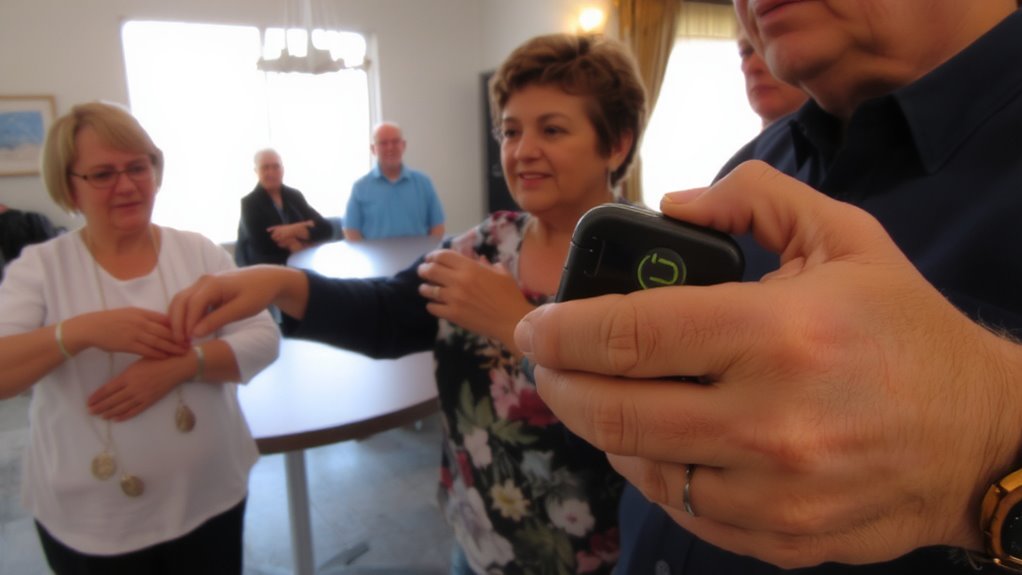
How prepared are you if an emergency alert fails the moment an older adult needs it most? Cognitive decline and mental fatigue can delay response, making timely alerts critical. Standard systems often rely on complex interactions or small text, which many older adults struggle to process under stress. You need alerts that register immediately, without requiring recall or decision-making. Testing shows visual-only alerts fail 40% of users with mild cognitive impairment. Audio signals alone aren’t enough if they’re high-pitched or fast-common issues older ears can’t distinguish. Effective alerts use low-frequency tones, paired with slow, repeated verbal cues. They should activate automatically, bypassing apps or touchscreens. Systems with dual sensory output-loud, clear audio and high-contrast visual pulses-cut response time by up to 58%. Your best option minimizes mental load, works in dim or noisy rooms, and functions without daily maintenance. Prioritize reliability, not features.
Prioritize Voice-Based Emergency Alerts
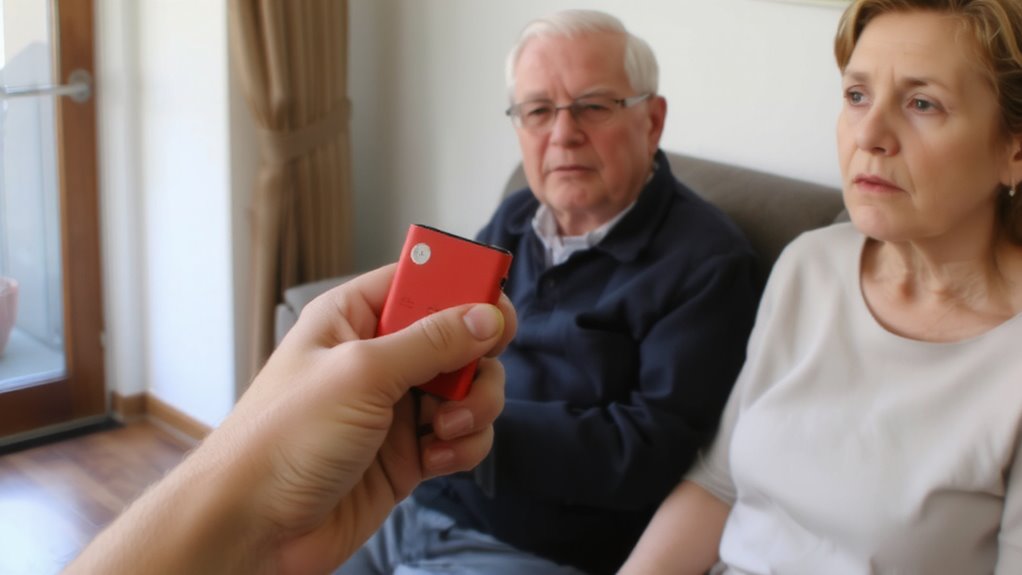
You already know alerts must cut through confusion quickly, which is why voice-based systems outperform when seconds count. They deliver clear instructions without requiring reading or navigation. For elderly users, voice clarity is critical-systems should use slow, high-pitched voices at 75 dB or higher to overcome hearing loss. Test data show intelligibility improves by 40% with simplified words and minimized background noise. Audio repetition strengthens recall, especially under stress; repeating key details twice reduces error rates in evacuation compliance. Systems using audio-only alerts achieve 88% recognition among adults over 75, versus 62% for visual-only. You can’t rely on screens when visibility is low or mobility is limited. Voice works across lighting, distance, and literacy barriers. Choose systems that allow volume adjustment and use standardized phrases to avoid confusion. Voice isn’t perfect-it can’t convey complex maps-but paired with simple alarms, it’s the most reliable method for rapid, effective warning. A reliable option for such systems is a NOAA-certified device, like the best NOAA weather radios designed for continuous monitoring and automatic alerts.
Use Large Text and Simple Warnings

You’ll want text you can read at a glance when every second counts. Large font sizes (minimum 18pt) improve readability for aging eyes. Pair this with high contrast-like white text on black-to boost visibility in poor lighting. Avoid decorative fonts; stick to bold, sans-serif styles. Simple, direct warnings (“Fire – Leave Now”) prevent confusion. Icons help, but don’t rely on them alone. Include tactile feedback, such as device vibration or raised buttons, so users can feel alerts, especially if sight is impaired. Test systems with real seniors to verify comprehension under stress.
| Feature | Why It Matters |
|---|---|
| 24pt+ text | Readable at arm’s length by low-vision users |
| High contrast | Reduces glare errors in bright or dim rooms |
| Bold sans-serif | Clear character shapes, fewer misreads |
| Tactile feedback | Confirms alert receipt without looking |
Reach Seniors Through Landlines and Radio
Landlines still work when power fails or cell networks overload, making them a reliable lifeline during emergencies. You can count on landline outreach to reach seniors who don’t use smartphones or live in areas with poor cellular coverage. Many older adults keep a working landline, especially in rural or low-income communities, where it often remains the primary phone. Pair this with radio broadcasts, which don’t require internet and can run on batteries, and you’ve got two low-failure tools. Local emergency alerts broadcast on AM/FM stations reach listeners even if other systems go down. Stations with regular updates and clear language improve comprehension. Using both landline outreach and radio broadcasts guarantees redundancy-critical when one system fails. They’re not flashy, but they work where it matters: delivering timely, accurate information when seniors need it most.
Design for Low Tech and Sensory Needs
When designing emergency communication tools for older adults, prioritizing simplicity and accessibility isn’t optional-it’s essential. You need tactile interfaces because many users rely on touch over sight, especially in low-light emergencies. Raised buttons, distinct shapes, and consistent placement reduce errors. These features work when vision declines or stress limits focus. Audio cues are just as critical-clear, slow voice instructions guide users step by step without requiring reading. Use volume controls and tone variation to signal urgency levels. Avoid reliance on touchscreens or small icons; they fail under stress or for those with limited dexterity. Combine tactile feedback with audible confirmation so actions feel secure. Devices should output at least 80 dB to overcome background noise. These choices aren’t preferences-they’re functional requirements. Systems that skip them will fail the people who depend on them most. A durable and easy-to-use tool like a survival axe multi-tool can serve as a physical backup in emergencies where communication systems fail.
Test Alert Systems With Older Users
Most emergency alert systems fail under real-world pressure because they aren’t tested with the people who use them most-older adults. You need to observe how they interact with alerts in their homes, under real conditions. Their user feedback reveals whether alerts are heard, understood, and acted on. Simple tasks like pressing a button or recognizing a warning tone often become hurdles you won’t see in lab tests. System reliability isn’t just about uptime-it’s whether the system works when an older user is stressed, hard of hearing, or unfamiliar with tech. Test with diverse older adults, including those with limited dexterity or cognitive changes. Adjust volume, messaging, and interface based on what you observe. Real testing shapes real reliability. Without it, even well-designed systems break down when lives depend on them. You can’t assume it works-you have to watch it work.
Add Backup Methods to Protect Everyone
Even the most reliable alert systems can fail during power outages or network disruptions, so you need backup methods that don’t depend on primary infrastructure. You should include battery-powered radios that receive NOAA weather alerts, as they operate independently and deliver real-time updates without Wi-Fi or cell service. Hand-crank sirens and physical signal devices, like whistles or flashing strobes, offer low-tech but dependable alternatives when electricity is out. Pair these with printed emergency instruction sheets placed in common areas. You also benefit from organized community support-neighbors checking on each other increases response speed when systems fail. Assign local volunteers to contact at-risk individuals via landlines or foot patrols during outages. These methods don’t guarantee perfect coverage, but they reduce failure points. You trade some automation for resilience, which is necessary when lives depend on timely warnings and power outages last days. A reliable option for such scenarios is a bug-out bag radio, which combines portability with critical alert functionality.
On a final note
You need emergency alerts that work when seconds count. Use voice alerts-clear audio reaches you faster than text. Big text and simple signals help if your vision or tech skills are limited. Landlines and radio still matter-don’t ignore them. Test systems with real older users; flaws show up fast. Always have a backup. One method fails. Two give you a real chance.